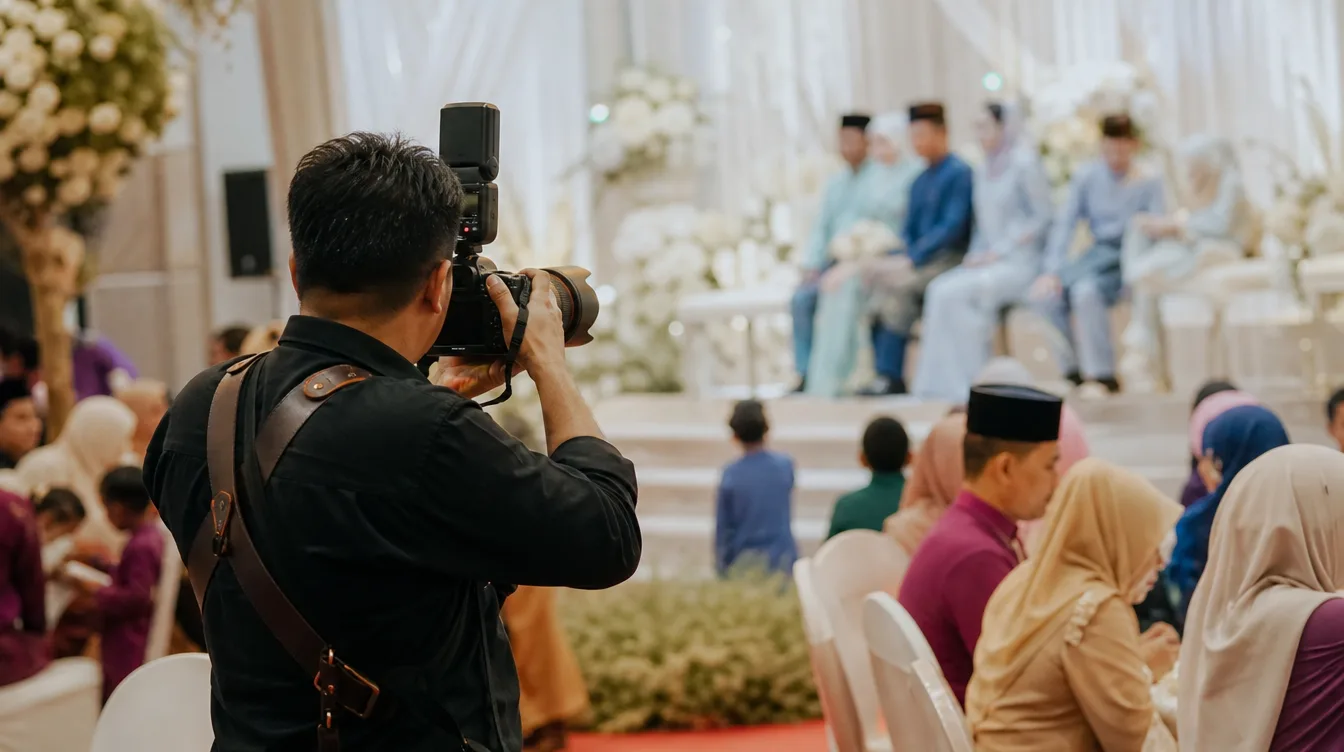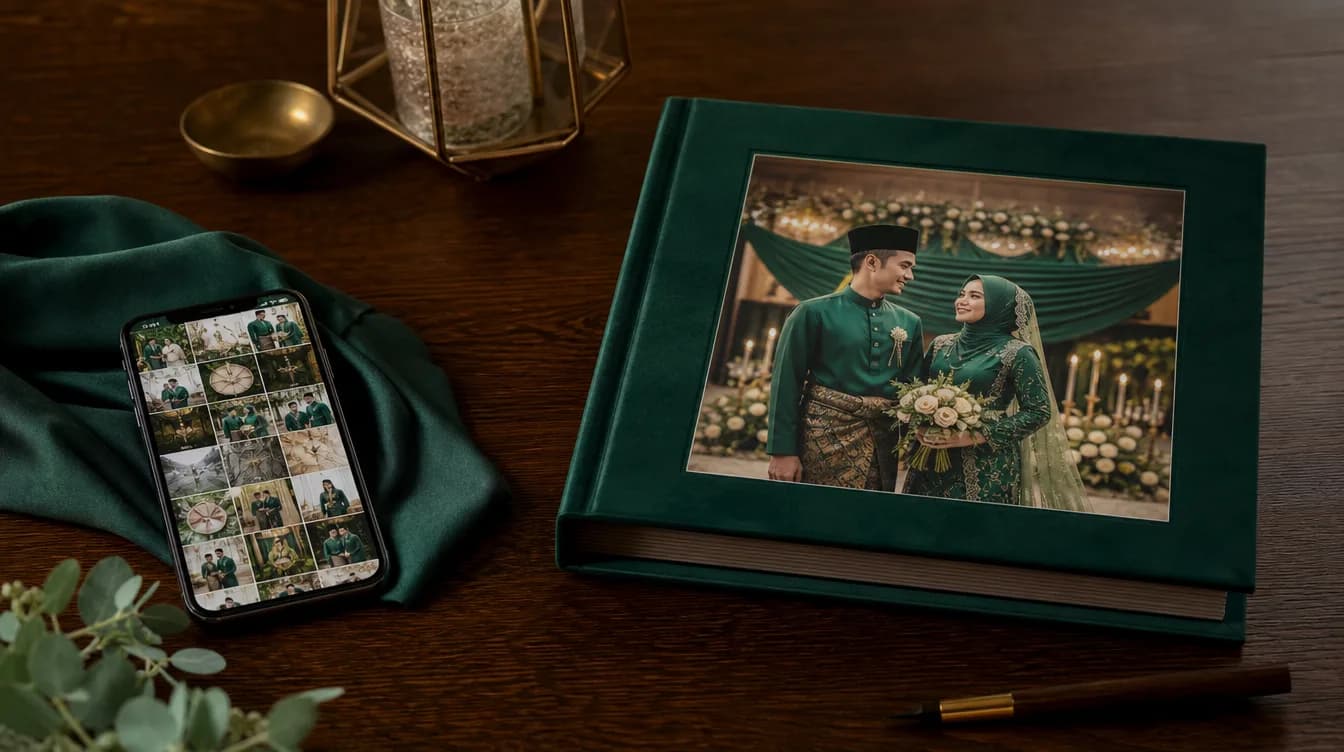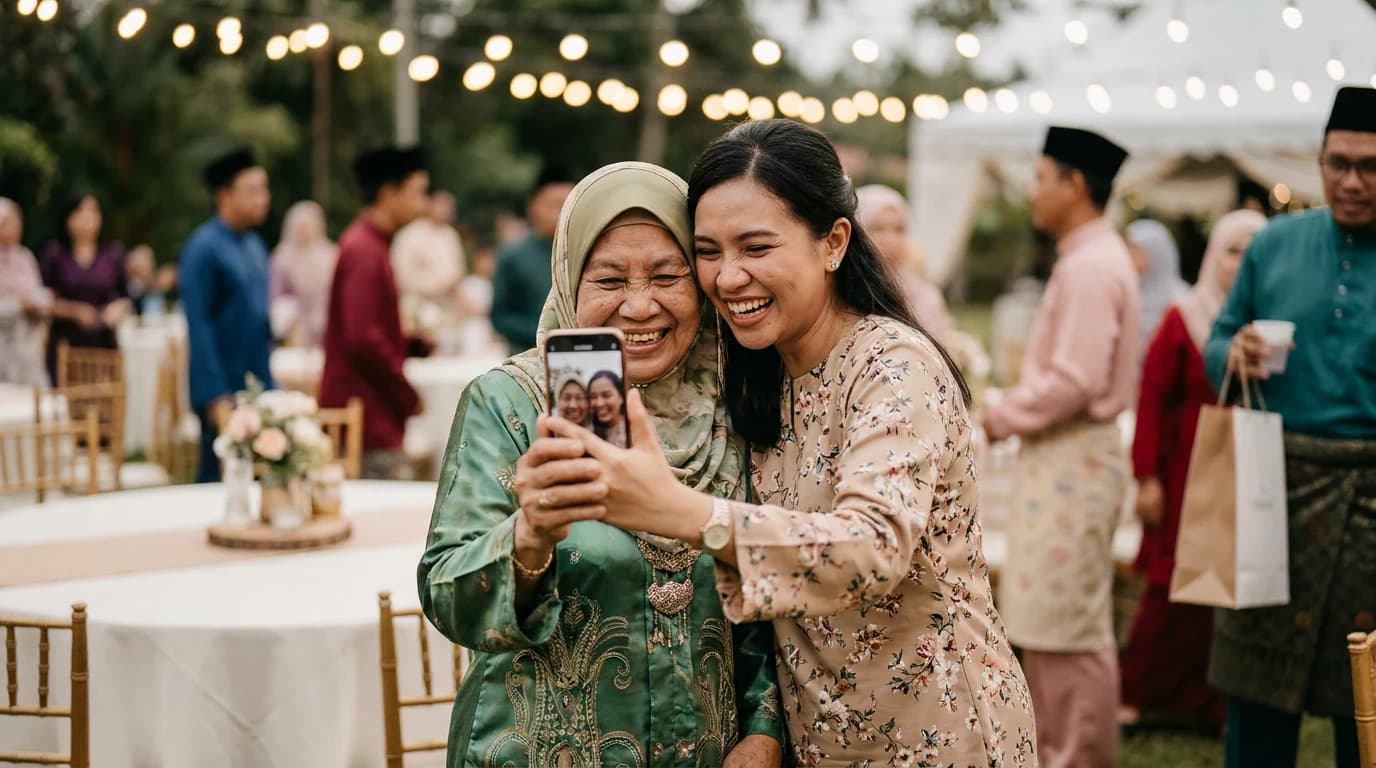
It is 11pm. The hall is empty, the chairs are stacked, and you are finally sitting in the car with aching feet. Your phone buzzes: 47 new photos in the event gallery. You are too tired to open them one by one. By morning, that notification has sunk beneath work emails, and three weeks later you still have not seen the photo of your uncle dancing badly to the band.
This is the most common story in event photography. Couples and hosts do the hard part well — they set up a shared gallery, guests scan the QR code, photos pour in. But then comes the part nobody plans for: the aftermath. Learning how to organise event photos after your wedding is not about being tidy. It is about making sure the collection stays alive instead of becoming another forgotten folder.
The First 72 Hours Matter More Than You Think
There is a momentum to events that fades fast. During the majlis, everyone is excited to share. Guests still have the QR code in their phone history, they remember the gallery name, and the warm feeling of the day is still fresh. Three or four days later, that feeling is gone. Any photo not yet uploaded will probably stay in someone's phone forever.
So the first task after the event is not sorting your own photos. It is making sure every guest photo has landed in the gallery. The morning after, send one friendly reminder in the family WhatsApp group or the event group chat. Keep it to a single line: "Thank you all for coming! If you have photos you haven't uploaded yet, here's the QR again — we're collecting everything before we make the album."
If you are still in the planning stage and haven't set up a collection system yet, there is a full guide on QR code photo sharing for events that walks through how it works before the day itself. But if the event has already passed, focus on gathering first.
Sorting the Gallery: From Pile to Structure
Once everything is in one place, the real work begins. The problem is rarely too few photos. It is too many similar ones. You might have 300 images where 80 are the same relatives posing against the same backdrop, taken from slightly different angles.
The most practical approach is to sort by time, not by person. Every event has a natural timeline: preparation, guest arrival, the formal ceremony, the meal, photo sessions, and the wind-down. When you arrange photos along that arc, you are not just making them easier to browse. You are building a narrative.
- Preparation — makeup, outfits, the hall before guests arrive, buffet tables being set
- Guest arrival — people walking in, shaking hands, finding their seats
- Formal ceremony — the akad nikah, doa recitation, speeches, cake cutting
- Meal and mingling — people eating, chatting, laughing
- Photo sessions — official family portraits, friends, children running around
- Wind-down — guests leaving, hugs, waves goodbye
You do not have to do all of this manually. Most digital galleries already sort by upload date and time automatically. But tagging the key moments with a name or a short note will help enormously when you want to find that one photo of your grandmother six months from now.
Do not try to edit or select the best photos on day one. Leave a week between the event and your sorting session. Fresh eyes make better decisions.
Choosing Photos Without Losing Anything
Many people are afraid to remove photos. It feels wasteful, or disloyal, or like you might regret it later. But the truth is that an oversized collection never gets viewed. An album with 500 photos stays closed. An album with 60 carefully chosen ones gets opened again and again.
The approach I recommend is two layers. Layer one is the full archive — every original photo stored in one folder or gallery you never touch. Layer two is the curated set — 50 to 100 of the strongest images you will actually use for an album, a slideshow, or sharing with family.
When selecting, ask three simple questions of each photo: Does it show someone important? Does it capture a specific emotion or moment? Would I be happy to see this again in five years? If the answer is no to all three, it goes to the archive.
One more thing: do not overlook the guest photos. Some of the most honest images come from other people's phones — you laughing mid-bite, children sprinting across the car park, your mother crying during the ceremony. A professional photographer can miss these. If you want more of them at your next event, there are practical tips on how to get guests to actually share their photos.
Storing and Re-sharing: The Step Everyone Skips
Sorting photos without storing them properly is wasted effort. Phones get lost. Cloud subscriptions lapse. Hard drives fail. This is not a scare tactic — it happens to ordinary people every single year.
Follow the rule of three copies. One copy in a digital gallery you can access anytime. One copy on an external drive kept at home. One more copy somewhere else — a parent's house, or cloud storage. If one fails, you still have two.
For re-sharing, do not send 200 individual photos through WhatsApp. It clogs other people's phones and nobody looks at all of them. Instead, share the same gallery link, or download everything as a single ZIP file for relatives who want the full set. There is a step-by-step walkthrough on how to download all your event photos as a ZIP if you have never done it before.
Name folders in a consistent format: Year-Month-Event. For example: 2025-06-AkadNikah-AinaAndFaiz. Future you will be grateful when there are ten events in a decade.
Reliving the Gallery: Make It Something Alive
A well-organised gallery is more than an archive. It can be a gift. Print the 20 best photos and frame them for your parents. Make a short slideshow for your first wedding anniversary. Send a small album to the aunt who flew in from far away and never got a proper photo with you.
Many Malaysian couples keep their wedding photos in a phone for years without ever looking at them. But when they sit with family during Hari Raya and open a properly organised gallery, that is when it becomes meaningful. Photos are not really about the images. They are about the people in them and the stories behind them.
So after your next event, do not let the gallery sink. Spend an hour or two in the first week to gather, sort, and store. You will thank yourself ten years from now.
For hosts who want full control over the gallery, Gathrly lets you manage events directly from the iOS app. Your guests do not download anything or create an account — they simply scan the QR code and upload. There is a free way to start, and you will see how much easier the after-event process becomes when everything already lives in one organised gallery. Get the Gathrly iOS app and host your first event today.