Why Guests Don't Share Their Photos (And How to Fix It)
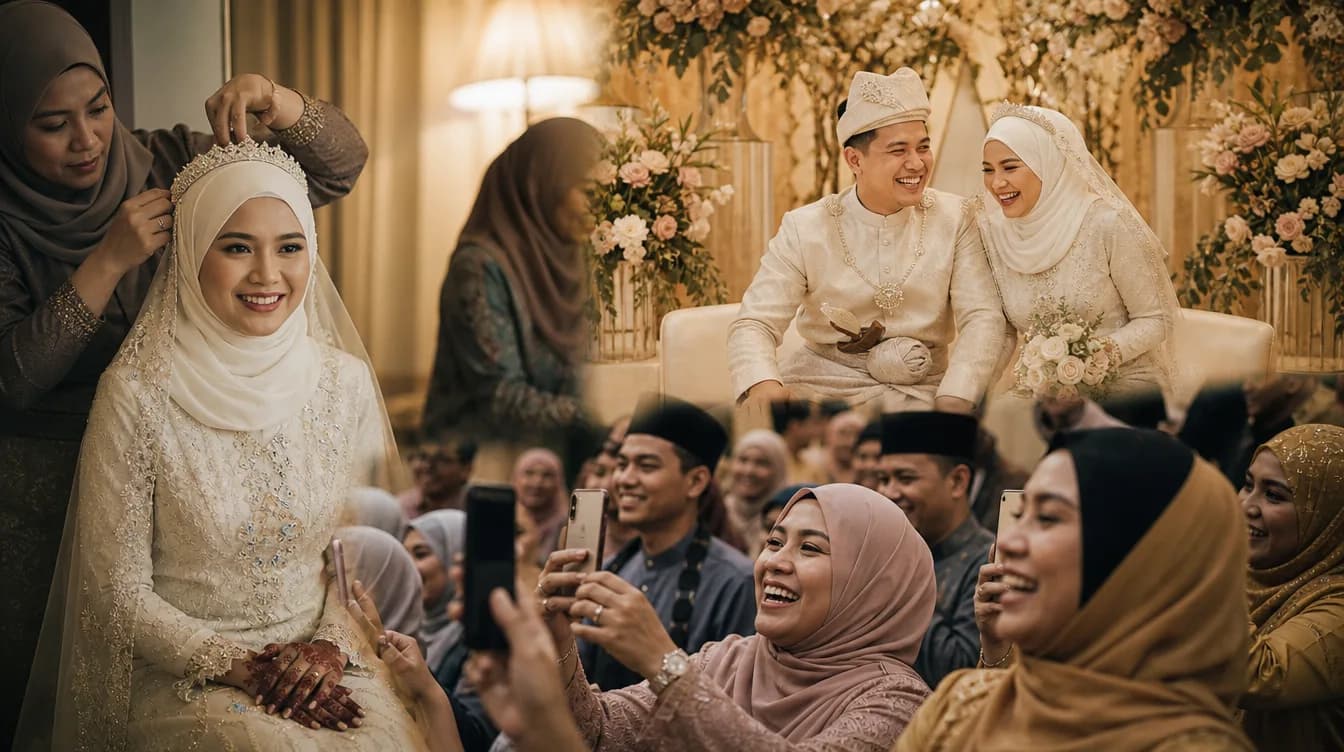
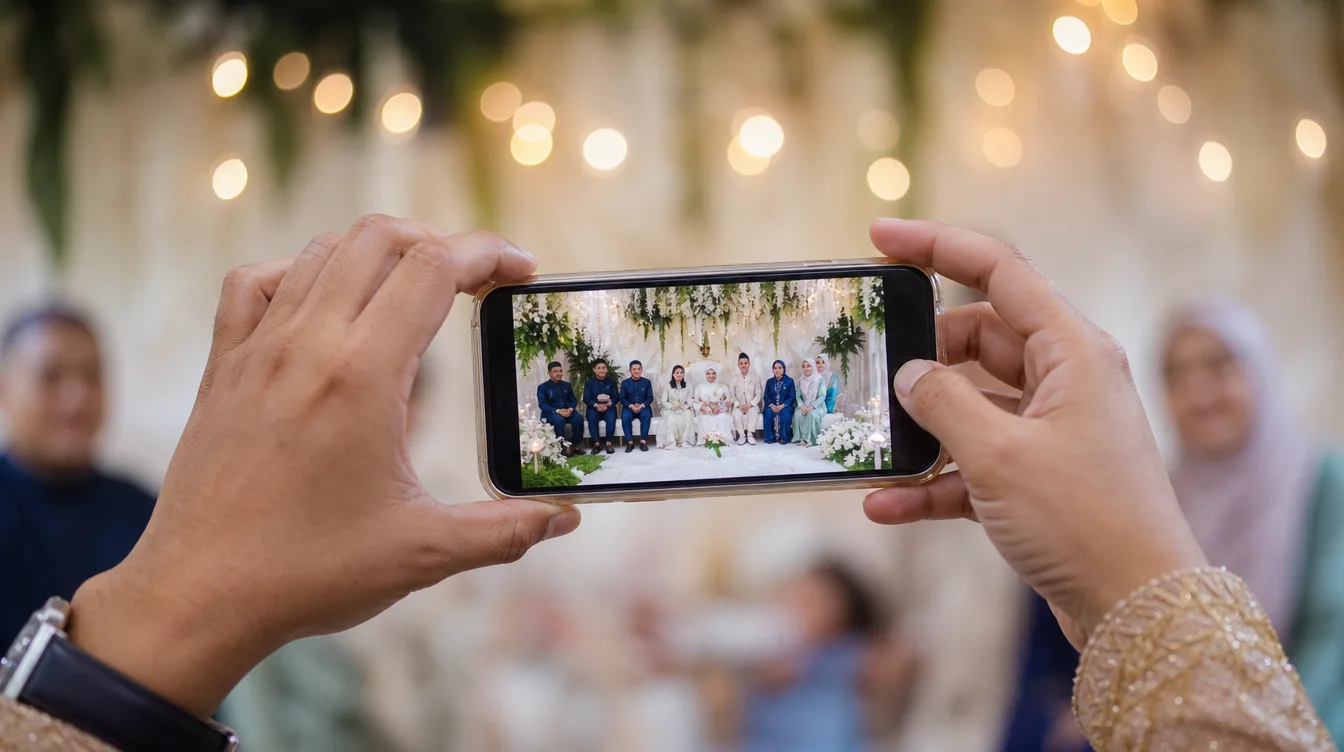
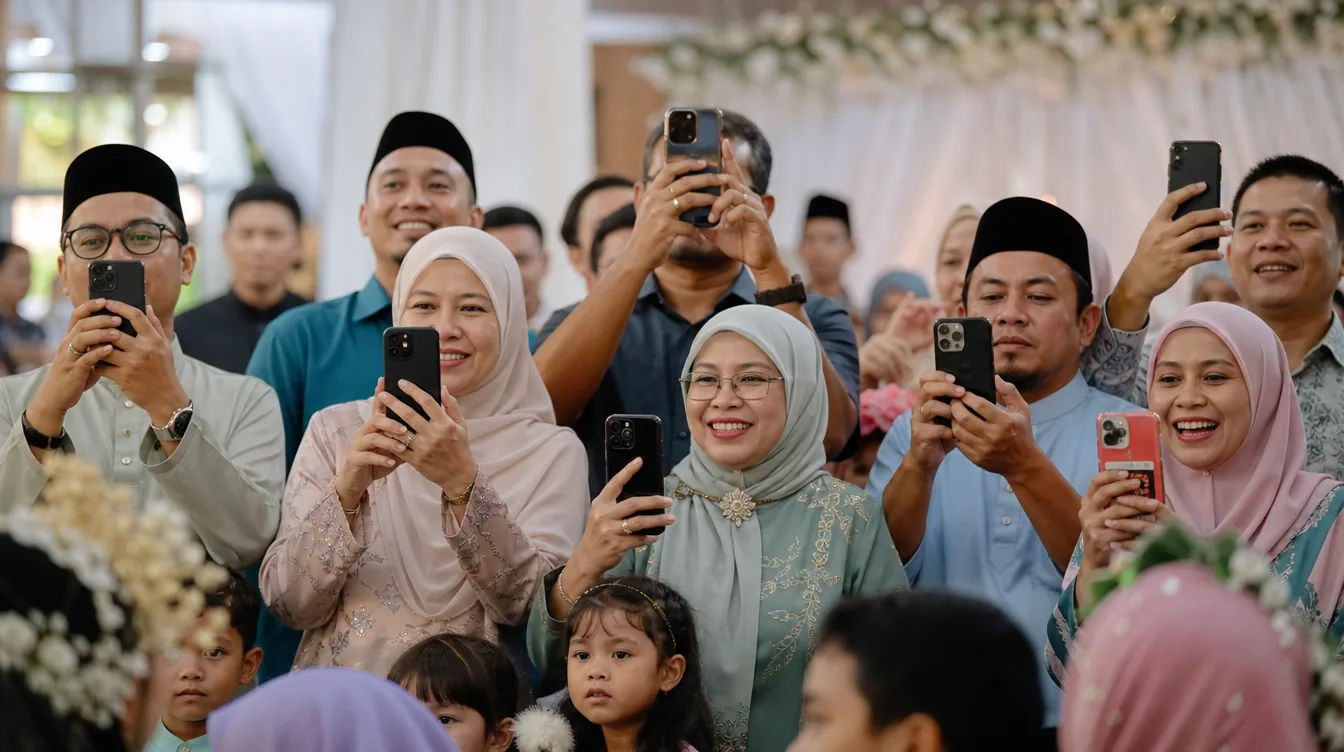
You've planned the perfect wedding, kenduri, or birthday party. The dewan is beautifully decorated, the food is delicious, and your guests are happily snapping photos with their phones. But when the event ends, you wait for those photos to arrive — and nothing comes. Sound familiar? It's a common frustration for hosts across Malaysia. The truth is, most guests would love to share their photos, but they face small obstacles that make them give up.
The biggest culprits? They don't know where to send the photos, the process seems complicated (like needing to create an account or download an app), or they simply forget. Some guests also worry about privacy. So, how do you get guests to share event photos without making it a chore? The answer lies in simplicity, clear instructions, and a little motivation. In this guide, we'll walk you through practical steps that actually work in real Malaysian events.
Use QR Codes: The Easiest Way for Guests to Upload
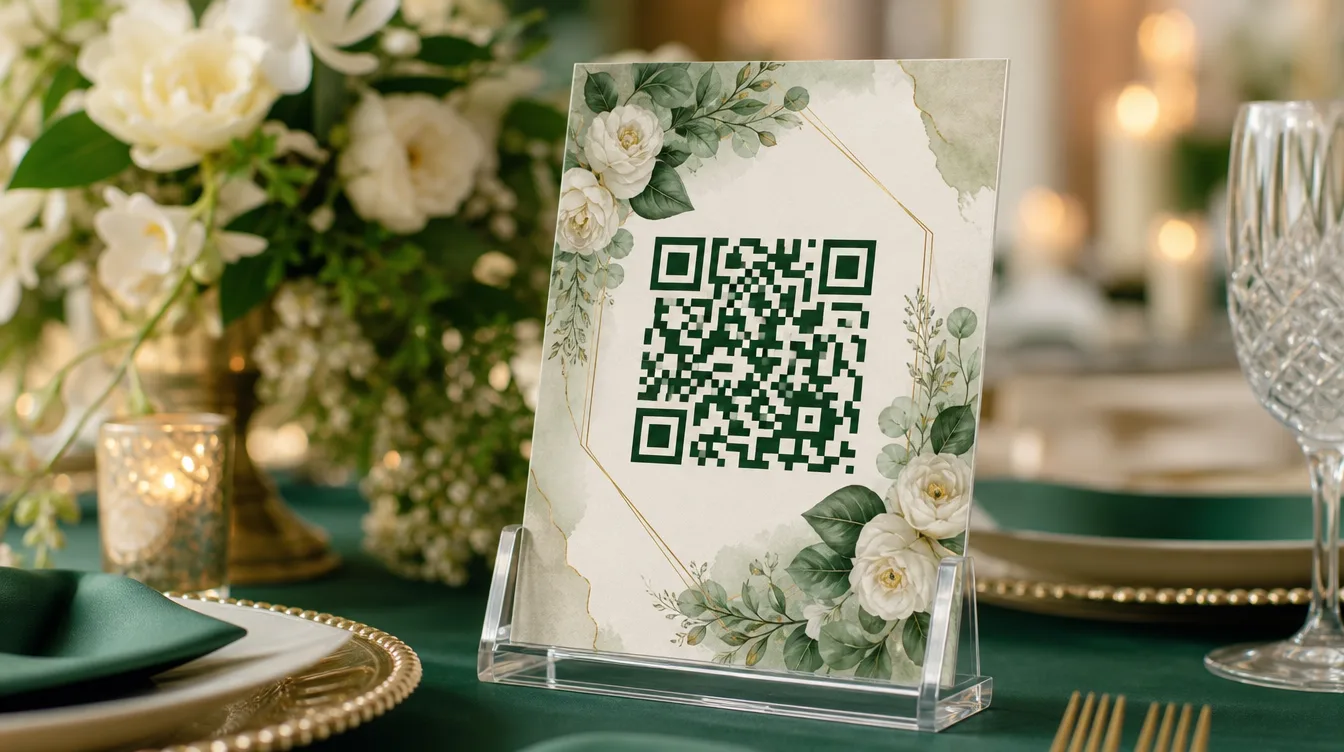
The most effective way to encourage photo sharing is by using QR codes. When guests scan a QR code with their phone camera, they can instantly upload photos directly to your event gallery — no app downloads, no account sign-ups, no friction. This is crucial because guests are more likely to participate if the process takes less than 30 seconds. Simply scan, select photos, and they're in.
Place QR codes strategically around your venue: on guest tables, at the entrance, near the photo booth, or even on the back of chairs. Make sure they're visible and attractive. If you're new to this, check out our complete guide to QR code photo sharing for events to understand how it works. With QR codes, you're not just collecting photos — you're creating a shared experience.
Print multiple QR codes and place them at different spots. Guests are more likely to scan if they see it repeatedly.
Give Clear, Simple Instructions
Many guests genuinely want to share but have no idea how. That's why clear instructions are non-negotiable. Create small table cards or signs that say: "Scan this QR code to share your photos!" with a simple three-step visual: 1) Scan, 2) Choose photos, 3) Upload. Use both English and Bahasa Melayu to cater to all guests. Keep the language friendly and encouraging.
Don't rely on signs alone. Ask your emcee to announce the QR code early in the event, and have a few tech-savvy friends or family members walk around to help older guests. You can also make a short announcement after the first speech. The more you remind them, the more likely they'll act. Remember, guests are there to enjoy, so make sharing effortless.
Create an Attractive, Accessible Gallery
When guests scan the QR code, they should land on a gallery that looks inviting and is easy to navigate. If they see that other guests have already uploaded photos, they'll be more motivated to contribute. A clean, organized gallery with thumbnails and a simple upload button makes the experience pleasant. For weddings, you can follow our guide to setting up a shared photo gallery for your wedding to get started.
Project the live gallery on a screen or TV at the venue. Watching photos appear in real-time creates excitement and encourages more sharing.
Make sure the gallery loads quickly and works on all devices, especially older phones. A slow or confusing interface will discourage guests. Test it yourself before the event to ensure everything runs smoothly. When guests see their photos appear on the big screen, they'll feel proud and motivated to share more.
Offer Small Incentives or Rewards
Sometimes a little nudge helps. Consider offering a small incentive for guests who upload photos. For example, run a lucky draw where every upload earns an entry, with prizes like vouchers or hampers. Or hold a fun contest for categories like "Most Creative Photo" or "Best Family Shot." Announce these incentives early and remind guests throughout the event.
Incentives don't have to be expensive — even a simple thank-you card or a mention on social media can work. The key is to make guests feel appreciated. When they know their photos will be seen and valued, they're more likely to share. Plus, it adds a fun element to the event that guests will remember.
After the Event: Download and Share the Memories
Once your event is over, all the photos will be collected in one gallery. The next step is to download them in a ZIP file so you can store them safely or share them with guests. You can follow our step-by-step guide on downloading all your event photos as a ZIP to make it easy. After downloading, you can select the best shots to post on social media or send a thank-you message with a link to the full gallery.
Sharing the gallery with guests after the event is a wonderful way to say thank you. They'll enjoy reliving the moments and seeing photos taken by others. It also encourages them to share more in future events. By closing the loop, you turn a one-time event into a lasting memory that everyone can cherish.
Frequently Asked Questions (FAQ)
- Do guests need to download an app to upload photos? - No, guests simply scan the QR code and upload via their web browser. No app required.
- How long will the photos be stored in the gallery? - The gallery is available for a reasonable period, usually several weeks, so you can download at your leisure.
- Can I choose which photos to download? - Yes, you can select individual photos or download the entire gallery as a ZIP file.
- Are the photos private? - Only guests with the QR code can access the gallery, so it's private to your event attendees.
- What if a guest has trouble uploading? - Have a few helpers on-site to assist guests who may need technical support.
Getting guests to share event photos doesn't have to be a struggle. With QR codes, clear instructions, a beautiful gallery, and a little incentive, you'll be amazed at how many photos you collect. And when the event is over, you can download everything and relive the moments. To make hosting even easier, use the Gathrly iOS app to manage your event — guests just scan the QR code, no account needed. Download the Gathrly app on iOS today and start collecting memories effortlessly!