A wedding, a kenduri, a birthday or a company dinner never happens twice. When guests pull out their phones, they are quietly building a record of the day that no hired photographer can fully replicate. The problem is that most of us shoot on instinct. We point, tap, and move on, then wonder later why the photos look dark, blurry or oddly cropped. These phone photography tips for events are written to fix that, with advice you can act on in the five seconds before you press the shutter.
This guide speaks to two people at once: the guest who wants their photos to look good, and the host who wants the best possible collection from everyone in the room. The two goals are connected. Guests who understand light and framing produce a gallery the host will still be proud to open ten years from now.
Why Guest Phone Photos Matter More Than You Think
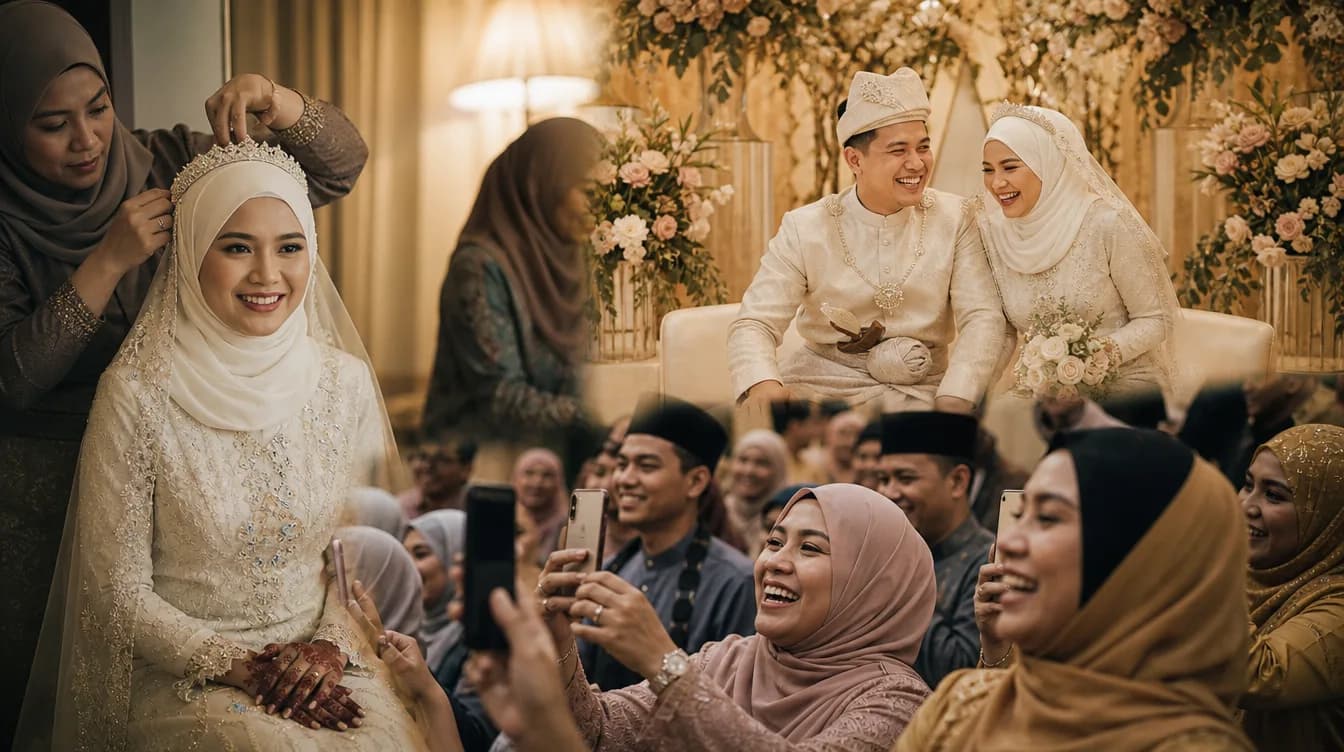
A professional photographer will cover the ceremonial beats: the akad nikah, the arrival, the cake cutting, the formal portraits. What they cannot capture is your aunt laughing until she cries at table nine, or the cousins who have not seen each other since school. Those moments happen at the edges of the event, and they are almost always photographed by guests.
At Malaysian celebrations especially, the most meaningful frames are rarely the staged ones. They are the makcik wiping her eyes during the doa, the children sprinting across the dewan, the quiet conversation between two old friends near the buffet line. These photos are unplanned, which is exactly why they feel honest. That is the real argument for learning a few basics: the better your guest photos are, the more complete the story becomes.
If you are hosting and still unsure how to gather everyone's photos without chasing people one by one, there is a separate walkthrough on how to set up a shared photo gallery for your wedding worth reading after this.
Read the Light Before You Raise Your Phone
Light decides everything. A dewan usually runs on warm yellow lamps, often mixed with cooler daylight leaking in from windows or doors. That mix is what makes skin look either golden or grey in a phone photo. The simplest fix is to move. Stand facing the window or the main light source rather than turning your back to it. You will get softer skin tones and fewer shadows across faces.
For home kenduri, open houses or garden setups, late afternoon sun is your best friend. Between five and six in the evening, the light turns soft and forgiving. You can shoot almost anywhere under a porch and get flattering results without editing. At night, avoid firing the phone flash straight into someone's face from close range. It flattens features and leaves a hard shadow behind the head.
- Face the light source, never turn your back to it.
- Avoid direct flash within arm's length of a face.
- Use window light or the main hall lamp as your primary source.
- For outdoor night shots, position fairy lights or street lamps behind your subject.
- Turn off the phone's auto night mode when people are moving, or you will get ghosting.
Tap and hold on a face to lock focus and exposure, then drag the brightness slider down slightly. Event photos almost always look better a touch darker than the phone's default guess.
Angles and Composition That Instantly Look Better
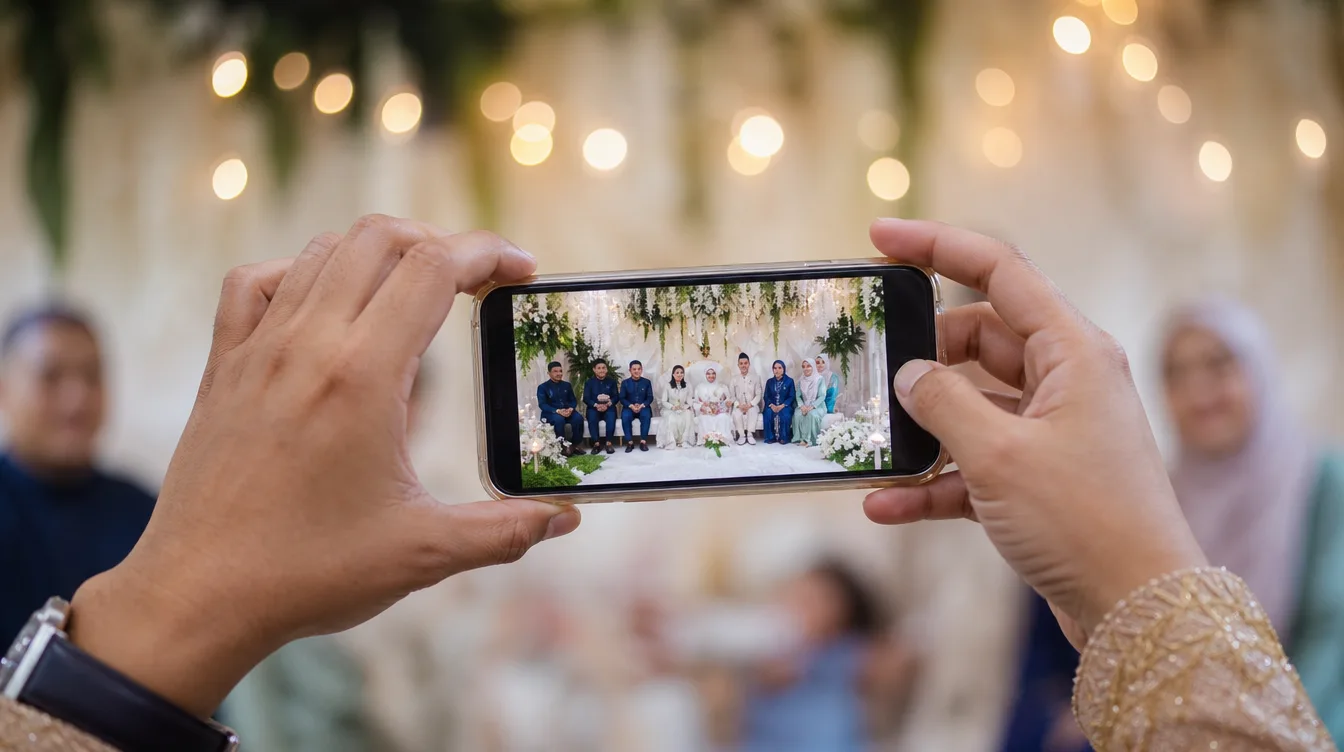
You do not need an expensive camera to take photos that look expensive. What separates a snapshot from a portrait is usually angle. Stop shooting everything from standing eye level. Crouch for children. Raise the phone above your head for a wide shot of the hall. Shoot from the side during a speech instead of straight on. Small changes in height create completely different feelings in the final image.
The other habit worth building is the rule of thirds. Imagine your screen divided into a grid of nine equal boxes. Place the main subject's face on one of the vertical lines rather than dead centre. This single adjustment makes photos feel balanced and intentional. For couples, leave breathing room on the side they are facing so the image does not feel cramped.
Do not forget the details. The rings on the tray, the pelamin flowers, the handwritten place cards, the kuih arranged on a tiered stand. These are the frames that stitch a gallery together years later. Aim for five to ten detail shots at any event and you will thank yourself when you revisit the album.
The Moments Worth Prioritising
Every event has a rhythm, and the most valuable moments often happen earlier than guests expect. At a wedding, the arrival, the akad, and the family salam line are gone in minutes. If you are a guest, arrive a little early and have your camera ready before those moments begin. Standing with your phone already unlocked saves you the ten seconds that matter most.
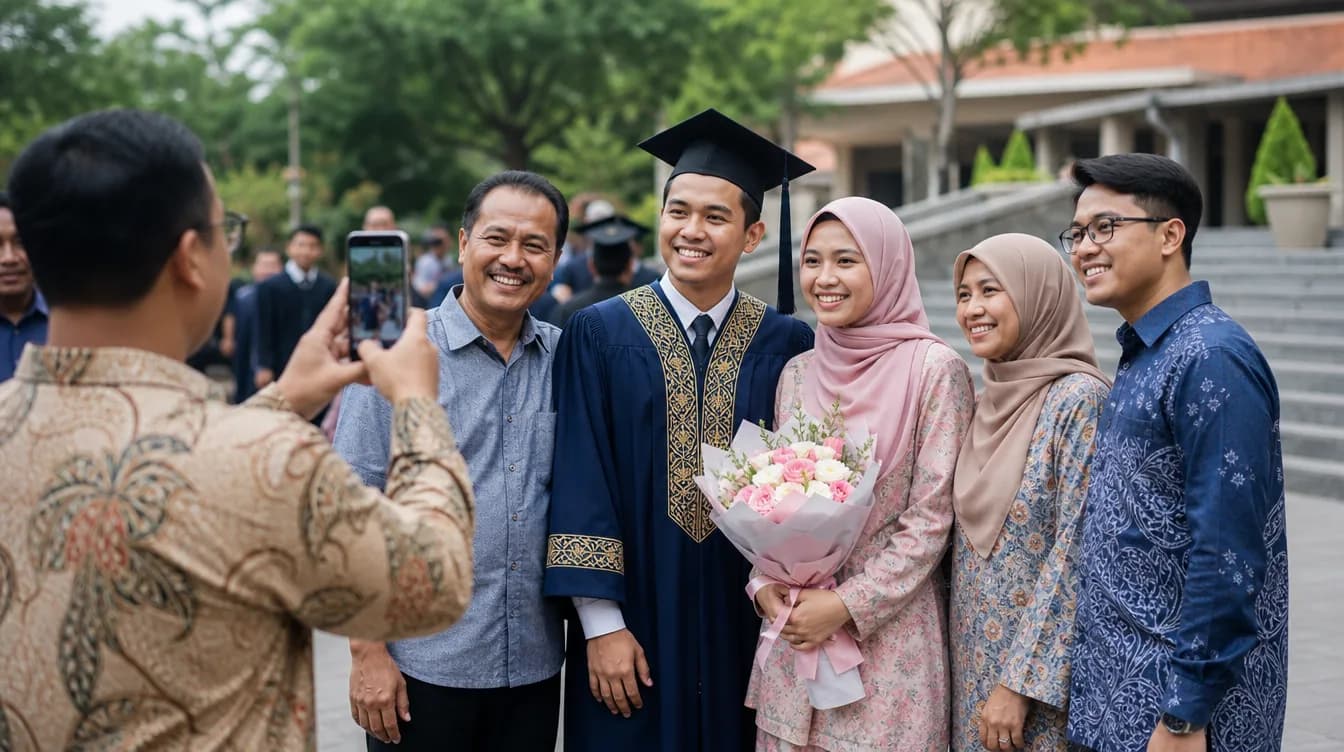
During the meal, resist the urge to stage group shots. The candid frames of people eating, talking and laughing are almost always stronger than a line of smiling faces. Shoot from the side, keep your distance, and let the moment stay natural. If someone notices the camera and waves, that is fine too, but do not interrupt a conversation to pose it.
- Arrival of the couple or guest of honour.
- The akad, doa or formal speeches.
- Family salam and group portraits by side.
- Candid moments during the meal.
- Cake cutting, bouquet toss or any special ritual.
- Group shots organised by family or friend circle.
If you are hosting and worried that guests will forget to share what they capture, there is a dedicated piece on how to get guests to actually share their photos that covers the practical side of that problem.
Phone Settings to Fix Before the Event Starts
Two minutes of setup before you walk into the hall will save you a lot of frustration. First, turn on the grid in your camera app. It helps you keep horizons straight and place subjects intentionally. Second, check that your photo resolution is set to the highest option available. Lower settings save storage but produce images that fall apart when printed or zoomed.
Third, wipe your lens with a soft cloth. This sounds trivial, but a smudged lens is the single most common cause of hazy, soft-looking phone photos, especially in halls full of cooking steam or haze effects. Fourth, free up some storage before the event. A phone that stops recording halfway through the first dance is a phone that let you down.
Use portrait mode for one or two people only. For groups of three or more, switch it off, because the software often blurs hair and shoulders in strange ways.
Getting Every Photo Into One Place Afterwards
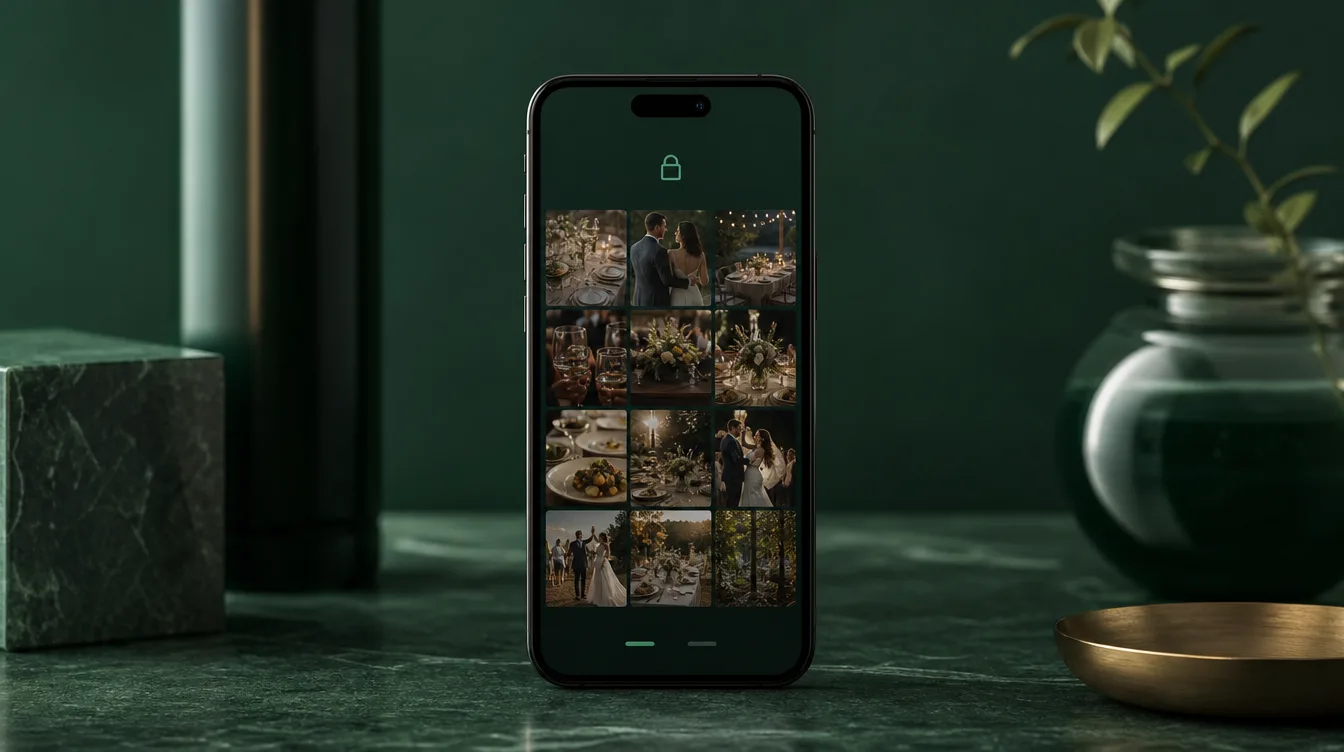
Once the event ends, the real challenge begins. Photos are scattered across a dozen phones, buried in WhatsApp groups that go quiet after a month, and lost in camera rolls nobody scrolls. The cleanest solution is a single shared gallery guests can reach through a QR code. They scan, pick their photos, and upload. No account, no app download, no friction.
This is meaningfully different from a WhatsApp group, which compresses image quality and makes it nearly impossible to find anything later. If you want the full comparison, there is a detailed breakdown of event photo apps versus WhatsApp groups versus Google Photos that weighs each option honestly.
As a host, you can print the QR code on table cards, add it to the backdrop, or stick it near the entrance. The easier it is to spot, the more photos will land in your gallery. After the event, everything can be downloaded as a single ZIP file and archived properly instead of living in fragments.
After the Event: Store, Share and Revisit Properly
A surprising number of people keep their only copies of event photos on one phone. Phones get lost, break, or get replaced, and the photos disappear with them. Set aside an evening in the week after the event to move everything to cloud storage or an external drive. Name the folder by date and event so future-you can actually find it.
Share the gallery link back to guests. Most people are genuinely happy to see their photos selected and arranged well, and it gives anyone who missed the event a way to feel part of it. Do not let the photos sit unseen in a camera roll. They were taken to be looked at, and the sooner you organise them, the more often you will return to them.
If you are planning your next majlis and want all the guest photos to land in one place automatically, start by downloading the Gathrly iOS app and hosting your own event. You create a gallery, generate a QR code, and guests simply scan to upload. No account, no app, no chasing anyone afterwards.