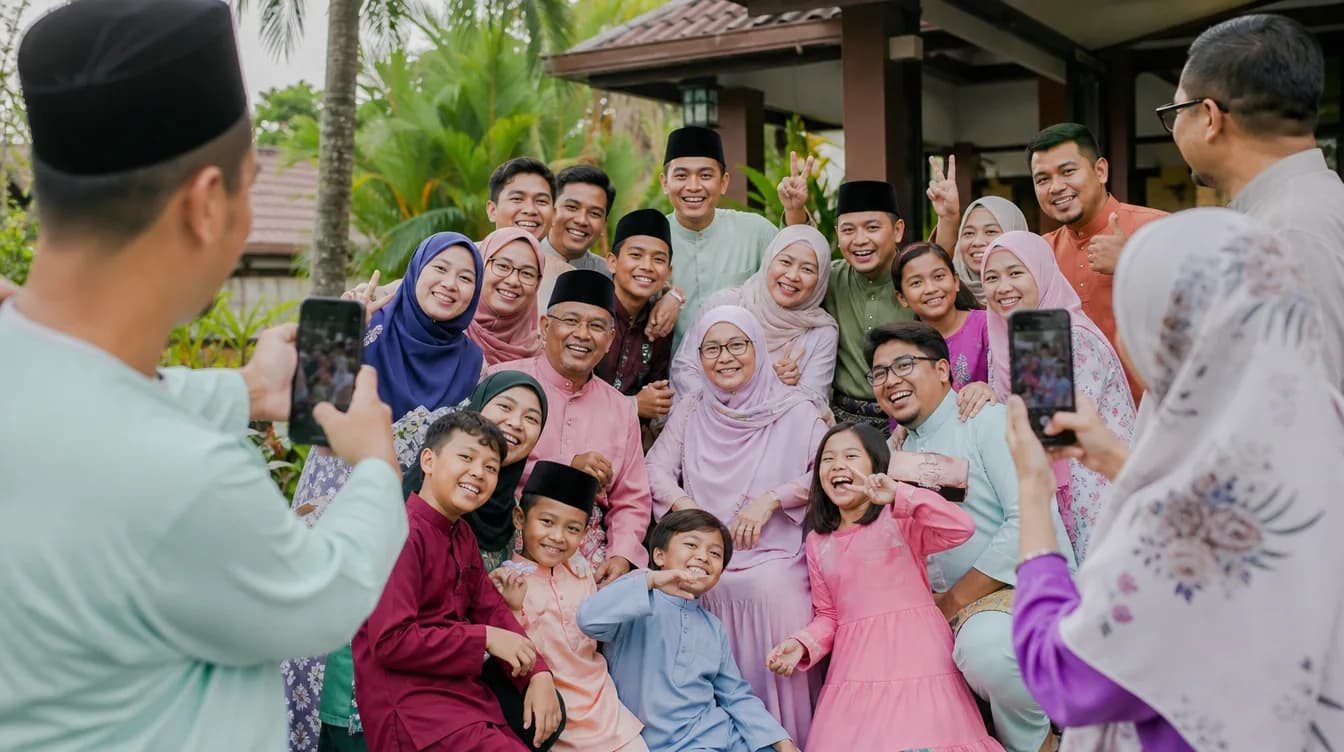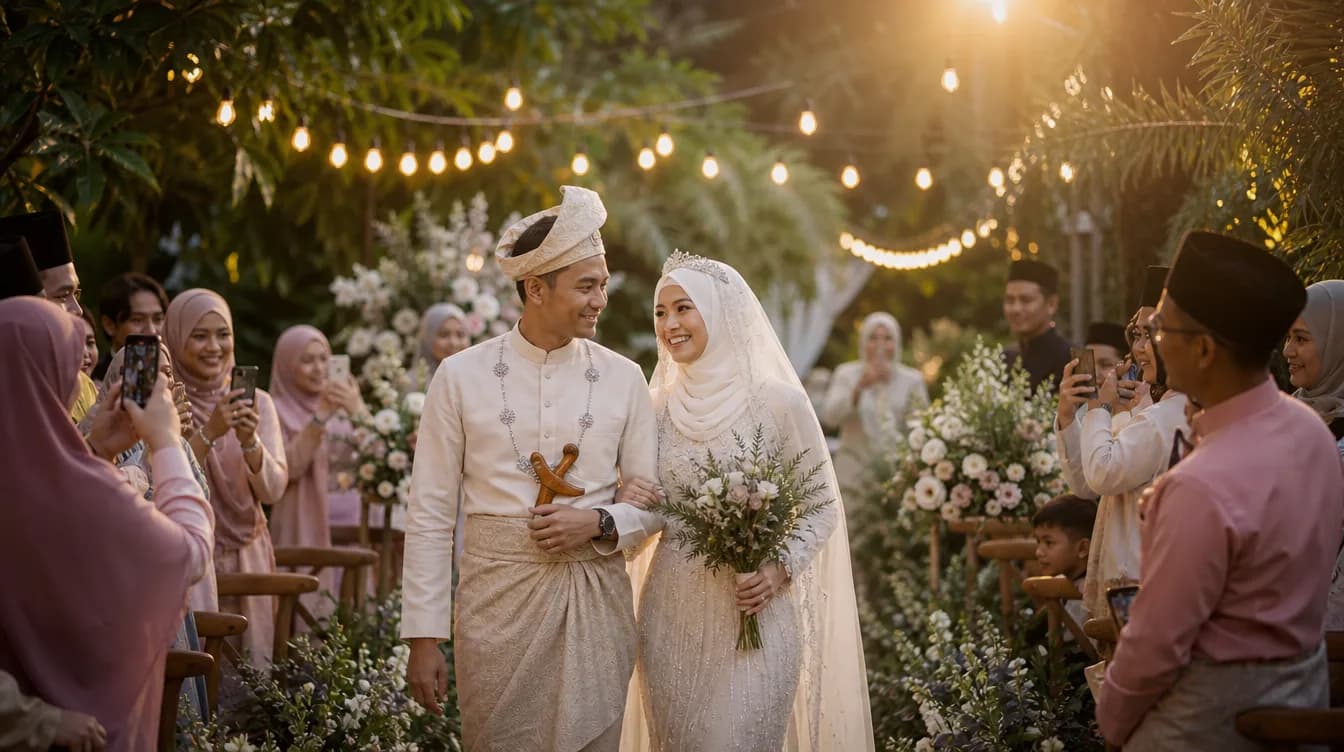
Every event — a wedding, a birthday bash, a corporate dinner — produces hundreds of photos taken by guests on their phones. But after the celebration ends, those photos scatter across WhatsApp chats, Facebook posts, and private camera rolls. The real challenge is gathering them all in one place. This event photo sharing app comparison will help you decide the best method for your next majlis.
The Struggle to Collect Photos from Guests
As a host, you want every candid shot, every group photo, every funny moment. But traditional methods like asking guests to send photos via WhatsApp or creating a shared Google Photos album come with headaches. Guests forget, photos get compressed, or some simply don't bother because the process is too complicated.
Add to that the fact that guests come in all ages and tech-savviness levels. Your aunt might struggle with a Google account, while your cousin lives on WhatsApp. The ideal solution must be effortless for everyone. In this post, we compare three popular options: a dedicated event photo app, a WhatsApp group, and Google Photos.
WhatsApp Groups: Quick but Chaotic
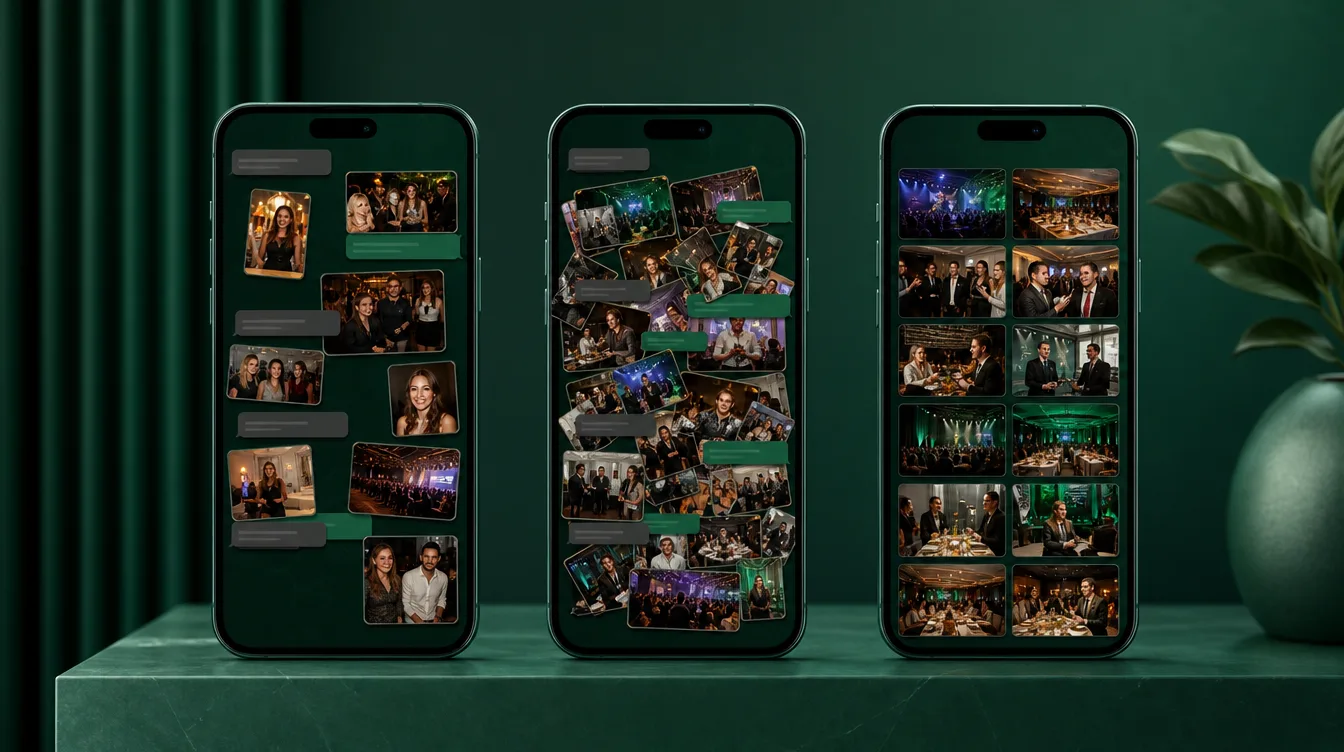
Many hosts create a WhatsApp group for guests to share photos. It's familiar — everyone has WhatsApp. Guests can upload instantly, and the group feels lively. However, the biggest drawback is photo quality. WhatsApp compresses images heavily, reducing resolution. If you ever want to print those photos or preserve them in high quality, you'll be disappointed.
Another issue is organization. Photos get buried under endless messages. Imagine scrolling through 500 chats to find that one photo of grandma dancing. And if the group is also used for chit-chat, the photos become even harder to find. You might end up missing many shots or spending hours sorting them out.
If you stick with WhatsApp, ask guests to send photos in HD and create a separate group solely for photos, no chatting.
Google Photos: Good Quality but Guest-Unfriendly
Google Photos is a popular choice because it offers free storage and preserves photo quality. You can create a shared album and invite guests via a link. However, the catch is that guests need a Google account to contribute. For many, especially older relatives, creating an account is a barrier they'd rather avoid. This can drastically reduce participation.
Even for those with accounts, the upload process isn't intuitive for everyone. Guests must navigate the app, select photos, add them to the correct album, and ensure they upload properly. It's a multi-step process that can frustrate less tech-savvy guests. As a result, you might get only a handful of photos instead of a comprehensive collection.
Google Photos also lacks event-specific features. You can't set a time limit for uploads, nor can you display photos live on a screen during the event. A dedicated event photo app, on the other hand, offers these features, making the experience more engaging.
Dedicated Event Photo Apps (Gathrly): Easiest for Guests, Most Complete for Hosts
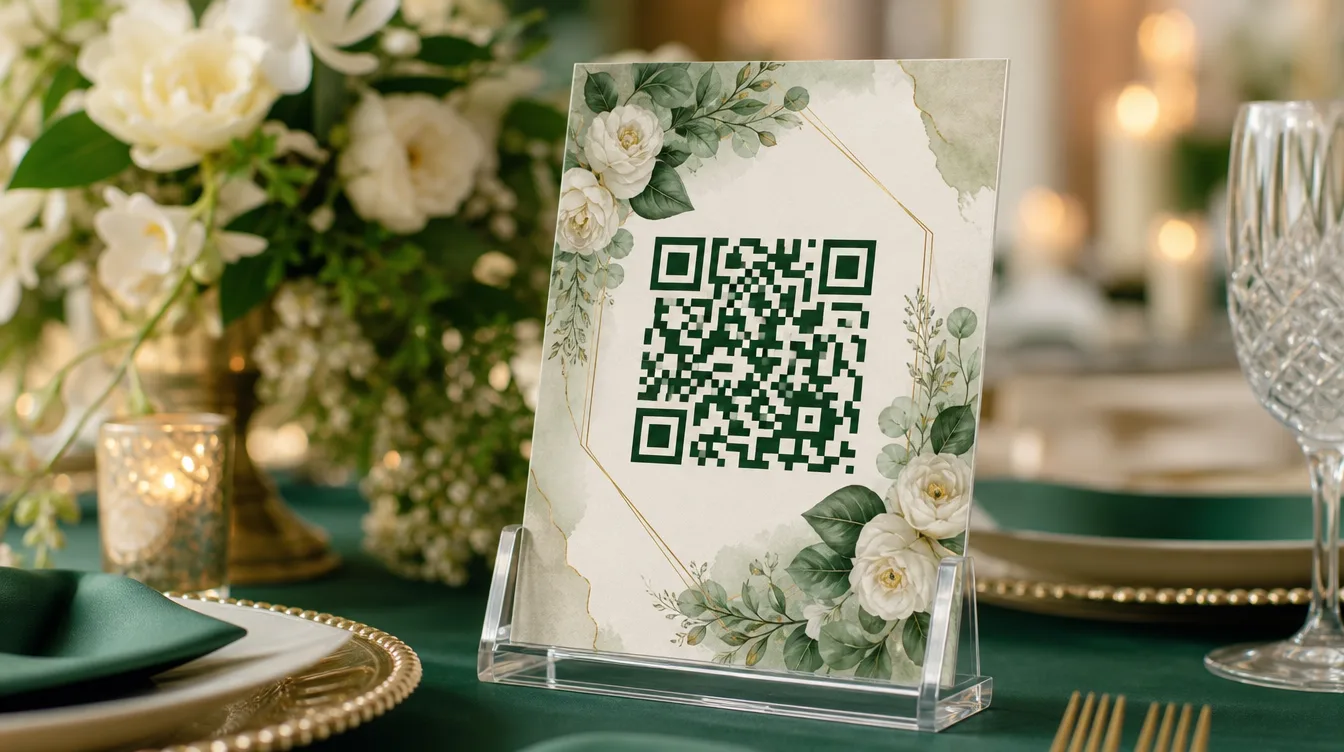
Gathrly is a purpose-built event photo sharing app for the Malaysian market. The host creates a gallery for their event via the Gathrly iOS app, and guests simply scan a QR code to upload photos directly from their browser. No account creation, no app download — just scan and upload. This makes it accessible to everyone, from tech-savvy youths to grandparents.
Gathrly preserves original photo quality, so you can print or archive them without loss. All photos land in one gallery, which you can download as a ZIP file with a single click. You can also display photos live on a screen at the event, adding a fun, interactive element that guests love.
- Guests need no account or app — just scan the QR and upload.
- Original photo quality is preserved for printing and archiving.
- All photos in one gallery, easy to manage and download.
- Live photo wall feature to entertain guests during the event.
Why Gathrly Fits Malaysian Events Perfectly
Malaysian events, from kenduri kahwin to aqiqah, bring together a diverse mix of guests. Some are young and tech-savvy, while others are older and less familiar with digital tools. Gathrly bridges this gap by removing technical barriers. Guests just point their phone camera at the QR code displayed on a card or screen, and they're ready to upload.
For hosts, Gathrly is a lifesaver. You can download every photo as a ZIP, making it easy to share with family or keep for years. The live photo wall feature adds excitement to the event, encouraging more guests to participate. It's the best way to share event photos without the stress.
To understand the mechanics, check out our guide on how QR photo galleries work or get tips on encouraging guests to share their photos.
Make the Right Choice for Your Next Event
Each method has its pros and cons. WhatsApp is quick but sacrifices quality and organization. Google Photos offers quality but frustrates guests without accounts. Gathrly combines ease for guests with complete control for hosts, making it the clear winner for events where you want a hassle-free photo collection.
If you're planning an event, give Gathrly a try. It's free to start, and your guests will thank you for the simplicity. Download the Gathrly iOS app today to create your event gallery. Your guests just scan the QR — no account needed. Enjoy every moment, and let Gathrly handle the photos.