You drive home from a family reunion with your phone full of photos. Your aunt has pictures of everyone eating together. Your cousin from out of town recorded the kids running around the garden. Your uncle managed to get a group shot right before the rain started. Then, within a week, all of those photos disappear into group chats and camera rolls, and nobody ever really looks at them again.
That is the reality of most family gatherings. People show up, they enjoy themselves, they take photos, and the results scatter across a dozen devices. The most reliable way to build a family reunion photo collection is to share one link or one QR code with everyone, so each guest can upload straight into a single gallery without creating an account or downloading an app.
This article walks through ideas that genuinely work for Malaysian family reunions, from Hari Raya open houses to kenduri kesyukuran and large gatherings that bring together both sides of the family.
Why Family Reunion Photos Always Go Missing
Think back to your last family reunion. How many photos did you actually keep? Maybe five. Meanwhile, thirty people were at that gathering, and most of them took pictures. If each person took ten photos, that is three hundred photos in existence, and you have seen a small fraction of them.
The problem is not that people are unwilling to share. It is that there is no obvious place to put the photos. When you ask for pictures in a WhatsApp group, one or two arrive, and then the chat fills up with greetings, recipes, and forwarded messages. The actual reunion photos sink to the bottom.
There is also a privacy angle. Some guests are not comfortable having their faces spread across social media. Others worry about photos of young children being shared without permission. When photos stay on individual phones, they are technically safer, but the memories never get shared at all. A private gallery that only attendees can access solves both problems. We cover this in more detail in our post on photo privacy and consent at events.
Idea 1: One QR Code at the Entrance
This is the simplest and most effective idea. Print one large QR code and place it at the reception table or the entrance. Every guest who arrives scans it and can immediately upload photos to the reunion gallery. No account, no password, no app to install.
Placement matters. Do not tuck the QR code into a corner. Put it next to the guest book, or tape it to a small easel by the door. If the reunion is at a hall, place one at the dining table and one at the entrance. If it is at home, put it on the food table, because that is where people naturally gather.
Add a short instruction under the QR code: "Scan to share today's photos. No account needed." That one line removes half the questions guests would otherwise ask.
If you want a deeper explanation of how QR-based sharing works, our complete guide to QR code photo sharing for events covers the mechanics.
Idea 2: Ask for Specific Photos, Not Everything
A common mistake organisers make is asking guests to "send all your photos". That request is too broad. People get lazy because they have to sort through everything. Instead, ask for something specific.
- Candid shots from the meal, not just posed group photos.
- Photos of the youngest generation playing outside.
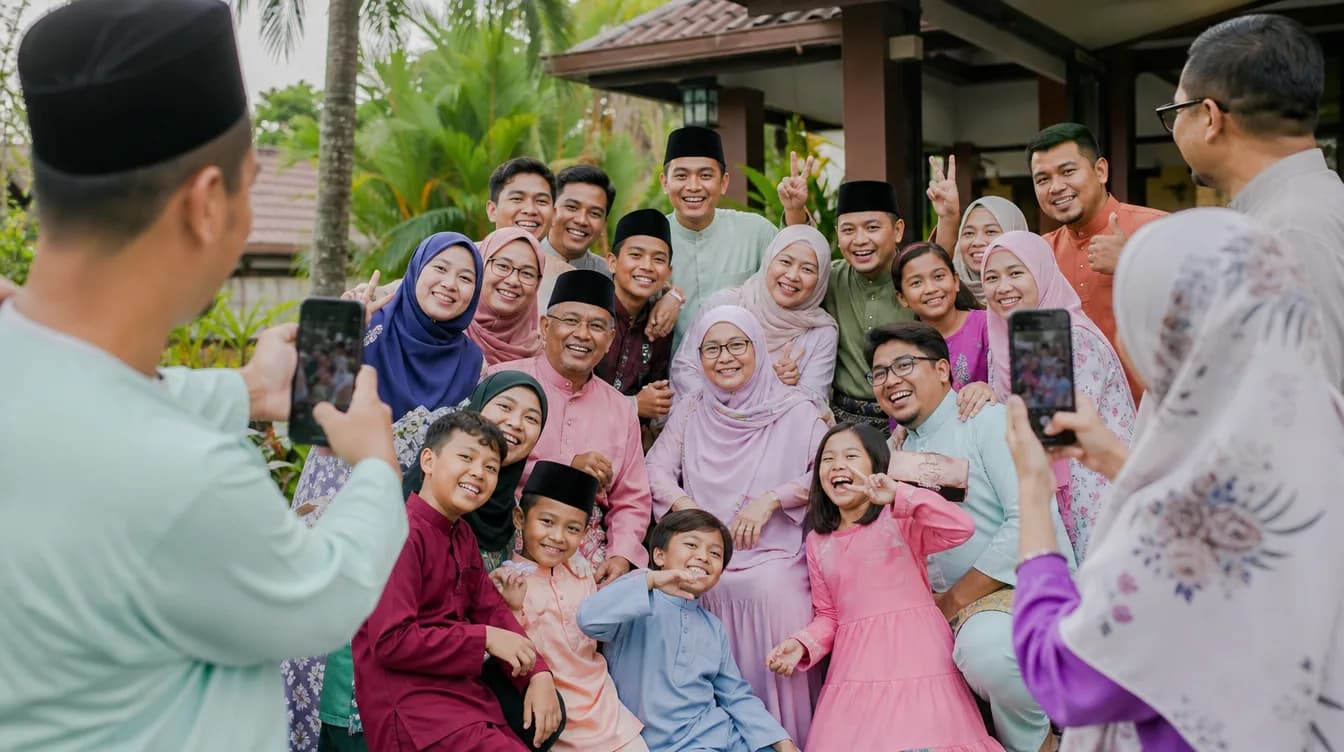
- Grandparents with all their grandchildren in one frame.
- Funny moments, like the uncle who fell asleep after lunch.
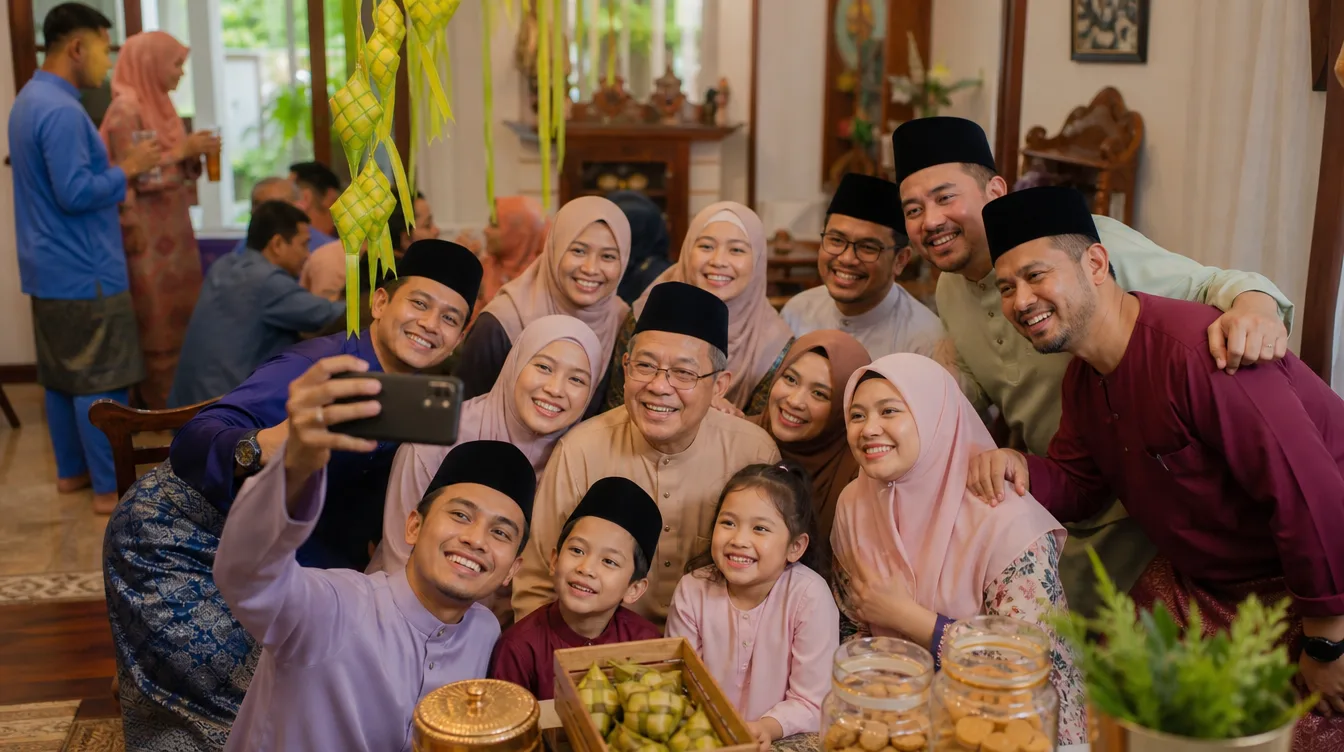
- Heritage dishes cooked specially for the reunion, such as rendang, lemang, or traditional kuih.
When the request is specific, people remember which photos to send. It also makes them more excited to contribute, because the photos feel genuinely wanted. If you have struggled with guests who never share, there are proven strategies in our guide on how to get guests to actually share their photos.
Idea 3: Make Uploading Part of the Event Itself
Do not leave photo sharing as an afterthought. Make it part of the reunion itself. Set up a small station with a tablet or phone on a tripod, where guests can scan the QR code and upload on the spot.
Another approach that works well: announce it at the start. Before the meal begins, the host or emcee can say, "All the photos from today will be collected in one gallery. The QR code is at the reception table. Please scan and share." That short announcement makes people aware and prompts action.
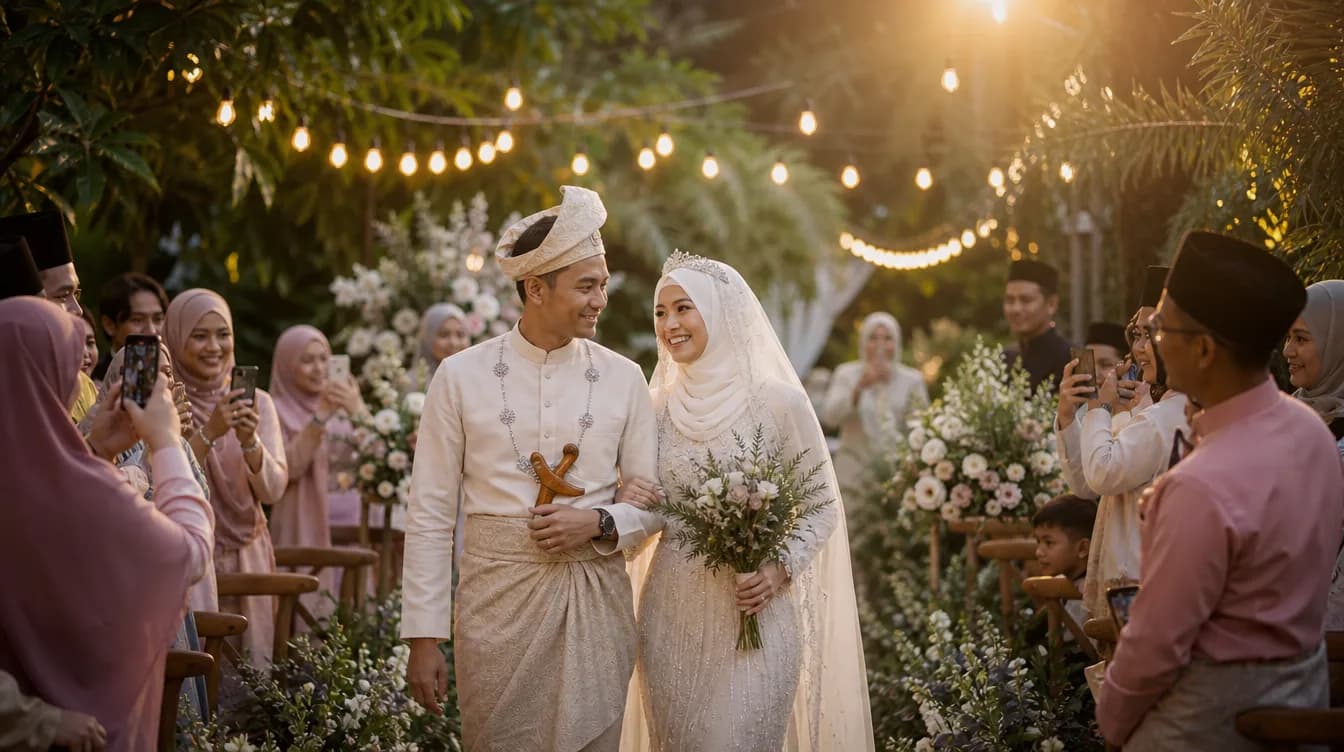
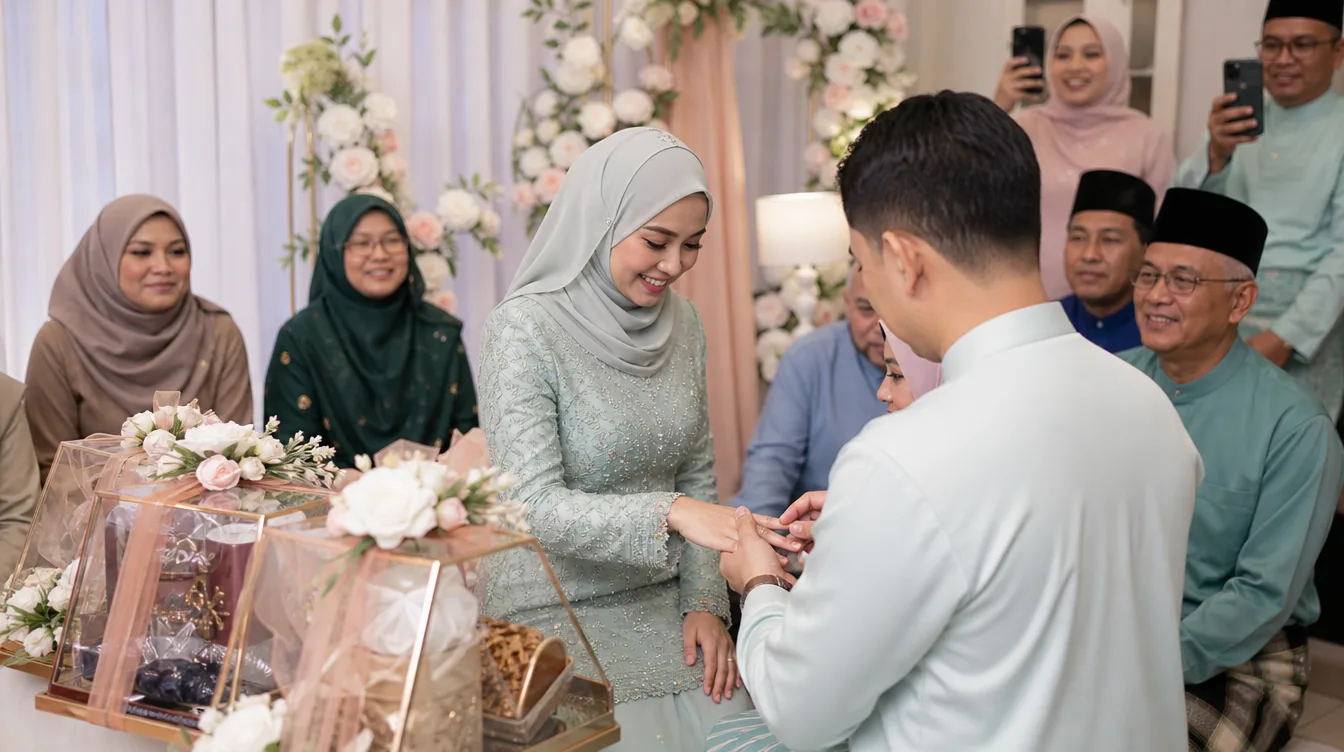
For more formal gatherings, such as a wedding reception or an engagement ceremony, you can pair this with a live photo wall slideshow. When guests see their photos appear on a screen, they contribute even more.
Idea 4: Organise the Gallery by Generation or Family Branch
Large Malaysian family reunions often involve several branches. One side of the family, the other side, cousins from up north, relatives who flew in from abroad. After the event, a mixed-up gallery becomes chaotic. Organise photos into categories that are easy to understand.
- Grandparents' generation: photos of elders with children and grandchildren.
- Family branches: a small album for each sibling's family.
- Main moments: the meal, the prayers, the big group photo.
- Candid shots: the spontaneous moments worth revisiting.
This structure helps people find their own photos and makes the gallery easier to archive. Once it is organised, downloading everything as a single file becomes straightforward. Our guide on how to download all your event photos as a ZIP walks through the process.
Idea 5: Give People Time, But Set a Deadline
Realistically, people will not upload on the same day. Some are busy, some get home late, some want to pick their best shots first. Give at least a week. But do not leave it open indefinitely, because people will forget.
The effective approach is to announce a closing date at the event, then send one reminder in the family group chat two days before. A short message like "The reunion gallery closes this Friday. If you haven't uploaded yet, scan the QR code" is usually enough to get people moving.
After the event, do not abandon the gallery. Send a brief message with the gallery link and mention how many photos have been collected. People are more likely to look and add when they know the gallery is active.
The Host's Role: Manage the Event, Guests Just Scan
One big shift that simplifies everything is the split of roles. The host manages the event and the gallery through the Gathrly app on iPhone. Guests do nothing except scan the QR code in any web browser. No app, no registration, no password.
This matters enormously for family reunions, because your guests span every age group. There is the aunt who is not comfortable with new apps. There is the grandfather whose phone is several years old. When the process is just scan and upload, almost anyone can do it without help.
As the host, you can start with a free option and manage multiple events in the same app. So if this year's reunion is at mum's house and next year's is at your sister's, everything stays organised in one place.
After the Reunion: Keep the Gallery Alive
A photo gallery is not just an archive. It can become a place for the family to gather again, even virtually. After the event, share the gallery link in the family group and ask everyone to pick their favourite shot. Sometimes the conversation in the gallery comments is more fun than the reunion itself.
You can also print a few selected photos and frame them for your grandparents. Because everything is in one gallery, choosing the best shots is much easier. For reunions held annually, the gallery becomes an ongoing record of how your family grows year after year.
Finally, remember that the goal is not perfect photos. The goal is making sure no important moment is lost. The uncle laughing mid-story, the cousin you rarely see, the kids running across the garden. Those are the ones worth keeping.
If you are planning your next family reunion, start by downloading the Gathrly app on your iPhone. As the host, you can set up the event gallery in minutes, print the QR code, and let guests scan. No accounts for guests, no confusion, and by the end of the day you will have one complete gallery you can download and keep forever.