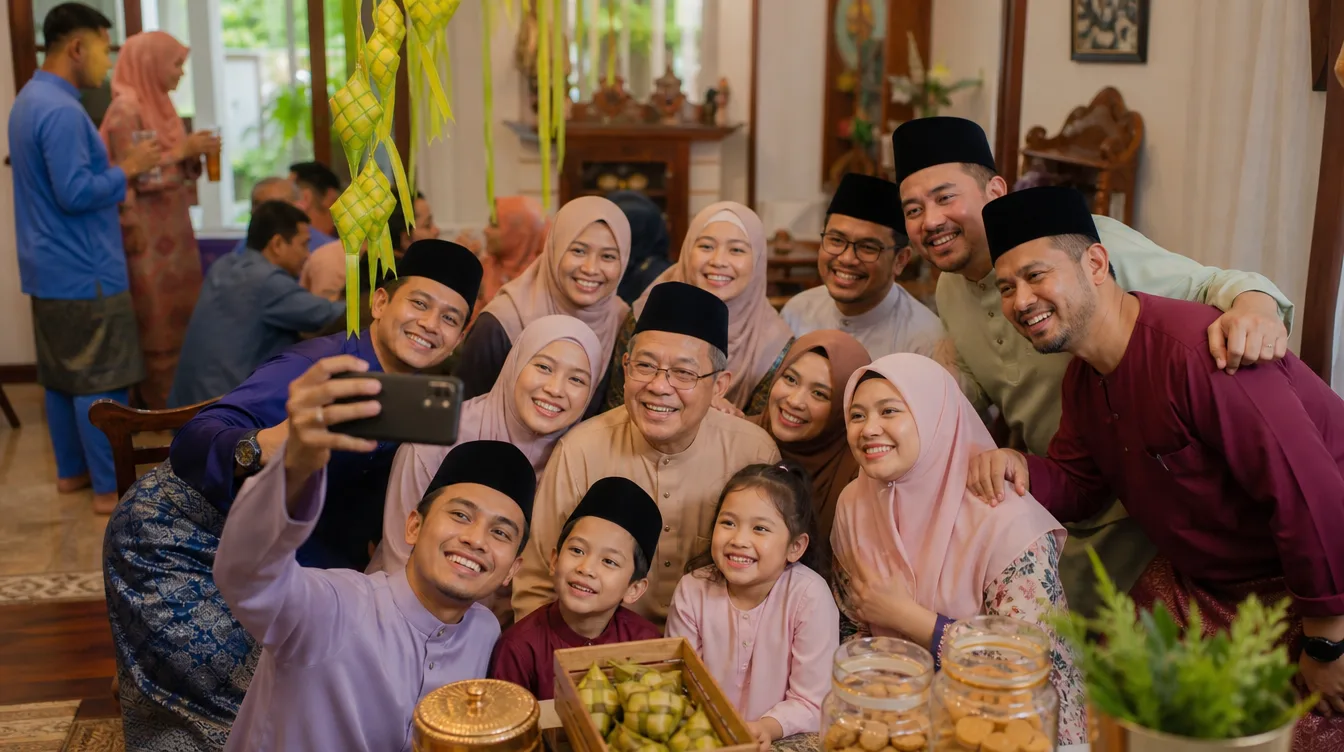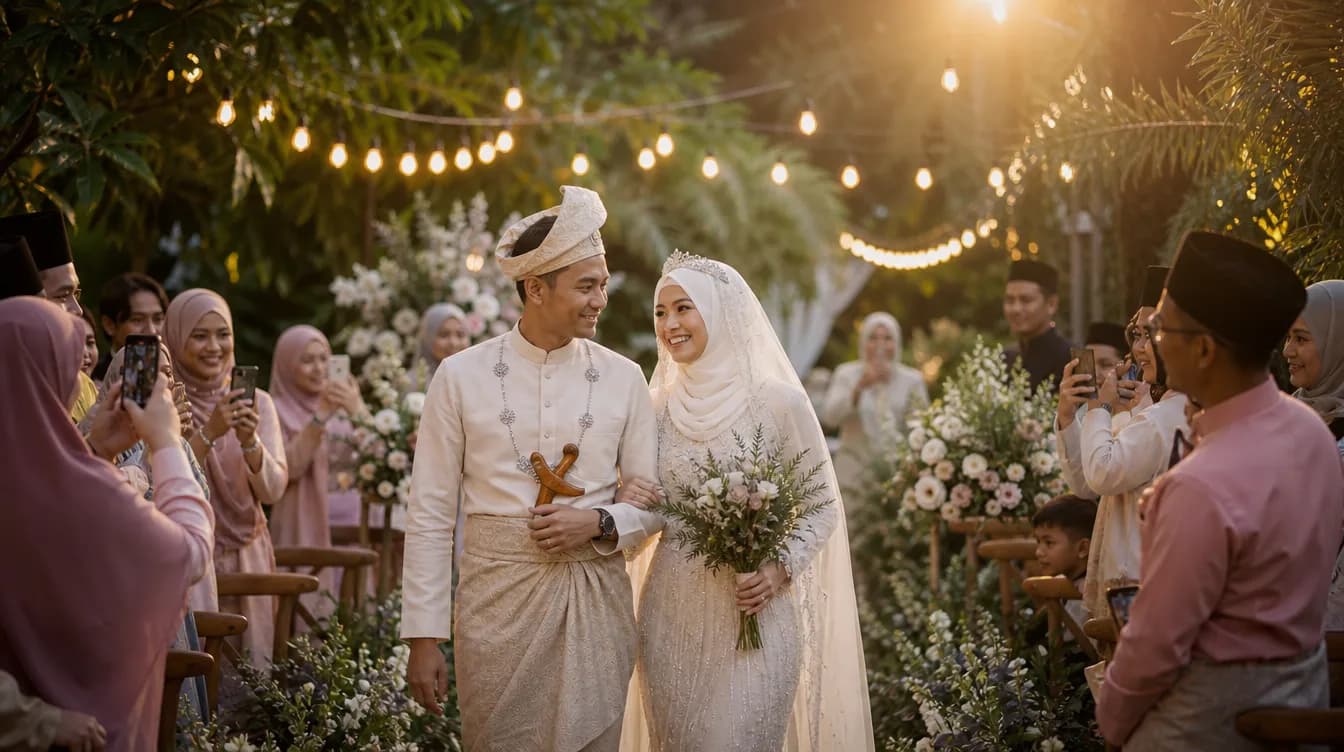
There is something about a garden wedding that makes people relax. The light is softer, the air moves, and guests wander instead of sitting in assigned rows. For photos, this is both a gift and a problem. A gift because you get candid moments you would never get in a hotel ballroom. A problem because those moments end up scattered across dozens of phones.
Outdoor wedding photo sharing is not the same as collecting photos at an indoor event. The layout is open, guests move freely, and there is no single focal point where everyone gathers. If you want a complete album at the end of the day, you need a system that works with that freedom rather than against it.
This guide covers why garden and outdoor majlis are trickier, what guests actually need from you, and how to set up a simple photo collection that runs quietly in the background while you enjoy your own wedding.
Why Outdoor Weddings Scatter Your Photos
In a dewan, everyone faces the same direction. The pelamin is at the front, the tables are arranged in rows, and the flow of the event is predictable. Photos naturally cluster around the same few moments: the march-in, the cake cutting, the family portraits.
A garden majlis breaks all of that. Guests sit under trees, stand near the food station, wander to the photo corner, and gather in small groups on the lawn. Each of those pockets has its own photographer for the day, usually whoever happened to be standing there with a phone in hand. The result is a collection of photos that covers the event from many angles but lives in many devices.
Then there is the timing problem. Outdoor events often run on a looser schedule. People arrive early to help set up, some come late after work, and the golden hour photos happen while half the guests are still parking their cars. The best photos are often taken by people you did not even know were there.
If your only plan is a WhatsApp group, you already know how this ends. The group fills up with congratulations, a few photos get uploaded, and within a day the good ones are buried under stickers and voice notes. There is a better way, and it does not require your guests to do anything complicated.
What Your Guests Actually Need From You
Here is the honest truth about outdoor weddings: your guests are not there to be photographers. They dressed up, they travelled, and they want to enjoy the day. Any request you make of them has to be small enough that it does not feel like a chore.
That means no account creation, no app downloads, no long instructions. The moment a guest has to stop and think, they will say "later" and never come back to it. The process has to be faster than sending a WhatsApp message, or it will not happen.
- Place your QR code where guests naturally pause: the entrance, the food line, the photo corner, and near the pelamin.
- Write one clear instruction on the sign, something like "Scan to share your photos with the couple".
- Print the QR code with strong contrast so it scans easily even in bright sunlight.
- Mention the shared gallery during your welcome speech so guests know it exists.
- Ask two or three close friends or family members to upload first, so the gallery does not look empty.
For outdoor events, laminate your QR signs or place them in standing frames. Dew, rain, and spilled drinks are real risks in a garden setting.
How Outdoor Wedding Photo Sharing Works in Practice
The simplest setup is a shared gallery that guests access through a QR code. You create one gallery for your event. Guests scan the code, pick photos from their phone, and upload them straight into that gallery. No account, no password, no app to install on their side.
This is different from a chat group because it is a collection, not a conversation. Everything stays in one place, sorted by the time it was uploaded. You can scroll through the whole event in one screen, and after the wedding you can download everything together. If you want the full mechanics, there is a detailed walkthrough on QR code photo sharing for events that explains the setup step by step.
If you are planning a wedding specifically, this guide on how to set up a shared photo gallery for your wedding covers the practical details, including when to start sharing the QR code and how to phrase your signs so guests actually use them.
The key is to keep the guest experience frictionless. A guest standing in line for satay should be able to scan, upload three photos, and pocket their phone in under a minute. If that works, you will get photos from people who would never bother with a more complicated system.
Getting Better Photos Out of a Garden Setting
Outdoor venues give you photos that indoor halls cannot match, but they also come with lighting challenges. Most of your guest photos will be taken on phones, so a few simple tips can make a big difference in the final gallery.
Golden hour is your best friend. The hour before sunset gives warm, soft light that flatters everyone. If your ceremony or reception overlaps with that window, encourage guests to take photos then. Midday sun is harsher, so look for shade under trees or use a canopy to diffuse the light.
- Stand with the sun behind the photographer, not behind the subject, so faces are lit properly.
- Choose clean backgrounds like hedges, fabric drapes, or open sky instead of parked cars and bins.
- Take a few shots from different angles rather than one quick snap.
- For group photos, check that everyone's face is visible and nobody is hidden behind someone taller.
- Wipe the phone lens before shooting, especially after handling food.
If your event runs into the evening, lighting becomes the deciding factor. String lights, lanterns, and a few well-placed lamps make the difference between blurry noise and warm, atmospheric photos. Plan the lighting like you plan the decor, because your guests will photograph whatever is in front of them.
After the Majlis: Turning the Gallery Into Memories
Once the event ends and guests head home, your gallery starts filling up. This is the fun part, but it can also become overwhelming if you leave it too long. Set aside an evening in the first week to go through everything and mark your favourites.
The most important step is backing up. Phones get lost, damaged, or soaked. Download the entire gallery and store it in at least two places, such as a laptop and an external drive. If you want a faster way to handle this, there is a guide on how to download all your event photos as a ZIP that walks through the process.
After that, you can pick the best shots for printing, an album, or sharing with relatives who could not attend. Because everything is already in one gallery, this step takes hours instead of weeks. No chasing people for photos, no scrolling through old chat threads.
Respecting Guest Privacy at Open Events
An outdoor wedding is more public than an indoor one. Neighbours might wander past, guests bring children, and some people simply prefer not to be photographed. As the host, you set the tone.
A small note next to your QR code can do a lot. Something like "Photos shared here go only to the couple's private gallery, and you choose which ones to upload." That single sentence reassures guests and gives them control. When people feel respected, they are more willing to contribute.
Start Simple and Let the Gallery Do the Work
Your garden wedding happens once. After the flowers wilt and the lights come down, the photos are what remain. Make sure the way you collect them does not become a burden on your guests or on you.
You can start for free, with no commitment. Create a gallery, generate your QR code, and test the whole flow yourself before the big day. If it feels easy to you, it will feel easy to your guests. To host your event, get the Gathrly iOS app and set up your gallery today. Your guests just scan the QR code, no account needed.