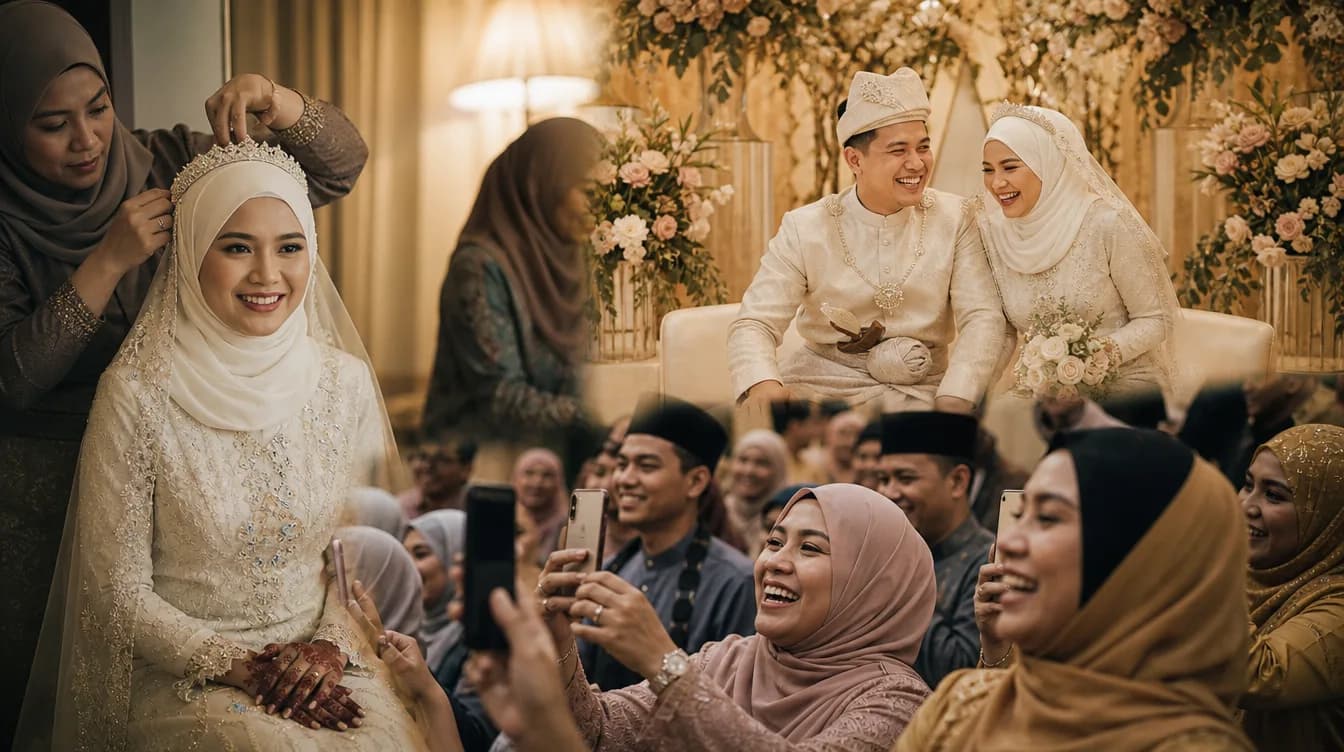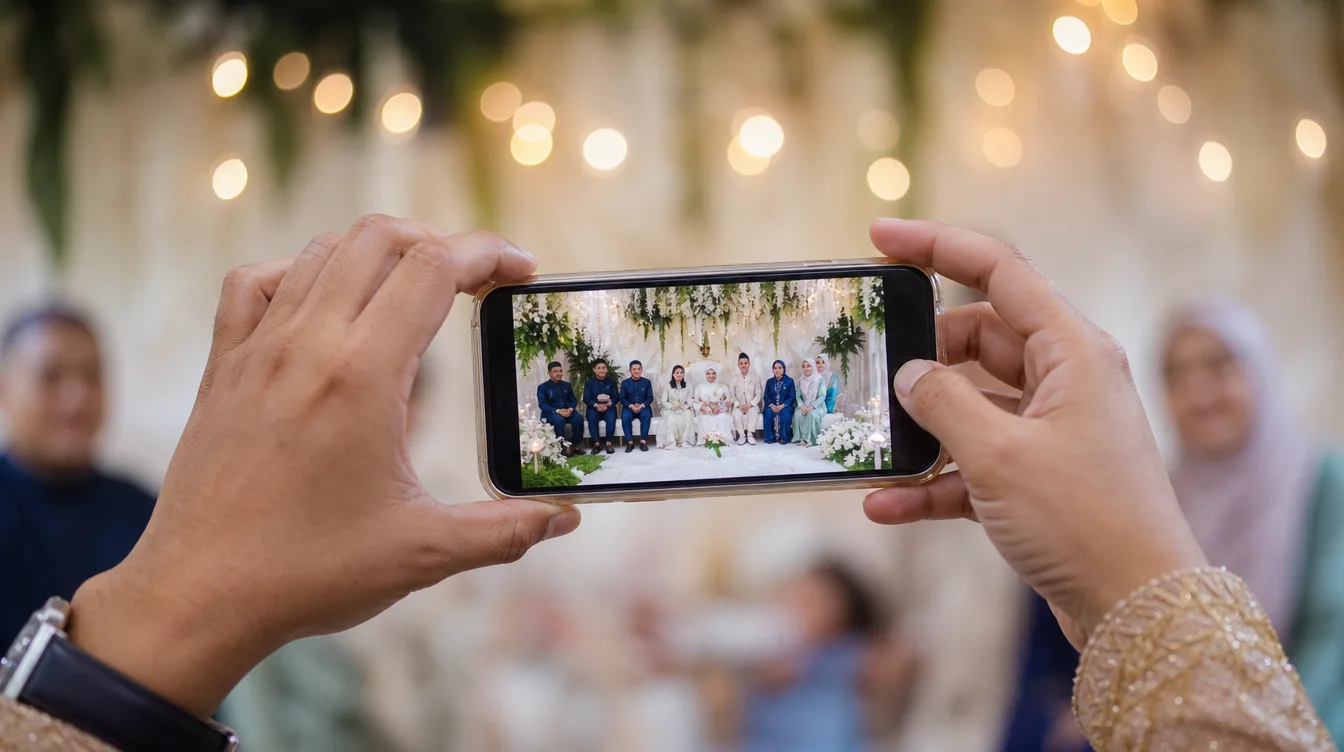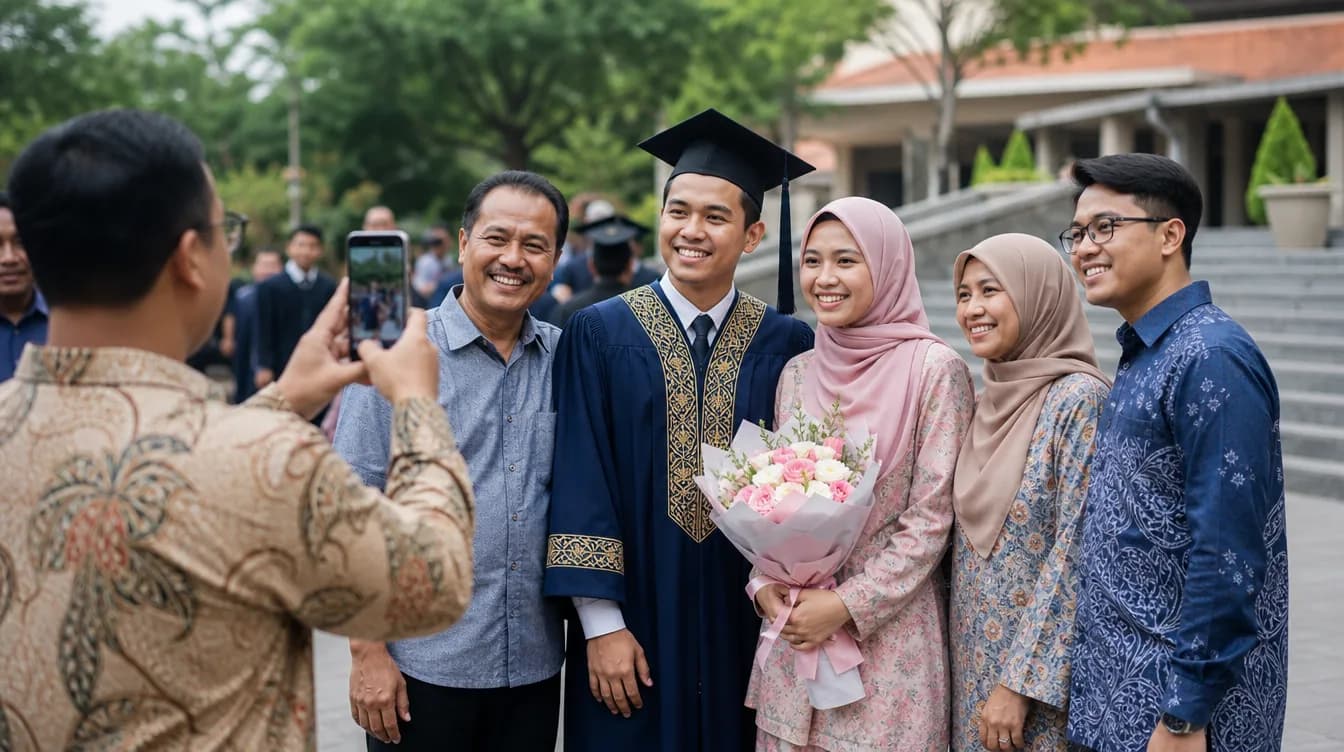
Every event in Malaysia—whether it's a wedding, kenduri, aqiqah, convocation, or birthday party—is filled with precious moments worth capturing. But collecting photos from all your guests often turns into a headache. Some send via WhatsApp, others keep them on their phones, and eventually many photos get lost or scattered across different platforms. This is where QR code photo sharing for events becomes a practical and modern solution.
What Is QR Code Photo Sharing for Events?
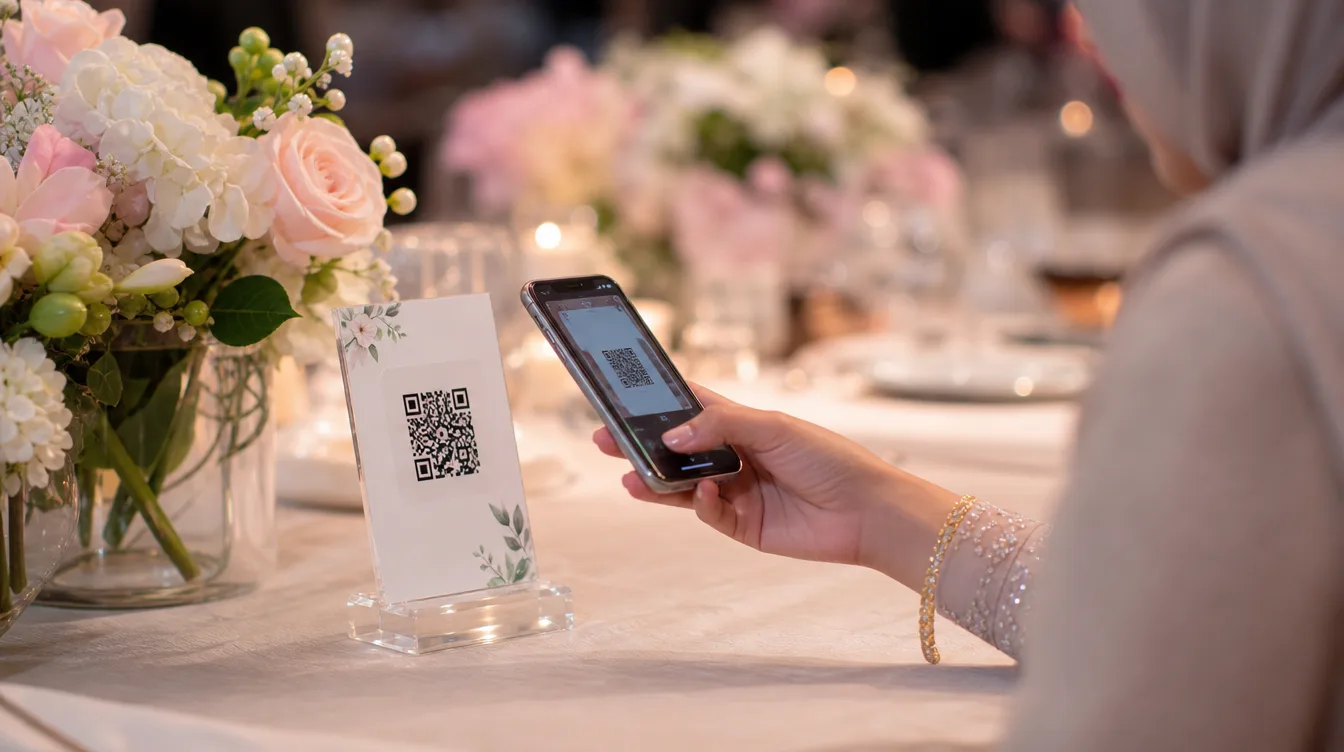
QR code photo sharing for events means the host creates an online gallery linked to a unique QR code. Guests simply scan the QR code using their phone camera or a QR reader app, and they can upload photos instantly without creating an account. All photos are collected into a single gallery that the host can download as a ZIP file.
This concept fits perfectly with Malaysian event culture, which often involves many guests. Instead of asking guests to send photos one by one, hosts can display the QR code at the entrance, on tables, or even print it on invitation cards. Guests just scan and upload—simple, fast, and no app download required. Imagine a wedding with 500 guests—each person might take 5 to 10 photos. If all those photos were sent via WhatsApp, it would flood the group and make searching difficult. With a QR code, all photos go directly into the same gallery.
Why Choose QR Code Photo Sharing for Events?
There are several key reasons why this method is gaining popularity among event organizers in Malaysia. First, it eliminates the hassle of managing photos from multiple sources. Second, it saves time because guests don't need to log in or create accounts. Third, original photo quality is preserved without the compression that occurs on messaging apps. Fourth, it reduces the burden on hosts who are usually busy managing the event.
- Guests use their own phones—no new app to install.
- All photos are automatically collected in one gallery.
- Hosts can download all photos as a ZIP with one click.
- Photos remain private—only those with the QR code can access the gallery.
Moreover, this method helps hosts who cannot afford a professional photographer for every corner of the event. With a shared gallery, guests become 'volunteer photographers' capturing various perspectives—from the dining table to spontaneous group shots. For instance, at an aqiqah ceremony, candid photos from guests often feel more natural and meaningful.
Easy Steps to Use QR Code Photo Sharing for Events
To get started, hosts simply download the Gathrly iOS app and create a gallery for their event. The app generates a unique QR code that can be printed or shared digitally. Here are the basic steps:
- Open the Gathrly app and select 'Create New Gallery'.
- Fill in event details like name, date, and location.
- A QR code is automatically generated—print it or display it on a screen.
- Place the QR code at strategic spots like the entrance, registration table, or have staff carry it.
Guests simply scan the QR code with their phone camera. They are taken to the gallery page in a web browser and can upload photos directly. No sign-up, no password—just scan and upload. The whole process takes less than 30 seconds, so it doesn't interrupt the event experience.
Tips to Maximize QR Code Usage at Your Event
To encourage guests to use the QR code, place it in visible spots and provide simple instructions. You can print the QR code on small cards with instructions like 'Scan to upload photos' and place them on every table. For weddings, you can also combine it with a digital guestbook concept that allows guests to leave messages along with photos.
Also, ensure stable internet connectivity at the venue. If needed, provide free Wi-Fi for guests. You can also remind guests through verbal announcements or signage to upload photos before they leave. Don't forget to prepare a few extra printed QR codes as backups.
Tip: If you're concerned about privacy, Gathrly galleries are only accessible via a unique QR code—no public search. You can also delete the gallery after downloading all photos.
For less tech-savvy guests, assign an assistant to help with scanning and uploading. This is especially helpful for elderly guests. With a little preparation, everyone can contribute photos without any trouble. You could even set up a dedicated station with a tablet already displaying the gallery to make it even easier.
After the Event: Organizing and Reliving Memories
After the event, hosts can download all photos as a single ZIP file. This makes it easy to store, print, or create digital albums. You can also use these photos to create a live photo wall slideshow during the event, adding to the festive atmosphere.
With all photos in one place, you don't have to chase after multiple WhatsApp groups or social media platforms. This also simplifies sharing with family members who couldn't attend. QR code photo sharing for events not only makes things easier but also ensures every moment is perfectly preserved. Imagine a year later—you can open the gallery again and relive those beautiful moments with loved ones.
Ready to try it? Download the Gathrly iOS app now and create your first gallery. Guests only need to scan the QR code—no account required. Make every event more memorable with a collection of photos from everyone present.