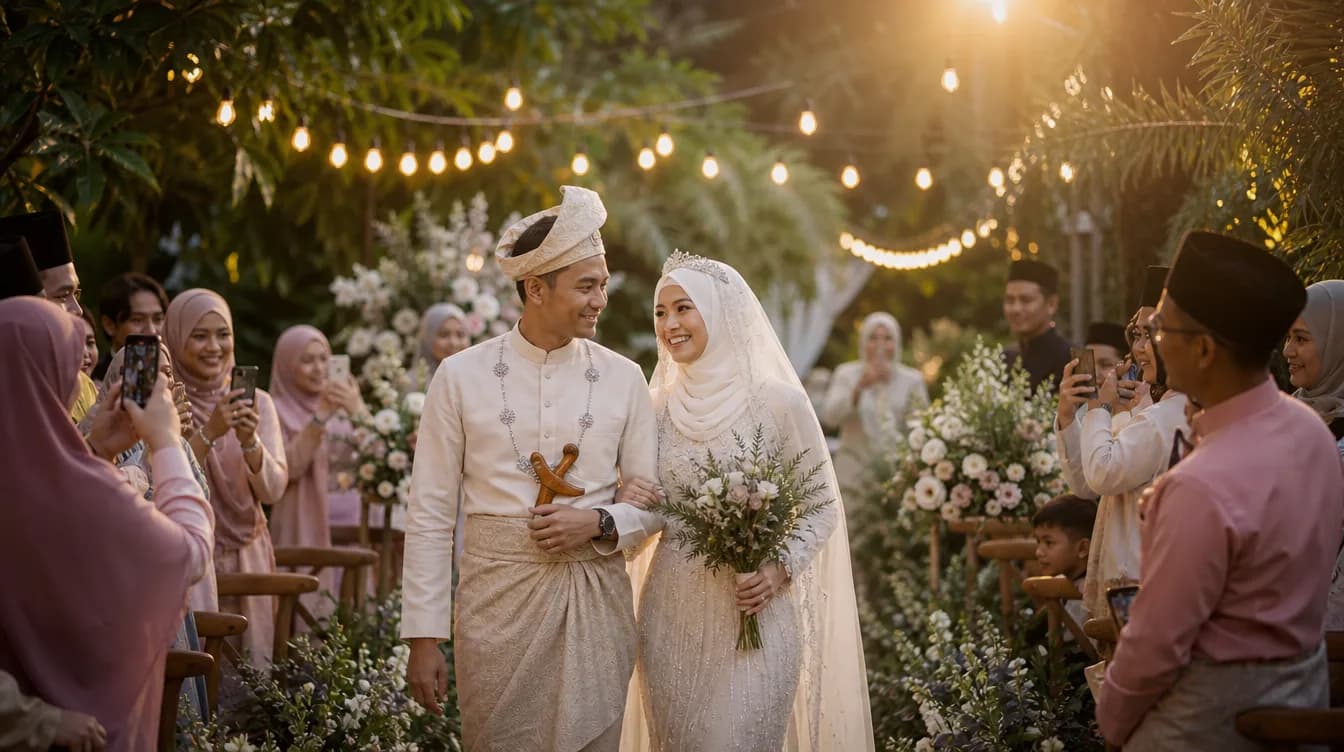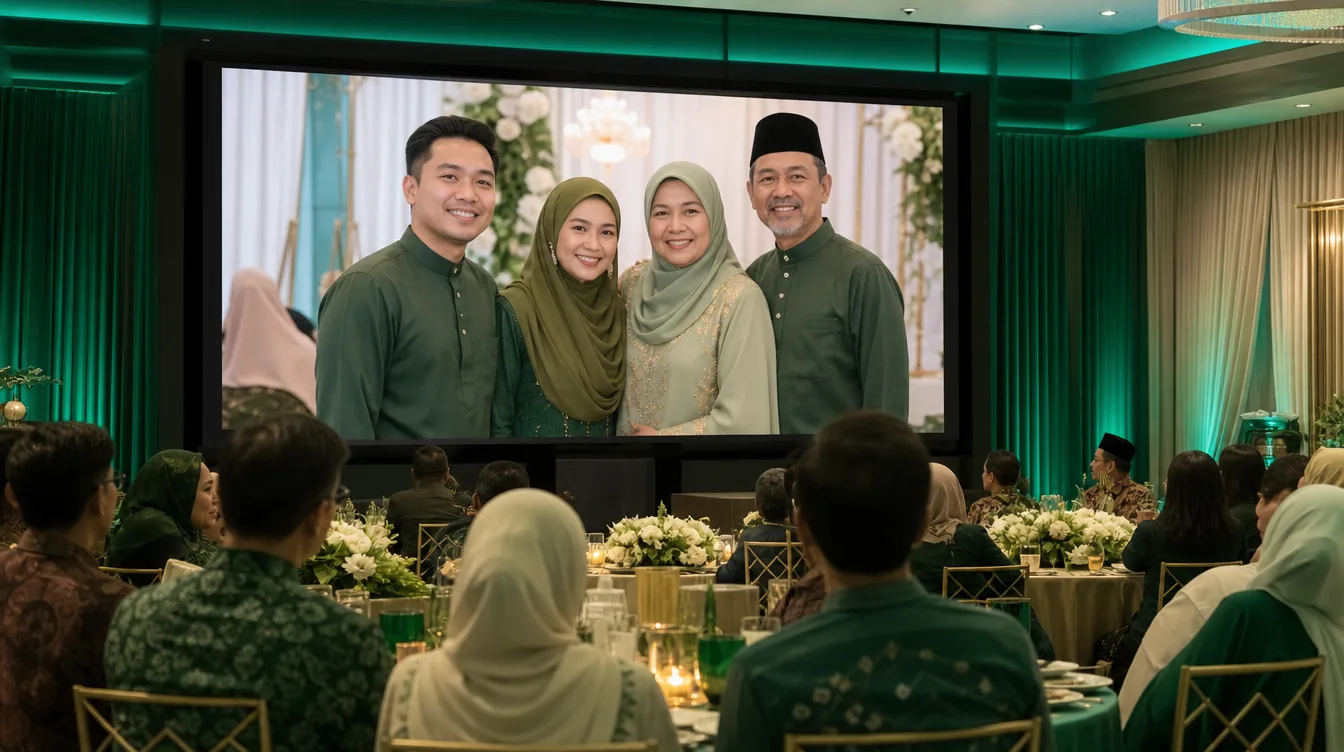
Picture this: guests arrive at your wedding reception, scan a QR code, snap a photo with their family, and within seconds that image appears on a big screen at the front of the hall. Laughter erupts, phones come out, and suddenly everyone wants to be the next star of the show. That's the magic of a live photo wall wedding reception — an interactive element that's taking Malaysian events by storm.
What Is a Live Photo Wall and Why It Works for Your Event
A live photo wall is a large screen display that shows photos uploaded by guests in real time throughout your event. It's more than decoration; it's a social experience that encourages guests to pose, interact, and leave spontaneous memories. With Gathrly, you can create a live photo wall wedding reception without renting expensive equipment or asking guests to download an app. All you need is a TV or projector connected to your Gathrly gallery page, and guests simply scan a QR code to upload.
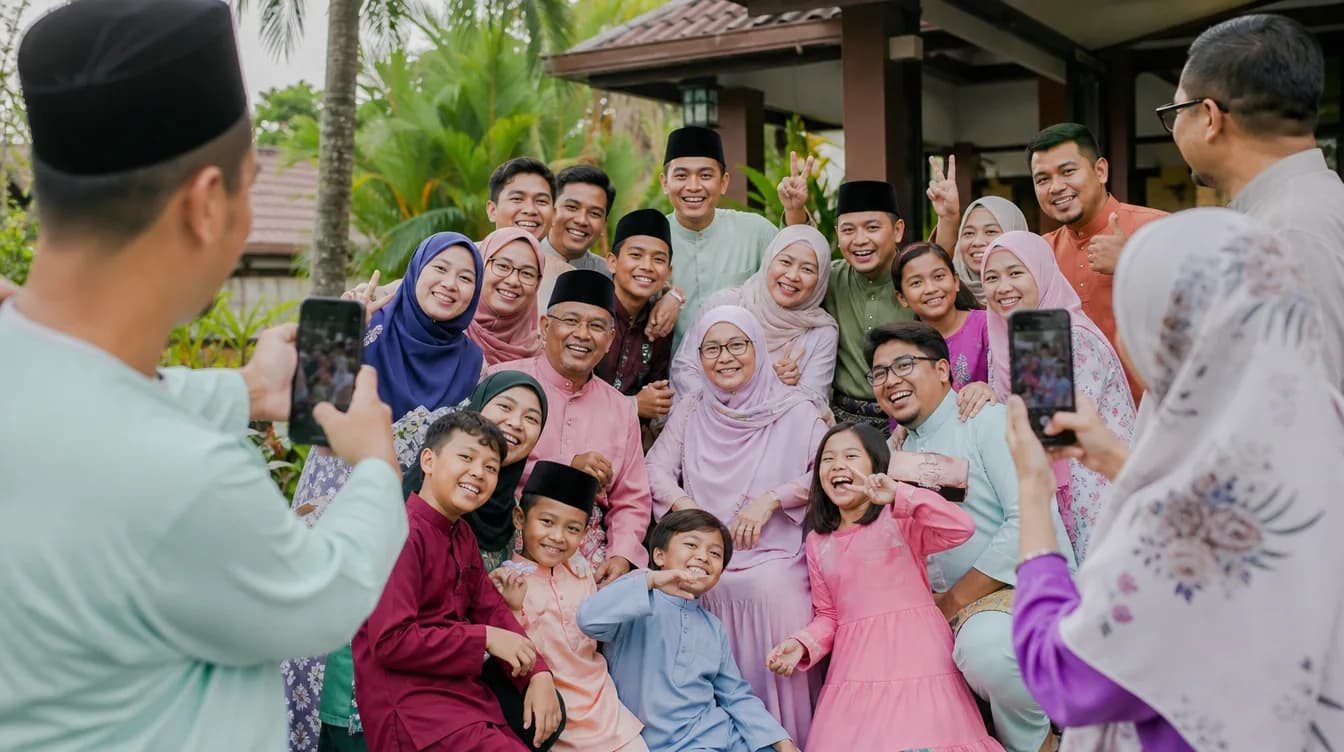
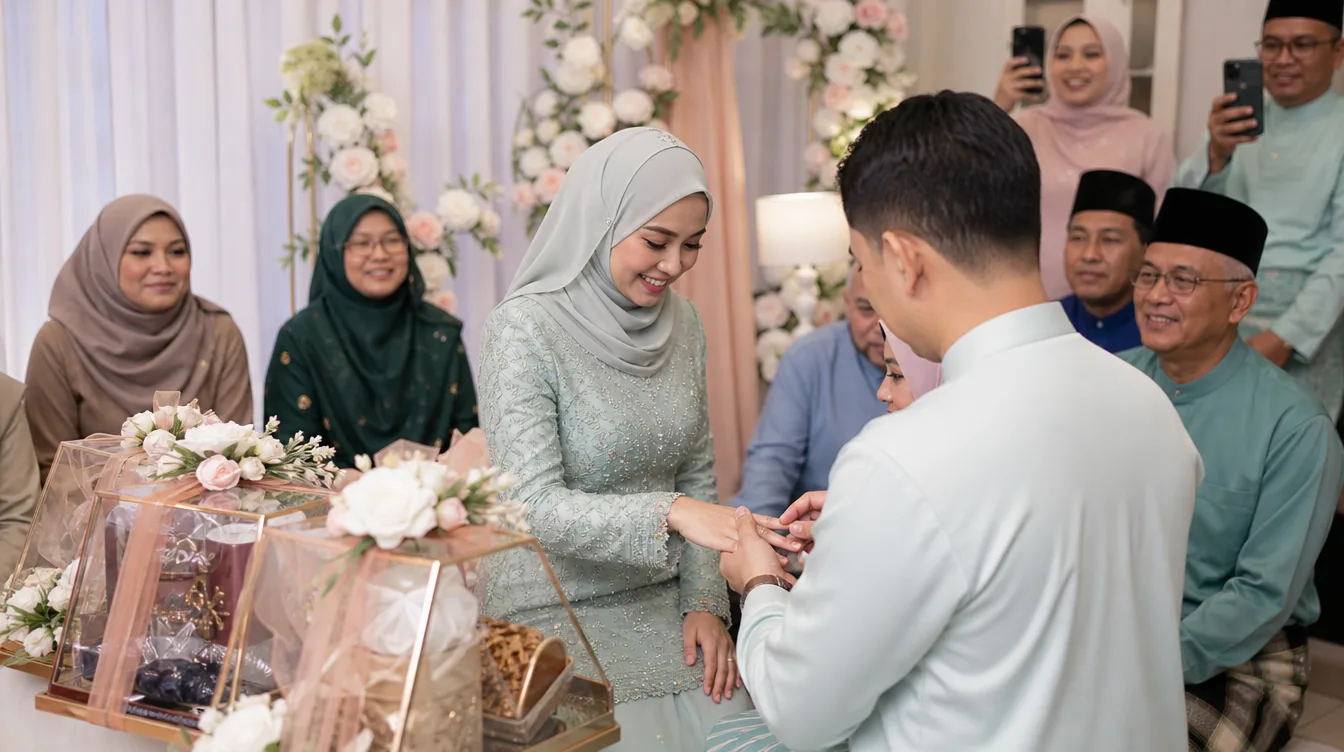
This concept works beautifully for all kinds of Malaysian events — from engagement parties and aqiqah to Hari Raya open houses and convocations. It breaks the ice, especially when guests don't know each other well. When their photo flashes on screen, it sparks pride and excitement, encouraging more people to join in. The result? A lively atmosphere and a treasure trove of candid shots your photographer might have missed.
How to Set Up a Live Photo Wall with Gathrly (Step by Step)
Setting up a live photo wall with Gathrly is surprisingly simple. First, download the Gathrly iOS app and create a gallery for your event. You'll receive a unique QR code that you can print on table cards, banners, or even menu inserts. When guests scan it, they land directly on an upload page — no account creation, no app download, just instant upload.
Second, connect a laptop or tablet to your big screen and open your Gathrly gallery in slideshow mode. As guests upload photos, they appear automatically in random order or by upload time. You can adjust the slideshow speed to match your event's vibe — slow and elegant for dinner, or fast and fun for the dance floor. For best results, position the screen where it's visible to most guests, like near the stage or buffet area.
Pro tip: Make sure your QR code is large enough and contrasts with its background. Test the upload flow before the event to avoid hiccups. If you're using a projector, choose one with at least 3000 lumens for clear visibility even in a brightly lit hall.
Why a Live Photo Wall Beats Traditional Guest Photo Sharing
Remember the old days when guests took photos on their phones and you never saw them? Or the chaos of collecting images from multiple WhatsApp groups and Google Drive links? A live photo wall wedding reception solves all that. Every photo uploaded goes straight into one central gallery that you can download as a ZIP file after the event. No more chasing relatives for their shots or dealing with low-resolution copies.
Beyond convenience, a live photo wall creates a sense of community. Shy guests who usually avoid the camera feel encouraged when they see others participating. It also captures genuine moments — a toddler's first dance, a grandparent's warm hug, friends laughing over old stories. These are the memories that make your event unique, and they're often missed by professional photographers focused on staged shots.
Compare this to traditional photo sharing methods: setting up a dedicated photo booth requires rentals and operators; using a shared album app forces guests to download software; passing around a camera means lost or blurry shots. Gathrly's QR-based system is frictionless — guests just scan, upload, and done. That's why more Malaysian hosts are choosing a live photo wall wedding reception for their big day. For a deeper comparison, check out event photo app vs WhatsApp group vs Google Photos to see how Gathrly stacks up.
Creative Ideas to Make Your Live Photo Wall Unforgettable
- Themed QR Code: Design your QR code to match your wedding theme — floral frames for a garden wedding, batik patterns for a traditional Malay reception.
- Photo Challenges: Run mini-contests like 'best selfie' or 'most people in one shot' with small prizes. It drives participation and creates hilarious content.
- Timed Highlights: Schedule a slow-motion slideshow during key moments (e.g., after the solemnization) so guests can savor each photo.
- Fun Captions: Encourage guests to add captions when uploading. Gathrly supports short text, so guests can write greetings or jokes that appear alongside their photos.
- Post-Event Montage: After the event, compile the best photos into a digital collage or video montage to share as a thank-you gift.
With a little creativity, your live photo wall becomes more than a slideshow — it's the heartbeat of your reception. For more inspiration, explore digital guestbook ideas for Malaysian weddings that pair perfectly with a live photo wall to capture both photos and messages.
Ready to Wow Your Guests? Start Your Live Photo Wall Today
A live photo wall wedding reception isn't just a trend — it's a smart way to capture authentic moments and keep guests entertained. With Gathrly, you don't need technical skills or a big budget. The free iOS app gives you everything you need: a QR code, a live slideshow, and a downloadable gallery of every photo your guests take.
So whether you're planning a wedding, a birthday, or a corporate dinner, consider adding a live photo wall. It's easy to set up, fun for everyone, and leaves you with a priceless collection of candid memories. Download the Gathrly iOS app now to create your first gallery. Your guests just scan the QR — no app, no hassle, just pure joy.