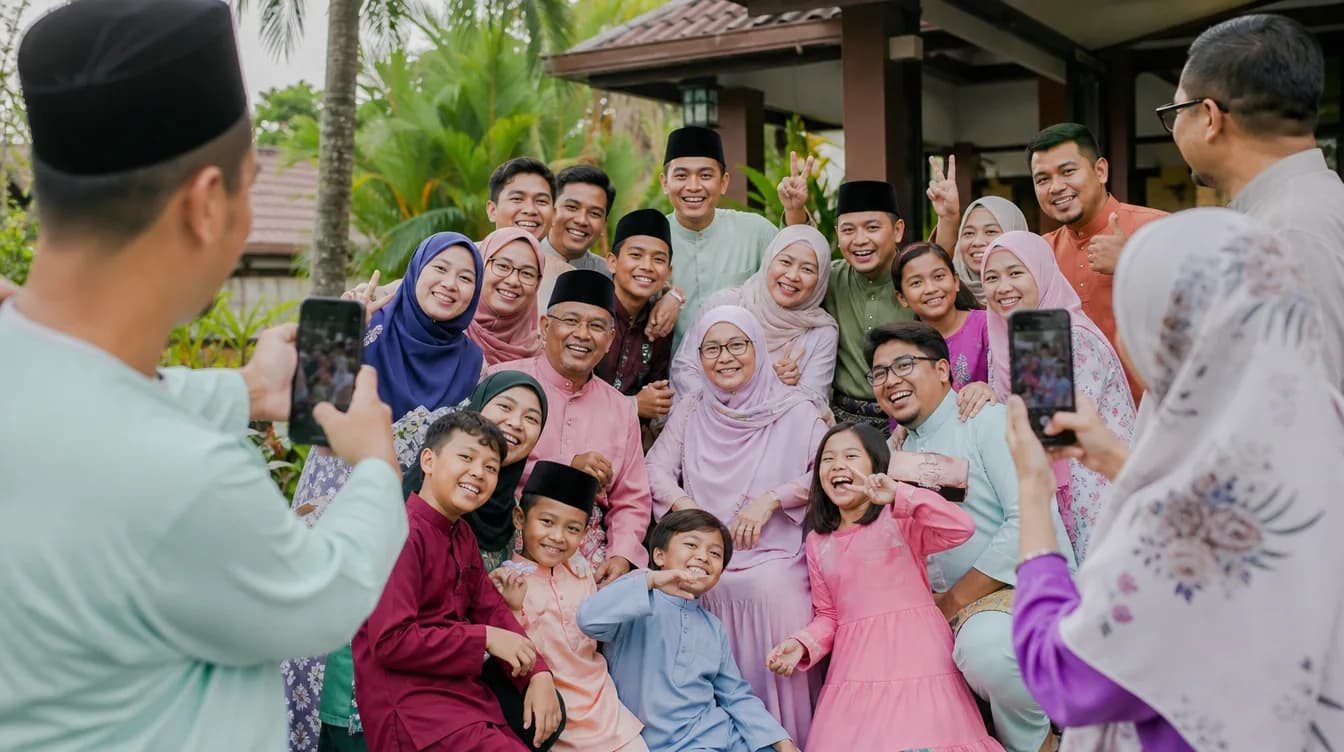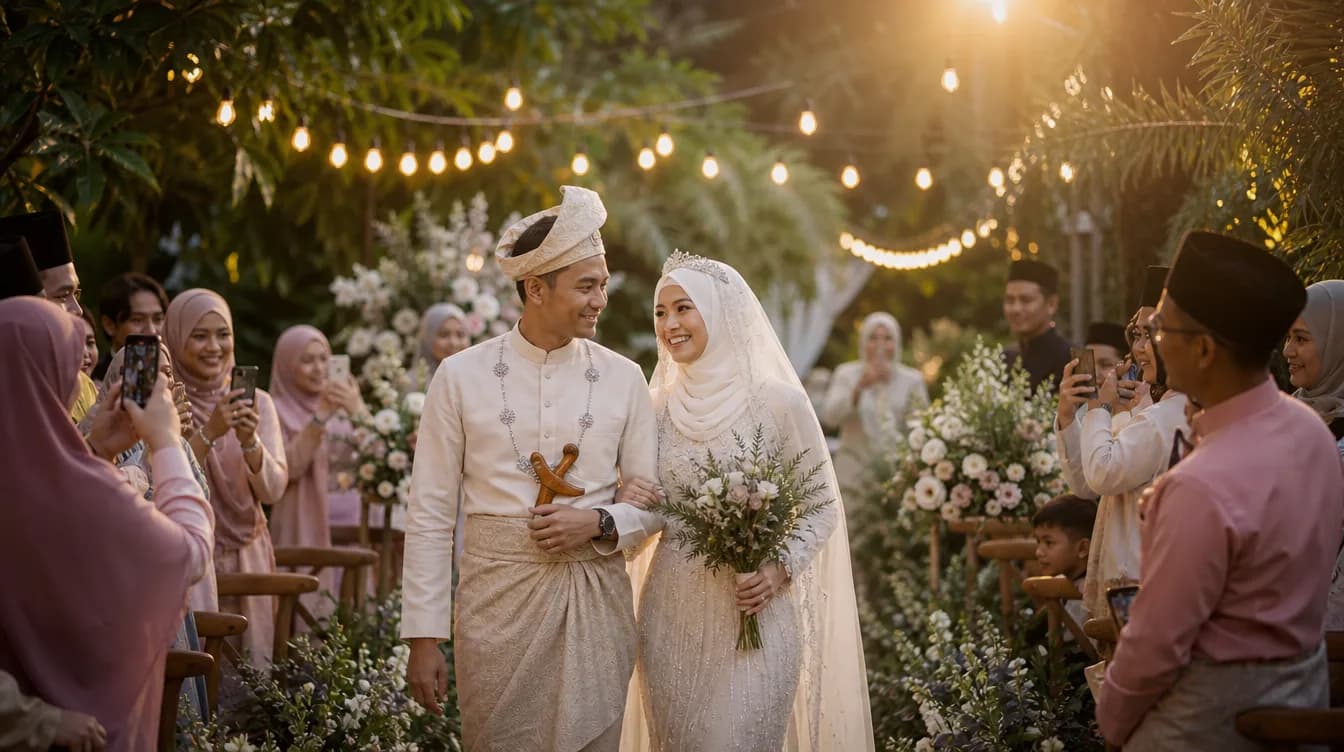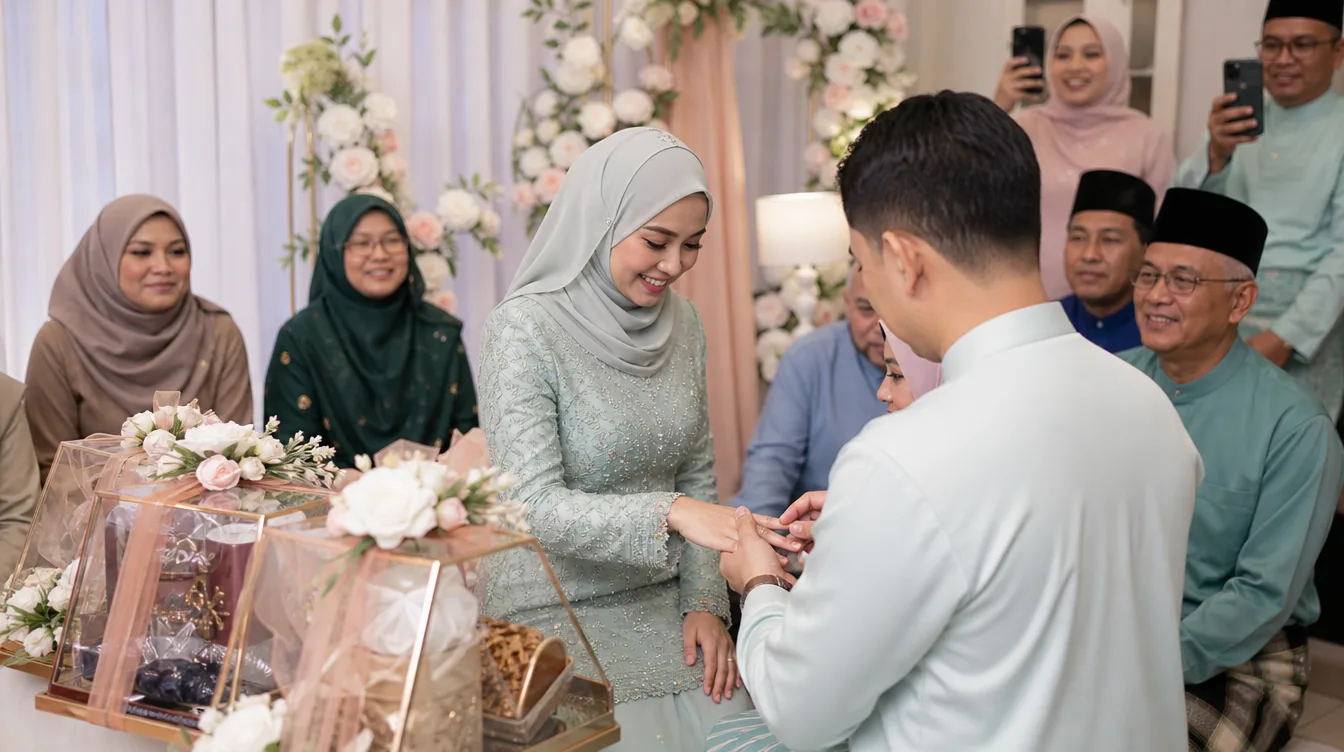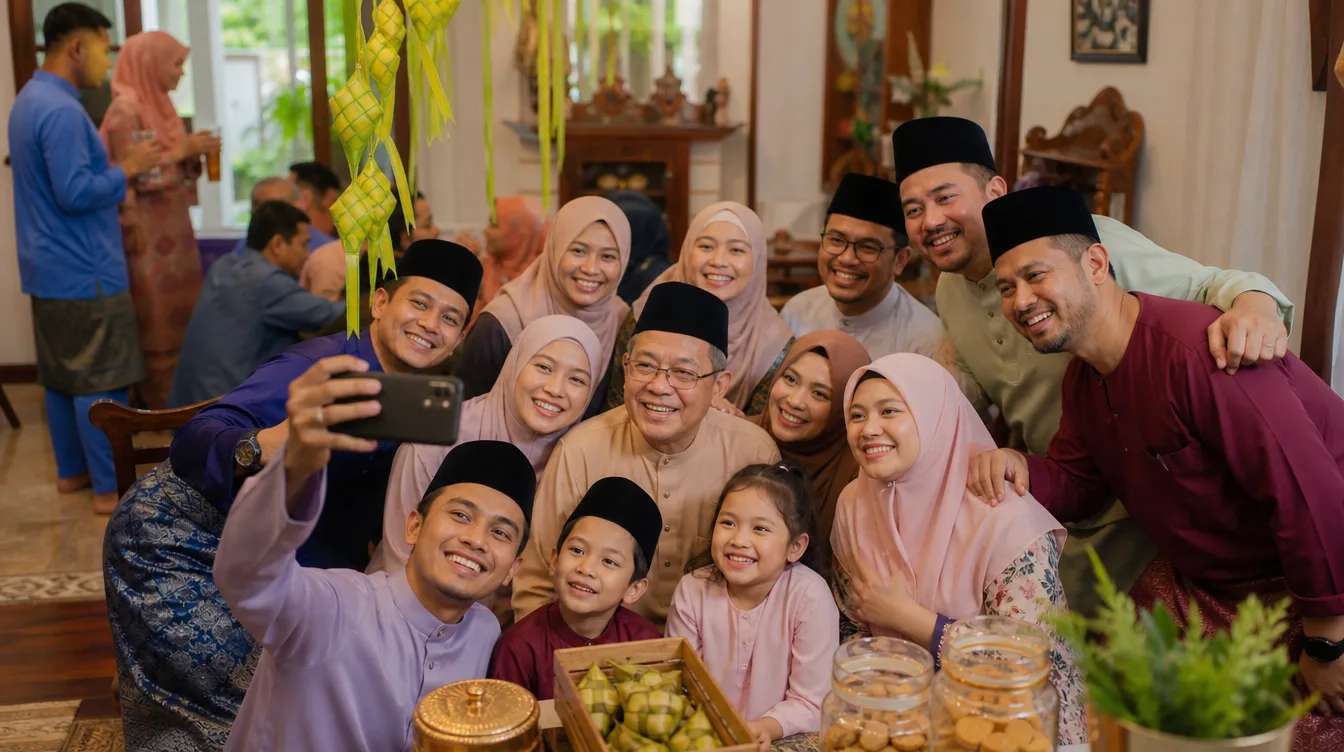
Hari Raya Aidilfitri in Malaysia is more than a celebration; it's the peak of togetherness. Open houses become stages where extended family, neighbours, and old friends gather. From freshly cut ketupat to lemang roasted in the yard, every corner holds a story. But have you ever wondered where all the photos your guests take actually end up? Typically, they're scattered across WhatsApp groups, lost in phone galleries, or never reach the host at all. With Gathrly, you can collect hari raya open house photos into one tidy digital gallery that's easy to share and preserve.
Why Your Raya Open House Needs a Dedicated Photo Gallery
Picture your open house scene: long tables laden with dishes, kids chasing sparklers, and adults chatting over kuih raya. Every guest carries a smartphone, and almost everyone will snap moments. But without an organised system, those images end up everywhere. Some go to Facebook, some are sent in family groups, and some are kept privately, never to be shared. The result? You miss countless moments that can never be recreated.
With Gathrly, you can set up a single QR code displayed at the entrance or near the drinks table. Guests simply scan it with their phone camera, and they can instantly upload photos without registering or downloading an app. This is especially easy for older relatives or those less tech-savvy. All photos are automatically collected into one gallery you can access and download as a ZIP after the event.
Simple Steps to Set Up Your Open House Gallery
Setting up a Gathrly gallery for your raya open house doesn't require technical expertise. First, download the Gathrly iOS app and register as a host. Then, create a new event with a name like "Ahmad Family Raya Open House 2025" and set the date and location. You'll receive a unique QR code for the event. Print it on small cards or display it on a phone screen, and place it where guests can easily see it.
When guests arrive, they simply scan the QR code with their phone camera. They'll be taken to a simple web page — no app download, no sign-up. They can select photos from their phone gallery and upload them directly. This process takes less than a minute, so guests won't feel it's a hassle. You can also ask them to add their name or a short message, making the gallery more personal.
Place the QR code in several strategic spots: at the entrance, near the drinks table, and in the seating area. This ensures guests see it and remember to upload their photos.
Why Gathrly Beats Traditional Photo Sharing Methods
Many people rely on WhatsApp groups to share photos, but this method has many downsides. Photos are compressed, quality drops, and it's hard to organise them chronologically or by theme. Plus, not all guests are in that WhatsApp group. Gathrly offers a better solution: all photos in original resolution, neatly arranged in one gallery, and easily accessible to anyone with the link.
What's more, you don't have to worry about privacy. Gathrly lets you control who can view the gallery. You can keep it private and share the link only with guests who attended. This gives peace of mind, especially if there are photos of children or guests who might be uncomfortable with public sharing. You can also delete unwanted photos before downloading.
- All photos in full resolution, no compression.
- Guests don't need to download an app or register.
- Gallery accessible from any device with the link.
- Download all photos as ZIP with one click.
- Full privacy controls to ensure guest comfort.
Creative Ideas to Make Your Raya Gallery Special
Beyond just collecting photos, you can make the gallery more engaging. For example, ask guests to write a Raya greeting or a prayer for the family in the comments section. This becomes a digital guestbook you can treasure forever. You could also run a fun contest like "most creative photo" or "best selfie" with a small prize. This encourages more guests to upload.
After the event, you can organise photos by time or theme and create a beautiful digital album. Share the gallery link with all guests as a thank-you. They'll be delighted to relive the moments they captured. This is also a great way to strengthen bonds after Raya.
Tips to Get Guests to Actually Upload Their Photos
Even though Gathrly makes it easy, some guests might forget or feel shy about uploading. You can remind them playfully during the event, or put up a small attractive sign near the QR code. You can also ask close family members to be "photo ambassadors" who upload first as an example.
After the event, send a simple message to guests with the gallery link and an invitation to upload any photos they took. Explain that it's easy and doesn't require an account. Many guests will be happy to share if they know it's simple and safe.
Preserve Your Raya Memories Forever
Hari Raya is about family, friendship, and gratitude. Don't let those beautiful memories fade away in individual phones. With Gathrly, you can gather all photos in one secure, accessible place. After that, you can download all photos as a ZIP and save them on a hard drive or cloud for future generations.
Imagine ten years from now, you and your family can look back at the laughter, the food, and the beloved faces from this open house. That's the true value of an organised photo gallery. Start with Gathrly, and make every Raya open house a lasting memory.
For more guidance on effective photo sharing, read our articles on how QR photo galleries work and how to download all event photos as a ZIP.
Don't wait any longer. Download the Gathrly iOS app today and start collecting hari raya open house photos with ease. Your guests only need to scan a QR code — no account required. Make every celebration more meaningful with Gathrly.