Why Download Event Photos in ZIP Format?
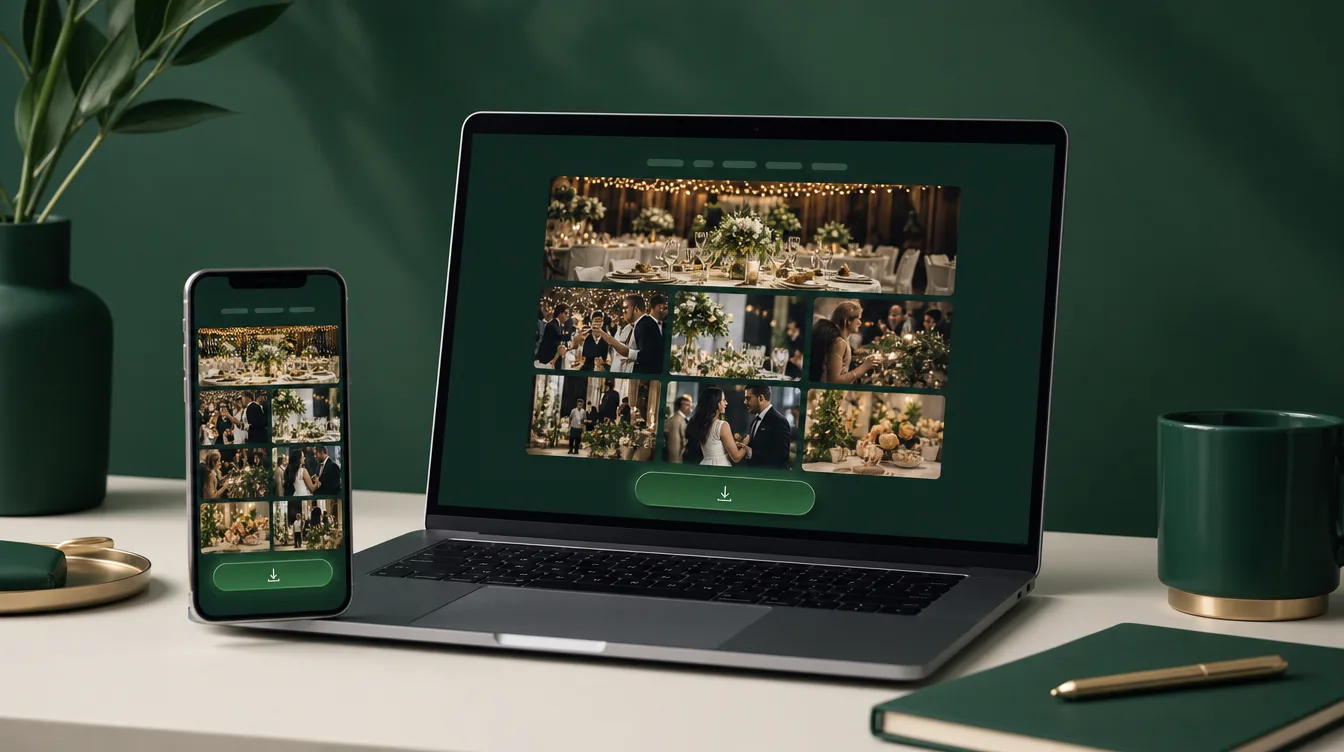
After an event, hosts often end up with hundreds of photos taken by guests. Instead of downloading each one individually, it's much more efficient to download event photos zip all at once. Gathrly simplifies this by allowing you to download all photos in a single, organized ZIP file.
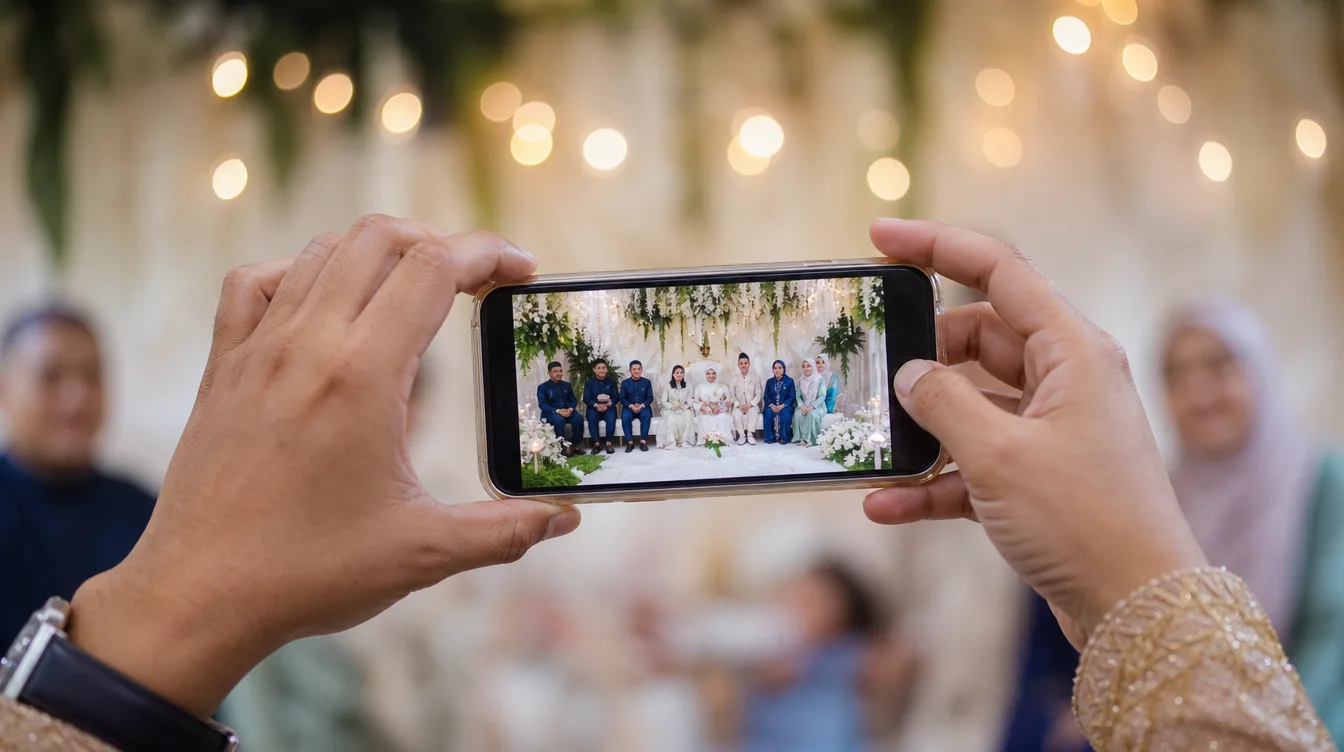
Imagine you've just hosted a wedding or a birthday party. Guests have captured countless moments—from the cake-cutting to the dance floor. Without a ZIP download, you'd spend hours gathering photos from different sources. With Gathrly, everything is collected in one gallery and ready for download.
Moreover, the ZIP format makes storage and sharing easy. You can save the ZIP file to an external drive, email it to family members, or upload it to the cloud. This is far more practical than sending hundreds of individual files. The ZIP also preserves the folder structure if you organize photos within the gallery.
Step-by-Step Guide to Download All Photos from Your Gathrly Gallery
The process to download event photos zip is straightforward. First, open the Gathrly app on your iPhone and log in as the host. Select the gallery you want to download. Then, locate the download button at the top of the gallery. Tap it and choose the option to download all photos as a ZIP.
The system will process your request and send a download link directly to your app. The ZIP file will contain all photos in their original resolution, complete with metadata like date and time. You can download it anytime, even after the event has ended.
For large galleries, the process may take a few minutes. You can leave the app and return later once you receive a notification. Ensure your internet connection is stable to avoid interruptions. If the download is interrupted, you can restart it without losing any data.
If you want to download only specific photos, use the multi-select feature in the gallery before tapping the download button. This is useful if you only want photos from a particular session, like the photo booth or the cake-cutting ceremony.
How Gathrly Stands Out from Other Methods
Many hosts use WhatsApp or Google Photos to share images, but these methods have drawbacks. WhatsApp compresses image quality, while Google Photos requires guests to have an account. Gathrly solves this by letting guests upload photos without an account, and hosts can download event photos zip in original quality.
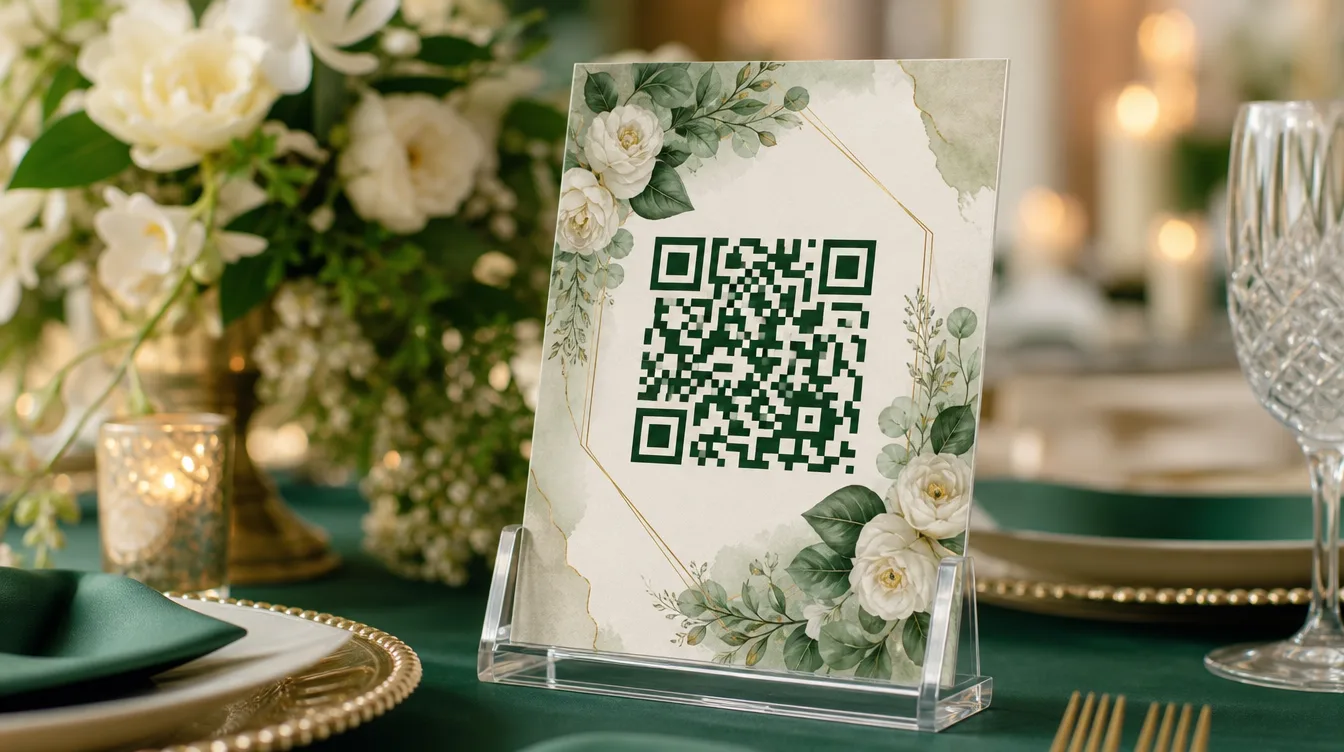
Additionally, Gathrly offers features like QR code photo sharing that allow guests to scan a QR code to upload photos. This is especially useful for large events like weddings or convocations. You don't need to worry about tech-savvy guests—they just open their phone camera and scan.
Gathrly also provides shared photo galleries for weddings that can be shared before, during, and after the event. This ensures all guests can contribute photos without any barriers. Compared to noisy WhatsApp groups, Gathrly galleries are quiet and organized.
Tips for Managing Your ZIP File After Download
Once you've successfully downloaded event photos zip, the next step is to manage the file. You can store it on your computer, an external hard drive, or a cloud service like Google Drive. To make it easier to find, rename the ZIP file with the date and event name, for example "Ali_Wedding_2025.zip".
- Open the ZIP file using an app like WinRAR, 7-Zip, or the built-in archive tool on macOS/Windows.
- Extract all photos into a new folder.
- Create sub-folders by category like 'Portraits', 'Food', 'Videos' for easier browsing.
- Share the folder with family members via a Google Drive or Dropbox link.
If you plan to print photos, select high-resolution images and edit them using apps like Adobe Lightroom or Canva. For weddings, consider creating a digital photo album or a scrapbook. You can also pick the best photos to create a video montage.
Why Gathrly Is the Best Choice for Downloading Event Photos as ZIP
Gathrly is designed specifically for events in Malaysia, with a user-friendly interface and support for multiple languages. You don't have to worry about upload limits or image quality. All photos are stored securely and accessible only by the host and guests with the link.
With Gathrly, you can also manage multiple galleries for different events. Each gallery is independent and can be downloaded separately. This is handy if you frequently host events. Additionally, the download zip feature allows you to keep a complete archive of each event.
We understand that every event is unique. Whether it's an engagement, Hari Raya open house, or convocation, Gathrly ensures all memories are preserved. With download event photos zip, you don't have to worry about losing photos because everything is saved in one file.
Get Started with Gathrly Today
Don't let your event memories scatter. With Gathrly, you can download event photos zip easily and quickly. Download the Gathrly app from the iOS App Store now to host your next event. Guests only need to scan a QR code—no account required. Share the gallery link with your guests and let them capture special moments. After the event, download all photos in one ZIP file.