You have spent months planning your event. The pelamin is perfect, the dewan is decorated, and the food is going to be amazing. Then someone hands you a plain A4 printout with a black-and-white QR code taped to the reception table. It looks like a parking ticket. Guests glance at it, shrug, and go back to their rendang. That is the moment an elegant event QR code design matters.
A QR code is not just a technical tool. It is a visual invitation. When it is designed well, it blends into your decor, signals that you care about your guests' photos, and makes scanning feel natural rather than awkward. When it is designed badly, it creates a small but real barrier that stops people from sharing.
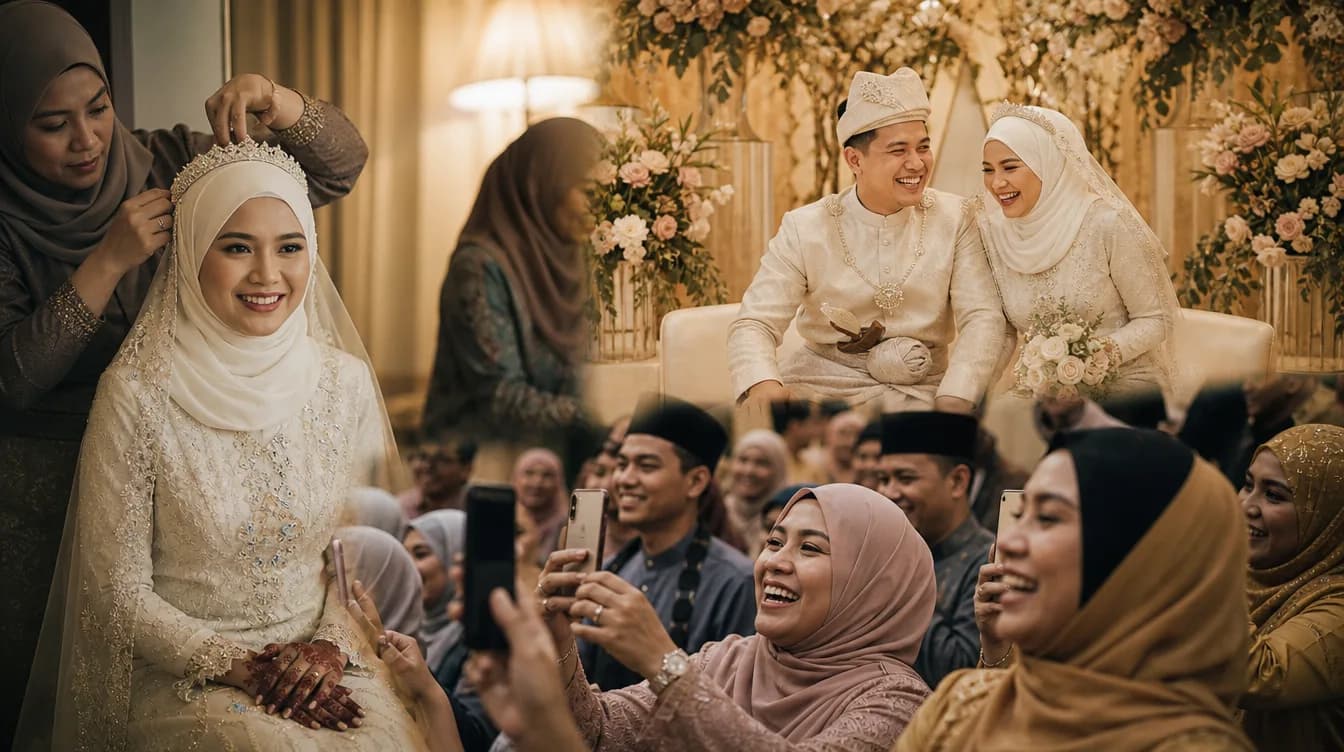
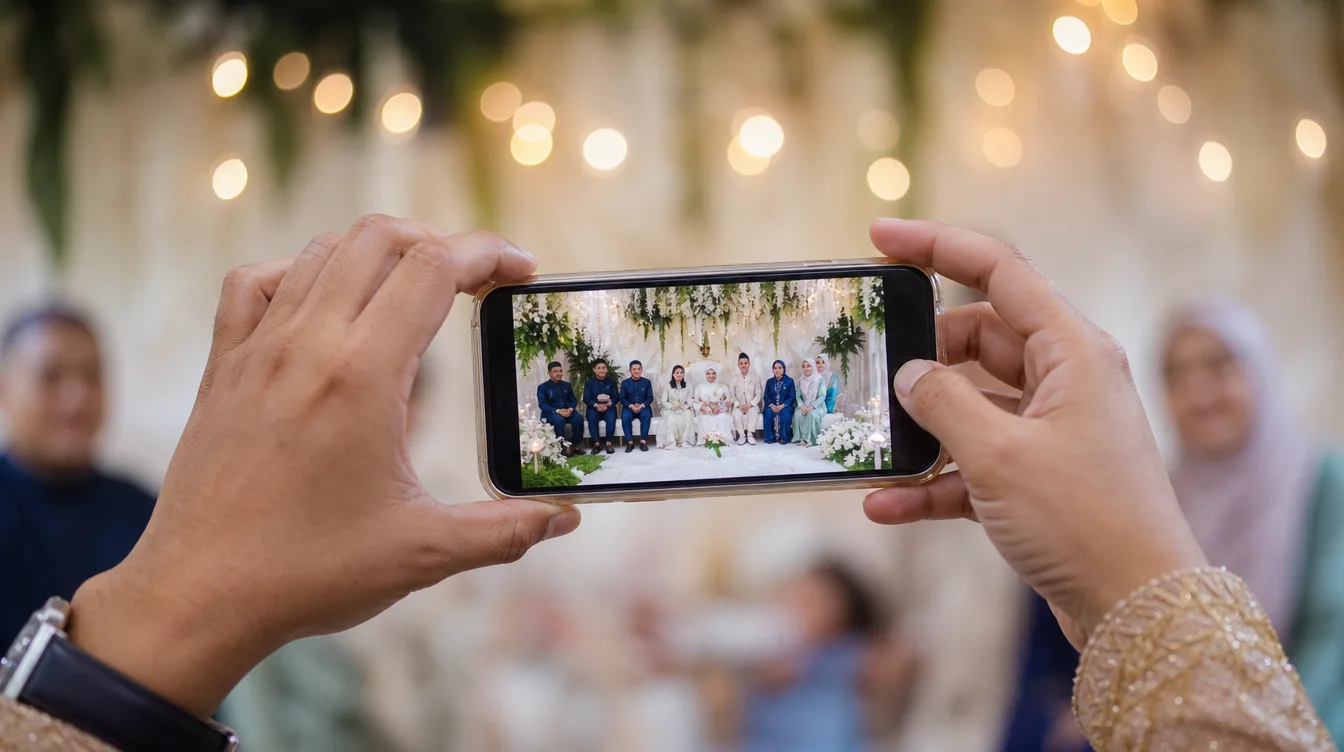
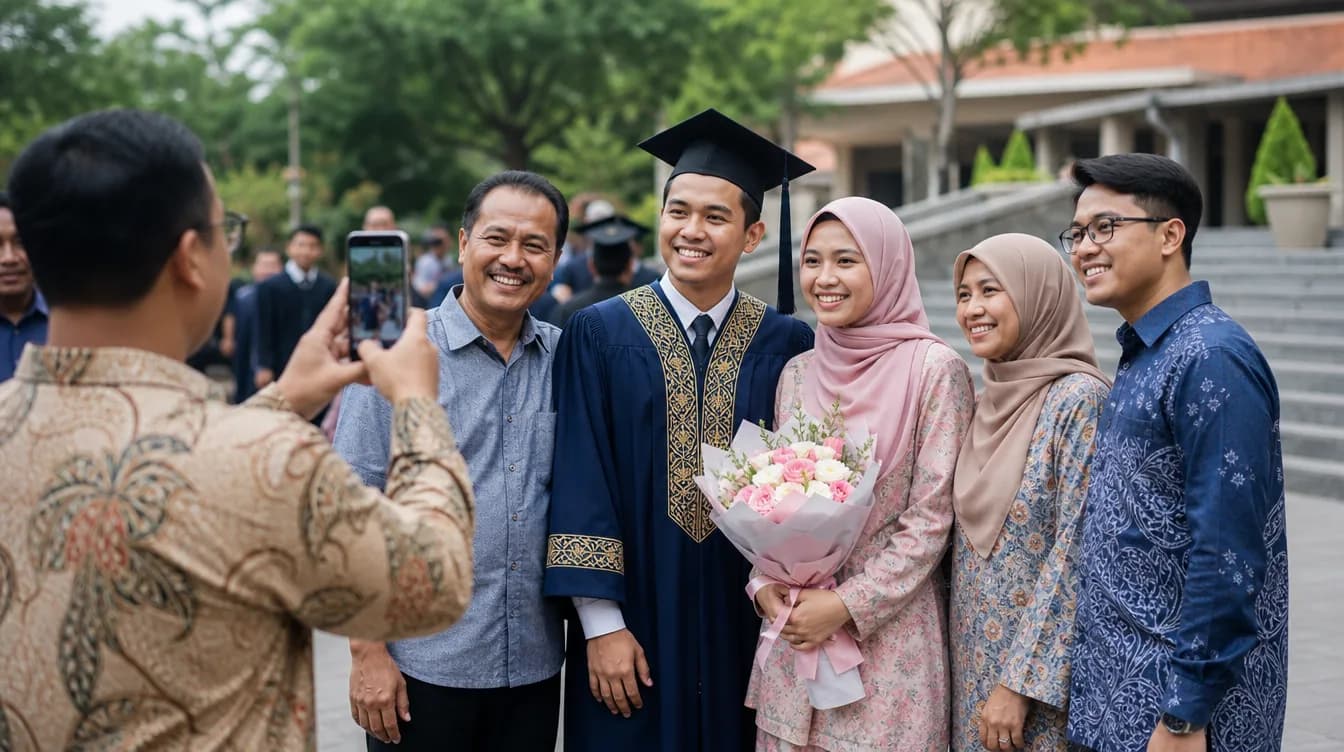
In Malaysia, this matters more than most people realise. Our events are deeply visual and social. From a wedding in Penang to a corporate dinner in KLCC, guests take hundreds of photos. If your QR code looks elegant, those photos end up in one place. If it looks like an afterthought, they stay scattered across WhatsApp groups. Let's fix that. If you are new to QR photo sharing, start with the complete guide to QR code photo sharing for events before diving into design.
Why an Elegant Event QR Code Design Matters
Design is not decoration. It is communication. A QR code that matches your event theme tells guests, without words, that this is a thoughtful event and their contribution is welcome. A QR code that looks like a utility bill tells them the opposite. It says, "This is admin work." Nobody wants to do admin work at a wedding.
There is also a practical side. QR codes that are too small are hard to scan. Codes that are too large look intrusive. Codes placed only at the entrance get forgotten once guests sit down. Good design accounts for size, contrast, and placement, not just colour. It is a small piece of UX design for your event.
Think about a typical Malaysian wedding reception. Guests arrive, find their table, greet relatives, and settle in. There is a natural window of five to ten minutes where they are seated, waiting, and looking around. That is your golden moment. If the QR code is right there on the table, looking inviting, they will scan it. If it is on a wall far away, they will not.
Quick test: show your QR card to an older relative. If they can scan it within three seconds without asking for help, your design works.
Choosing Colours That Match Your Event Theme
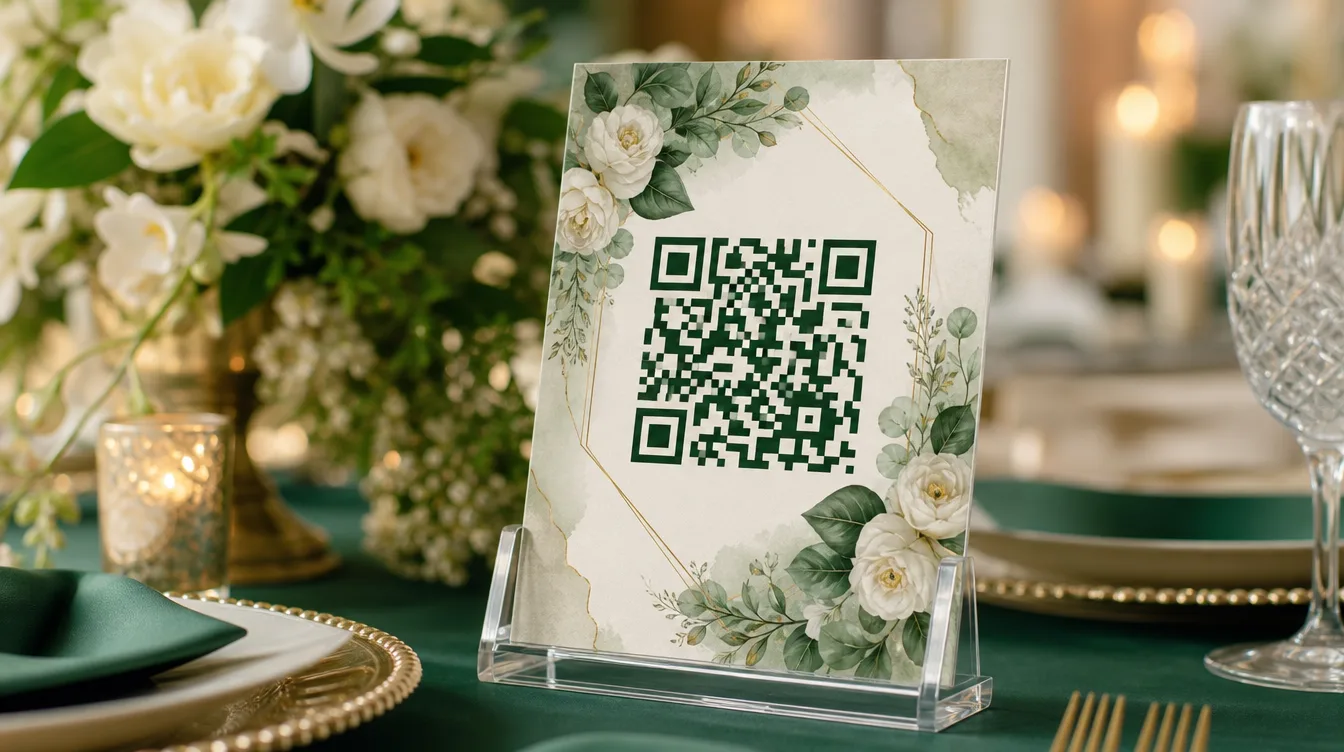
Start with your theme. If your wedding uses dusty rose and sage green, use those colours for the card border and text. Keep the QR code itself dark for scannability, but let the surrounding design carry the theme. This is where elegance lives: in the harmony between the code and everything around it.
Contrast is non-negotiable. The QR code must be dark on light, or light on dark. Pale yellow on white will fail. So will light grey on cream. Safe choices include black, navy, dark green, or maroon on white or off-white. If you want a coloured QR code, choose a deep, saturated colour, not a pastel.
- Use theme colours for borders, text, and backgrounds, not for the code itself.
- Aim for at least 40% contrast between the code and its background.
- Avoid patterned backgrounds directly behind the QR code.
- For evening events, use light-coloured cards so they are visible in dim lighting.
- Print on matte paper. Glossy finishes create glare that blocks scanning.
If you have a designer, ask them to place your monogram or event logo in the centre of the QR code. This turns the code into part of your visual identity. Just make sure the logo does not cover too much of the pattern, or scanning will fail. A good rule is to keep the logo under 20% of the total area.
Size, Placement, and Where to Put Your QR Code
A beautiful QR code in the wrong place is a wasted QR code. Think about your guest journey. They arrive, greet, find their seat, and then wait. That waiting moment is when they are most likely to scan. So put the code on the table, not just at the door.
For table cards, a size similar to a name card works well. It should be easy to scan from 20 to 30 centimetres away. For a standee at the entrance or photobooth, go at least A5. For corporate events at hotels, an acrylic standee with a printed QR sticker looks polished and professional.
- Table cards: one per table, placed near the centrepiece or beside plates.
- Entrance: one larger standee for early arrivals.
- Photobooth: place the code next to props so guests can share immediately.
- Digital guestbook: combine the QR code with a prompt to leave a message.
- Main screen: if you have a projector, show the QR code periodically during the event.
If you want to get creative, pair your QR code with a digital guestbook. There are plenty of digital guestbook ideas for Malaysian weddings that work beautifully with a QR code, from video messages to audio wishes. The code becomes the doorway to something memorable.
Print more QR cards than you have tables. Guests often take them as keepsakes, and you do not want to run out halfway through the reception.
Text and Instructions That Make Guests Scan
A QR code without clear instructions creates confusion. Guests might think it is for the menu, the wifi, or the RSVP. Write a short, warm instruction. Something like: "Scan to share your photos with us." That single line tells guests exactly what will happen and why it matters.
Avoid technical language. "Scan QR to upload" sounds cold. "Your photos are part of our story" feels human. Tone matters, especially in a Malaysian context where warmth and hospitality are central. Use polite language and avoid anything that sounds like a command.
One detail that dramatically increases participation: tell guests they do not need to download an app or create an account. This removes the biggest barrier. Many people, especially older relatives, are reluctant to install new apps. When they know it is just a scan and upload, they are far more likely to do it.
If you are worried about shy guests, read how to get guests to actually share their photos. Simple psychological tricks, like having a few close friends share first, can create a ripple effect.
Creative Formats: Cards, Standees, and Keepsakes
Now for the fun part. Your QR code can take many forms. For a wedding, a tag-shaped card tied with satin ribbon looks elegant and doubles as a favour. For a kampung kenduri, a kraft card with jawi script adds a beautiful traditional touch. For a corporate dinner, a clear acrylic standee with a printed QR sticker feels modern and premium.
For aqiqah or cukur jambul, a star-shaped or moon-shaped card creates a sweet, child-friendly theme. If you are planning one of these events, there are aqiqah and cukur jambul photo ideas that pair beautifully with a custom QR card. The code becomes part of the decor, not a distraction from it.
Do not forget post-event cards. After the majlis, you can send a digital thank-you card with a QR code that leads guests back to the full gallery. This turns the QR code into a bridge between the event and the memories that follow.
- Ribbon-tied name tags for weddings.
- Kraft or wooden cards for rustic themes.
- Acrylic standees for corporate events.
- Playful shapes for children's parties.
- Digital thank-you cards with gallery links after the event.
Testing Before the Big Day
Never test your QR code on the day of the event. Print a sample early and scan it with multiple phones. Test with an old phone, a new phone, and a phone with a cracked screen. Test in bright light and dim light. If something fails, you still have time to fix it.
Double-check the link. Designers sometimes mistype URLs, and a QR code that leads to the wrong page is worse than no QR code at all. Test every card before bulk printing. It is better to waste one sample than a hundred faulty cards.
Keep one sample QR card in your pocket throughout the event. If a card gets damaged or goes missing, you can show it to guests directly.
Hosting with Gathrly: Where Elegance Meets Simplicity
A beautiful QR code is only half the story. The other half is what happens when guests scan it. With Gathrly, hosts manage their events through the iOS app, while guests simply scan the QR code in any browser. No account. No app download for guests. All photos flow into one gallery that the host can download as a ZIP.
You can start for free, and upgrade as your events grow. So if you are planning a wedding, kenduri, corporate dinner, or birthday celebration, start by downloading the Gathrly iOS app. Design your QR code beautifully, place it on every table, and let the photos come to you.