Why Aqiqah and Cukur Jambul Deserve a Smarter Photo Collection
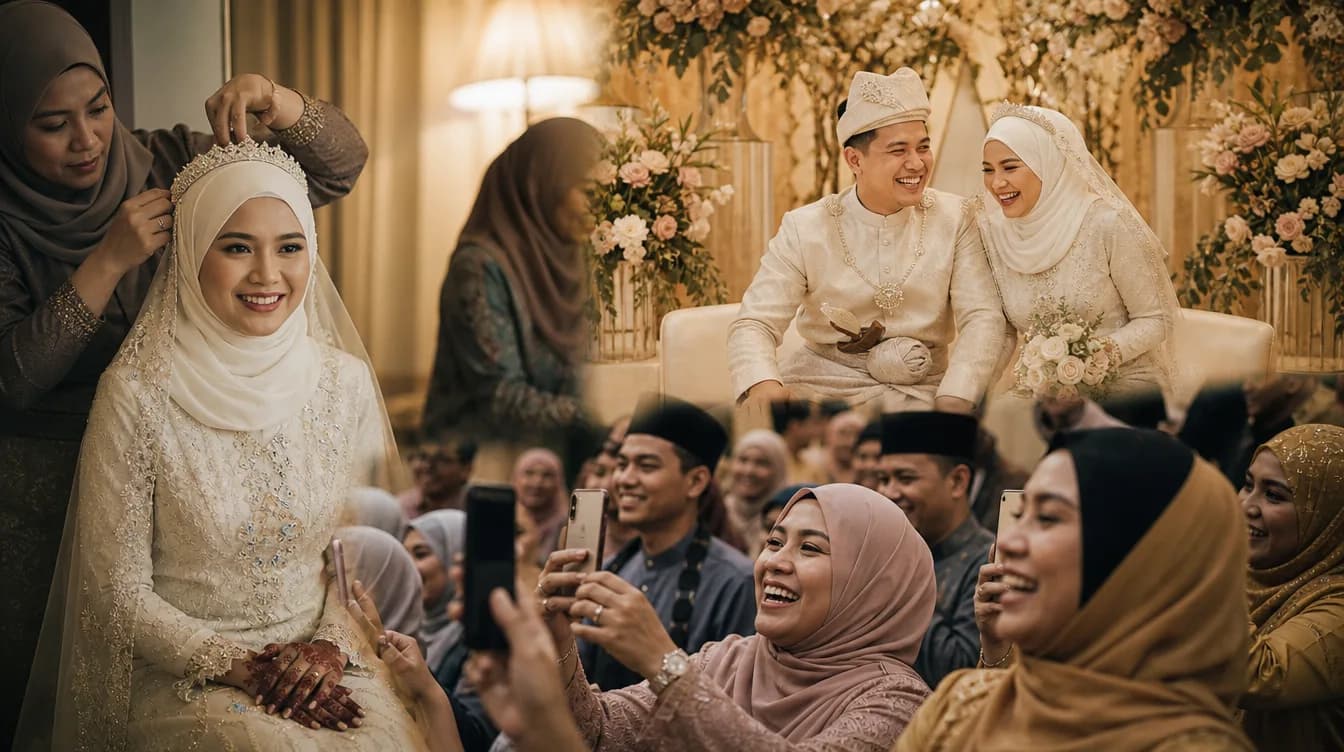
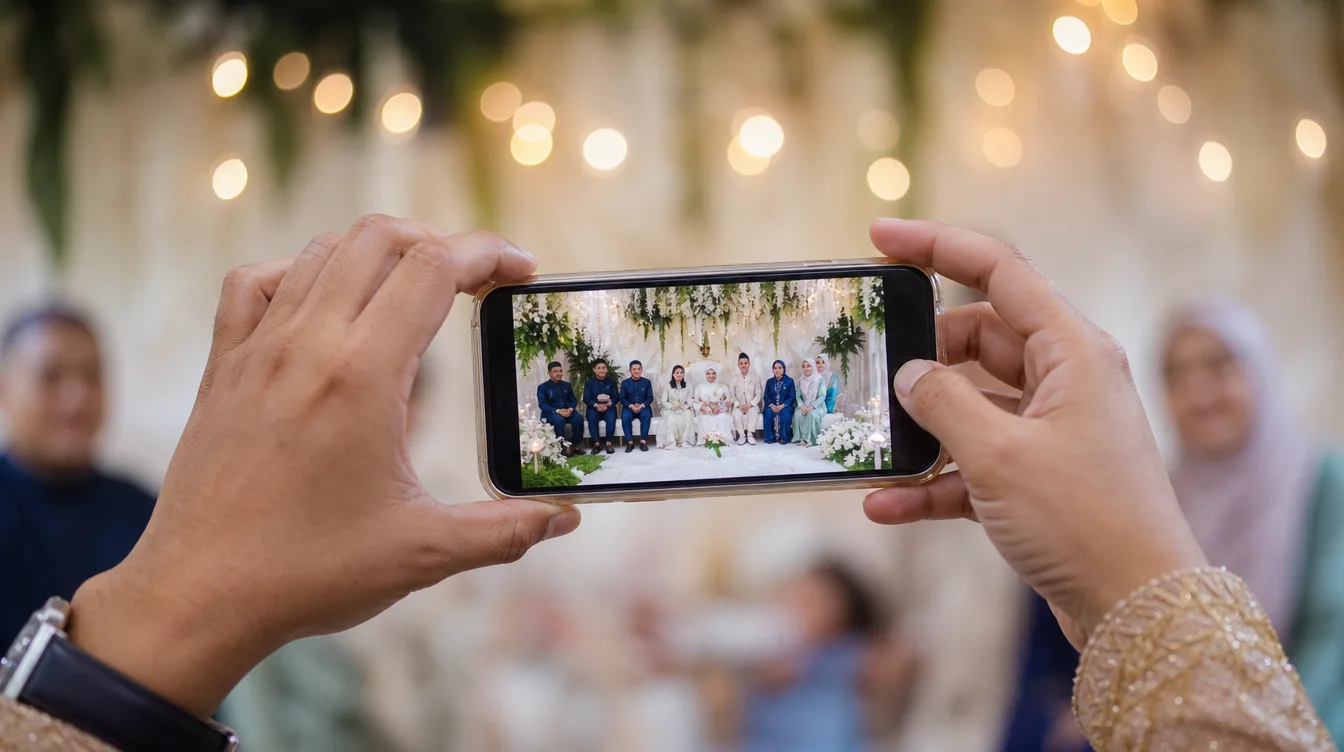
Every aqiqah or cukur jambul ceremony brings together family and friends to celebrate a new life. Between the doa, the shaving ritual, and the feast, someone is always snapping photos. But have you ever noticed how those photos end up scattered across everyone's phones? Some get sent via WhatsApp, others are uploaded to Google Photos, and many simply stay on the camera rolls of relatives who travelled from outstation.
In Malaysian culture, aqiqah and cukur jambul are among the most photographed family events. Yet without a proper system, these precious images are easily lost or forgotten. That's where an aqiqah photo gallery comes in – a dedicated space where all your event photos are automatically collected from every guest who attends.
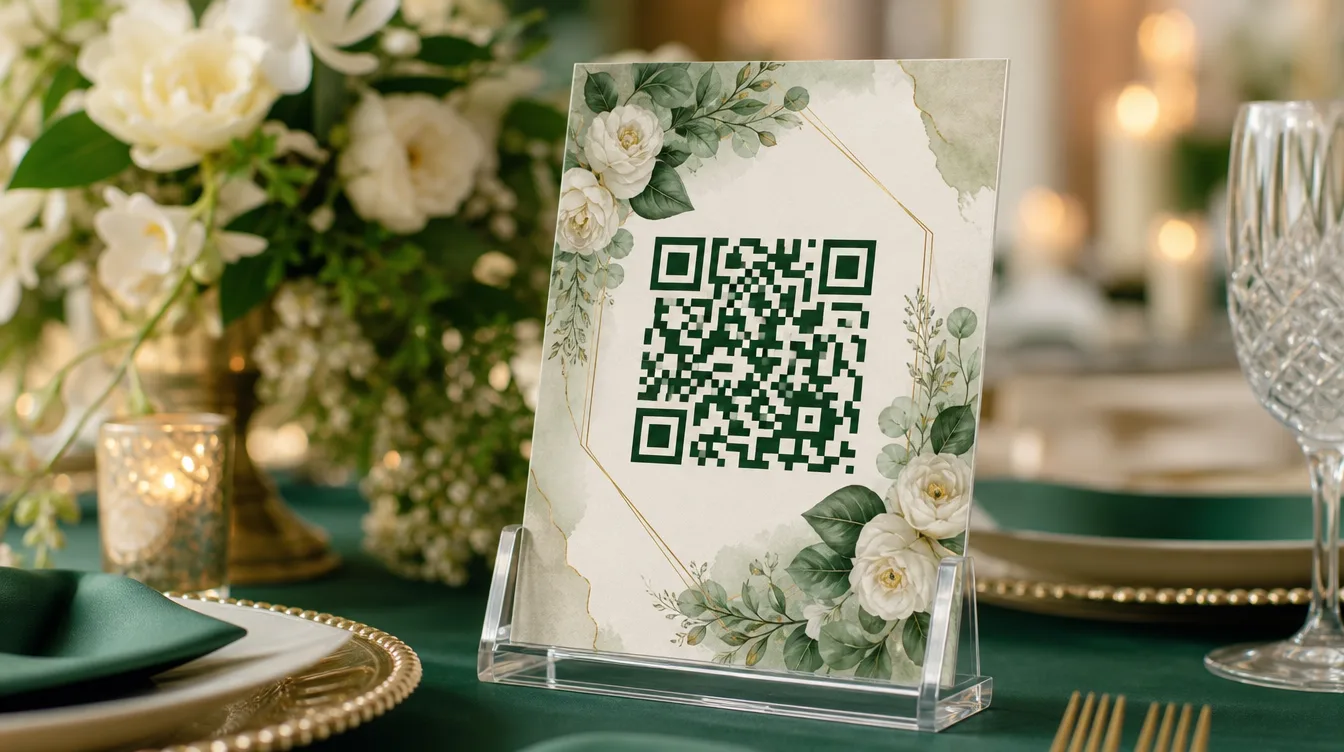
With Gathrly, you as the host can create one gallery for your event. Guests simply scan a QR code – no app download, no account creation. They can upload photos instantly using their phone's browser. All images land in a single gallery that you can view and download whenever you like.
What Is an Aqiqah Photo Gallery and How Does It Work?
An aqiqah photo gallery is a dedicated web page for your event. You set it up before the big day, print the QR code on your invitation cards or place it at the registration table. When guests arrive, they simply scan the QR code with their phone camera, and they're taken to the gallery where they can upload photos they've taken throughout the ceremony.
The process is incredibly simple and requires no technical skill. Guests don't need to create an account, download an app, or worry about privacy – they just select photos from their phone and tap upload. As the host, you'll receive a notification each time a new photo is added, and you can view everything in one neat interface.
Unlike traditional methods like collecting photos via WhatsApp groups or Google Photos, a Gathrly aqiqah gallery offers a more organised and professional experience. You no longer have to fish through a messy WhatsApp chat or settle for compressed image quality. All photos are stored in their original resolution, ready to be downloaded as a ZIP file whenever you need.
Step-by-Step: Setting Up Your Gallery for the Big Day
Setting up a photo gallery for your aqiqah or cukur jambul is straightforward. Follow these steps and you'll be ready for your special day:
- Download the Gathrly app on iOS and sign up as a host (free to start).
- Create a new event and choose the type 'Aqiqah' or 'Cukur Jambul'.
- Set the gallery name, date, and venue.
- Get your unique QR code – you can print it or display it on a screen.
- Place the QR code in strategic spots like the registration table, gift table, or entrance.
- Encourage guests to scan and upload photos throughout the event.
- After the event, review all photos in the app and download them as a ZIP.
Pro tip: make sure your QR code is clear and easy to scan. You can place it in a nice frame on the table, or share it via WhatsApp to guests who couldn't attend but still want to contribute photos. This way, even relatives abroad can share their shots.
Tips to Get More Photos from Your Guests
One common challenge hosts face is getting guests to actually upload their photos. Many take pictures but forget to share. To overcome this, you need to make the process as easy as possible and give a little encouragement.
First, place the QR code in several visible locations. You could create a small sign saying 'Share Your Photos Here' with an arrow pointing to the code. Second, ask the emcee or a family member to announce the photo gallery early in the event. Third, set up a special photo corner with props or a nice backdrop so guests are excited to take pictures – and then upload them.
For example, at your child's aqiqah, create a photo booth area with traditional decorations like ketupat, bunga telur, or kain pelikat. Guests will definitely take photos there, and when they see the QR code nearby, they'll upload them on the spot. This not only adds fun but also gives you a variety of angles and perspectives that a professional photographer might miss.
You can also offer a small incentive, like a lucky draw for those who upload photos. This boosts participation and makes the event more lively. Remember, the more photos, the richer your memories.
After the Event: Organising and Preserving Your Memories
Once the ceremony is over, your work isn't done. You need to organise and store all the photos properly so they're easy to find in the future. With Gathrly, you can download all photos as a ZIP in one click. You can also sort images by time or select the best ones for printing or creating an album.
Don't forget to share the gallery with other family members. You can send them the gallery link so they can view and download photos themselves. This is much easier than sending large files through WhatsApp, which may compress and lose quality.
If you want these memories to last for years, consider printing a few of the best shots and gifting them to grandparents or parents. They'll surely appreciate the effort. For more inspiration on preserving memories, check out our guide on how to preserve your wedding memories for years – the principles apply to aqiqah too.
Frequently Asked Questions
Here are some common questions people ask about aqiqah photo galleries:
- Do guests need to download an app to upload photos? No, they just scan the QR code and upload via their web browser.
- How many photos can be uploaded? There's no stated limit, but for a typical event, the capacity is more than sufficient.
- Can I download all photos after the event? Yes, you can download all photos as a ZIP at any time.
- Are the photos private? Your gallery is accessible only to those with the link or QR code, and you can control its privacy.
- Is this service free? Yes, you can start for free to try it out.
With all these conveniences, there's no reason not to gather all your aqiqah and cukur jambul photos in one place. Maybe it's time to try a modern, efficient method. To understand more about how QR photo galleries work, read our complete guide on QR code photo sharing.
So what are you waiting for? Download the Gathrly iOS app and start creating a gallery for your next aqiqah or cukur jambul. Your guests just scan the QR code – easy, fast, and all memories preserved in one gallery.