What Is a QR Photo Gallery?
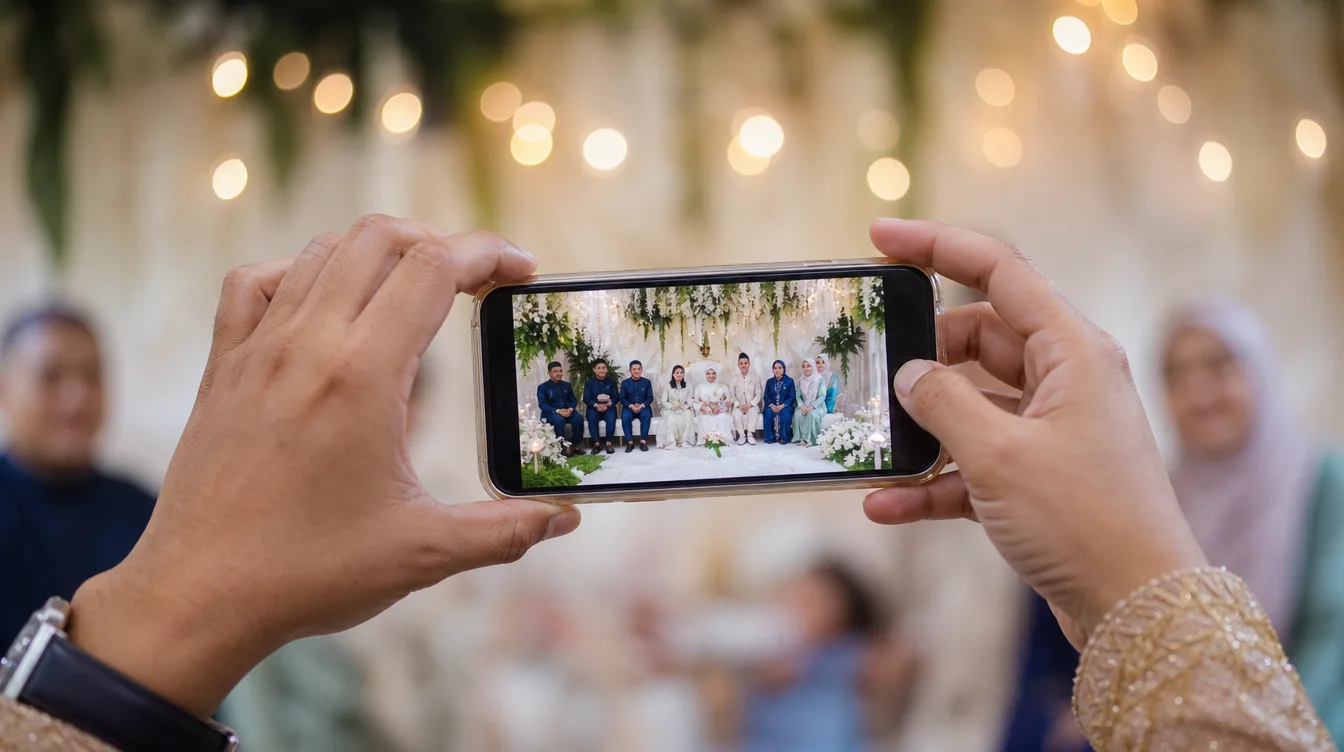
Have you ever returned from a wedding or a kenduri and wondered where all the photos taken by your guests ended up? Usually, those pictures stay scattered on individual phones, and you only get to see a few if someone remembers to send them via WhatsApp. With a QR photo gallery, this problem disappears. Each event gets a unique link that is turned into a QR code. Guests simply scan the code with their phone camera, and they can upload photos instantly – no account registration, no app download required.
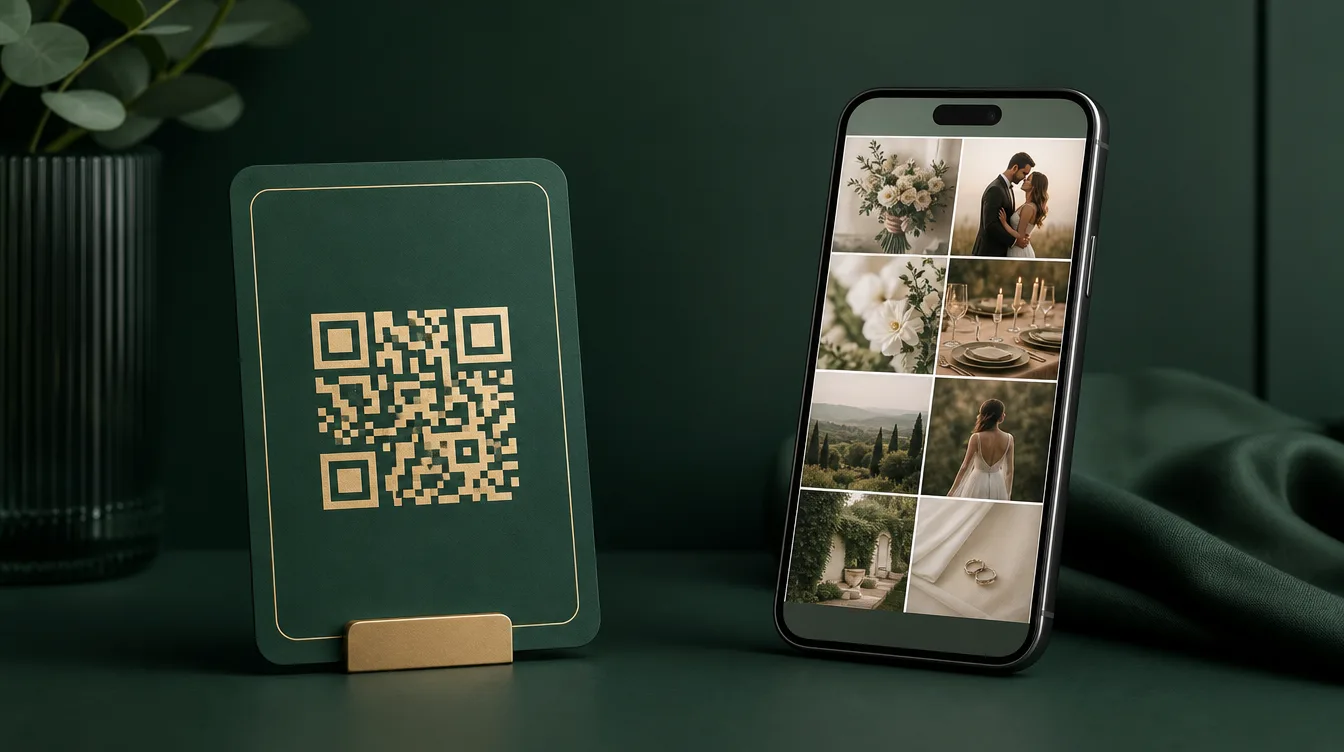
The concept is beautifully simple. Think of it as a giant digital album that is open to all guests. Once the QR code is scanned, guests see a clean interface that lets them pick photos from their phone's gallery or take new ones. The photos then upload to the main gallery controlled by the host. Everyone present can contribute, and the result is a rich collection of images from many perspectives – from the guests' eyes, not just the professional photographer's.
How QR Photo Gallery Works: Step by Step
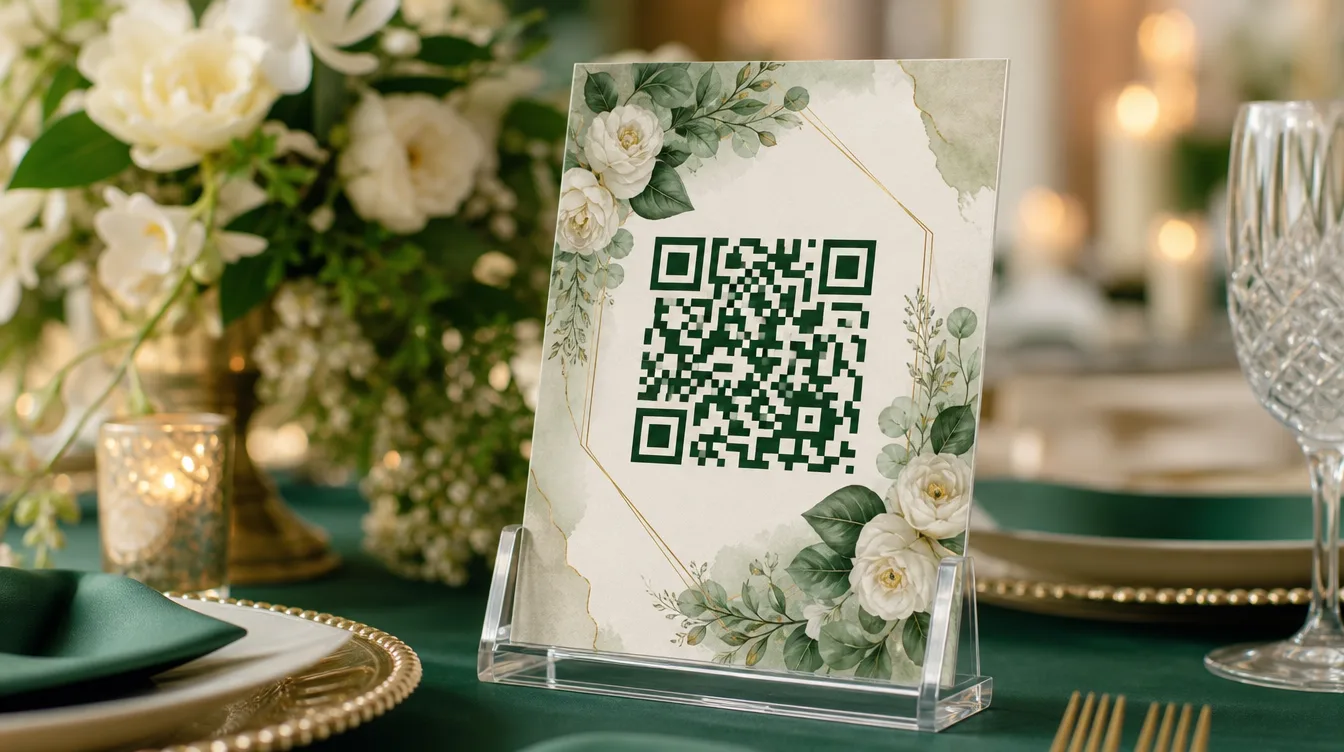
The process is remarkably straightforward. First, the host creates a gallery for their event through the Gathrly iOS app. Once the gallery is created, the system generates a unique QR code. This code can be printed on table cards, displayed on a big screen, or shared via WhatsApp. When guests arrive, they simply scan the code with their phone camera – no extra app needed. The page that opens will ask for permission to access photos, and once granted, guests can select multiple photos at once to upload.
Every uploaded photo appears in the main gallery automatically. The host can view the photos in real time, delete any that are inappropriate, and download all images as a ZIP file at any moment. This means you don't have to chase guests for photos or settle for compressed quality from social media. All photos are stored in their original resolution, ready for printing or sharing.
Why QR Photo Galleries Beat WhatsApp Groups
Many event organizers in Malaysia still rely on WhatsApp groups to collect photos. While it works, it comes with many drawbacks. The group becomes chaotic with messages, photos are compressed to low resolution, and not every guest wants to share their phone number or join the group. Worse, photos can get lost in the flood of messages, and downloading them in an organized way is a nightmare.
QR photo galleries solve all these issues. There are no upload limits, photo quality is preserved, and privacy is better because guests don't need to share personal information. Moreover, the experience feels more professional and modern – guests just scan and upload, without worrying about privacy settings or file sizes. If you want to compare methods, read our article on event photo app vs WhatsApp group vs Google Photos.
Benefits for Hosts and Guests Alike
For hosts, the advantages are immense. You get all photos in one place, without begging or waiting. You can download the ZIP whenever you like, and you can even display photos live on a screen during the event – this adds to the festive atmosphere. Guests also benefit because they don't have to go through the hassle of sending photos one by one. They just scan, select, and done. In fact, they can also browse photos taken by other guests, making the experience more interactive.
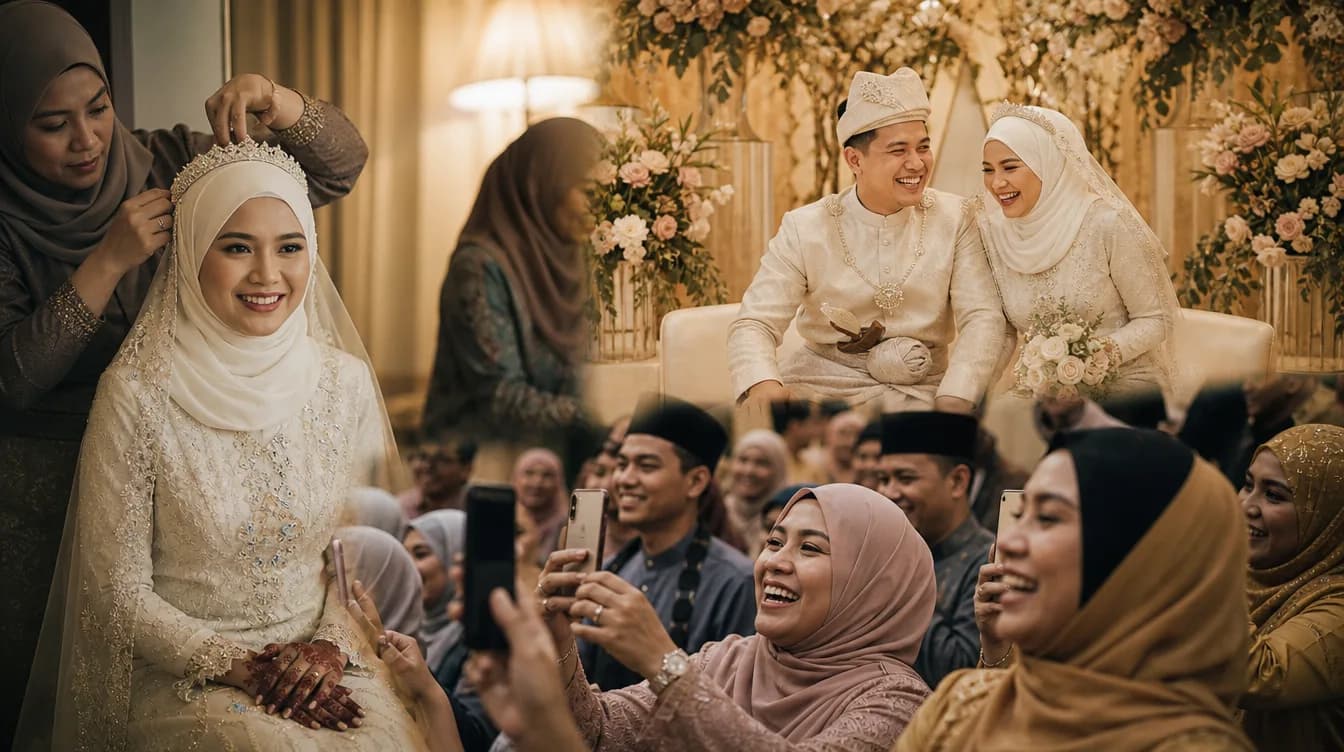
For Malaysian events like Malay weddings, kenduri, or aqiqah ceremonies, QR photo galleries also help capture spontaneous moments that might be missed by the hired photographer. Guests often catch natural expressions, laughter, and emotional moments that professional cameras don't. By encouraging guests to contribute, you get a more comprehensive coverage. For inspiration, check out our guide on setting up a shared photo gallery for your wedding.
How to Encourage Guests to Use the QR Code
One challenge you might face is that some guests are not tech-savvy. To ensure it works, place the QR code in visible spots – at the registration table, on the back of chairs, or on door gift tags. You can also ask the emcee to announce how to use it. Provide simple instructions in both Malay and English next to the QR code. If needed, ask a few younger guests to assist others.
Tip: Place QR codes at multiple strategic locations and add visual instructions like a camera icon and arrows. Make sure the QR code is printed large enough to be scanned from a comfortable distance.
You can also make it fun by holding a lucky draw for guests who upload photos. This will encourage more people to contribute. If you need more ideas, our article on how to get guests to actually share their photos offers proven strategies.
Frequently Asked Questions (FAQ)
Here are some common questions from users in Malaysia:
- Do guests need to download an app? No, guests only need to scan the QR code with their phone camera and use a web browser. No app is required.
- How long are photos stored? Photos remain in your gallery until you delete them. You can download them as a ZIP at any time.
- Can I remove inappropriate photos? Yes, the host can review and delete any photo before it is displayed or downloaded.
- Will guests' mobile data be used? Yes, uploading photos uses mobile data. However, most guests have sufficient data plans, and you can provide free Wi-Fi to make it easier.
- What if a guest doesn't have a smartphone? They can ask another guest for help or use a tablet provided at the registration table.
Ready to Give It a Try?
Now you understand how QR photo gallery works and why it's better than traditional methods. It saves time, collects all the moments, and provides an enjoyable experience for everyone. To get started, download the Gathrly iOS app and create your first gallery. Your guests simply scan the QR code – no account needed. Don't let your event photos scatter; gather them all in one beautiful gallery.