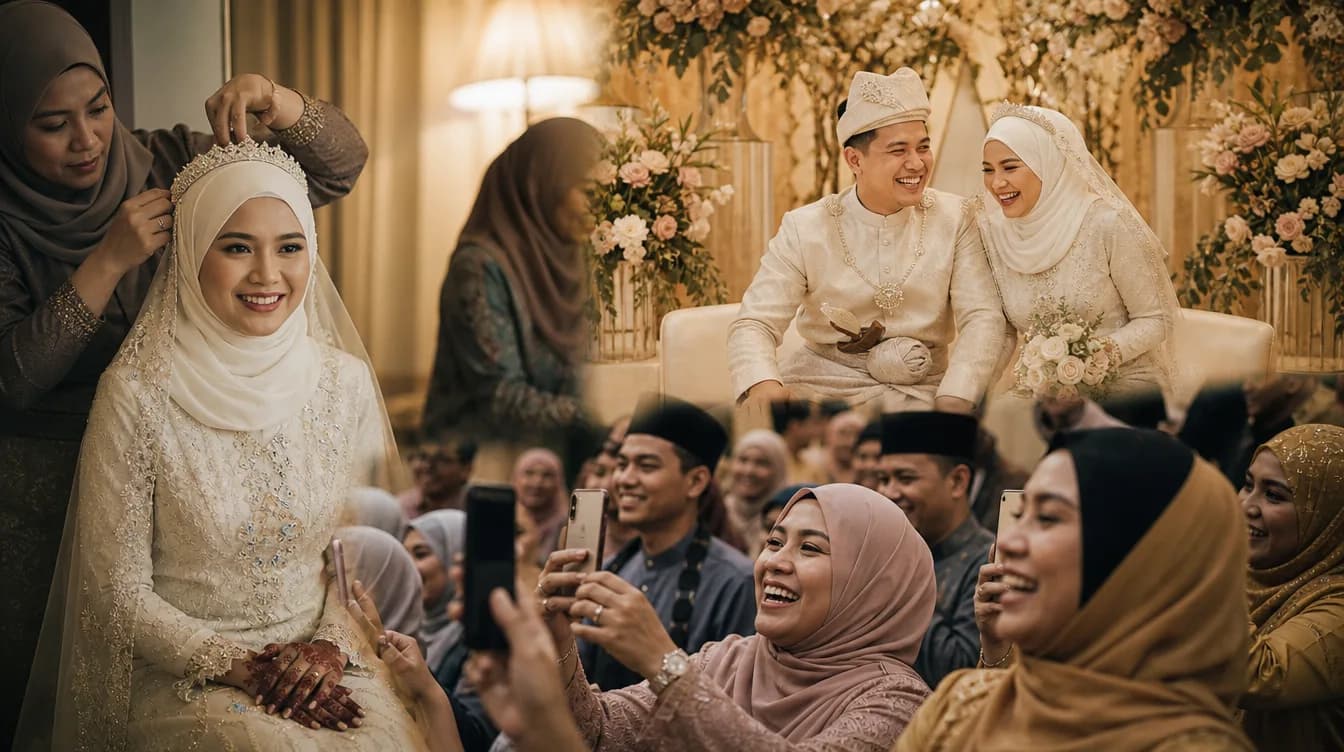
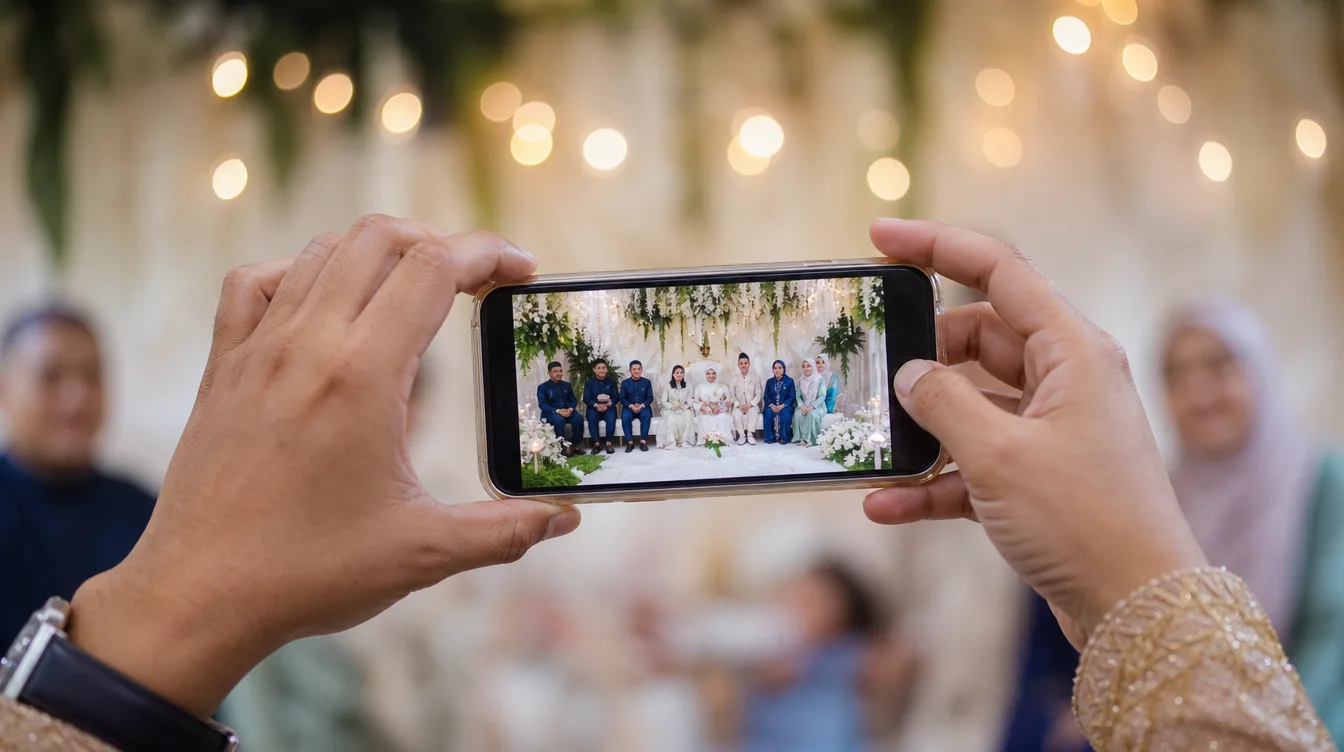
After every event, the same challenge repeats — "Do you have any photos from the event?" Hundreds of beautiful moments stay locked in guests' phones, never making it back to the host. Today, there's a better way.
The Old Problem with Malaysian Events
Professional photographers capture the perfect shots, but guests also record spontaneous moments that can't be staged. From laughter at dinner tables, warm greetings between old friends, to unplanned sweet moments — they all stay scattered across different phones.
The Solution: A Shared Gallery with QR
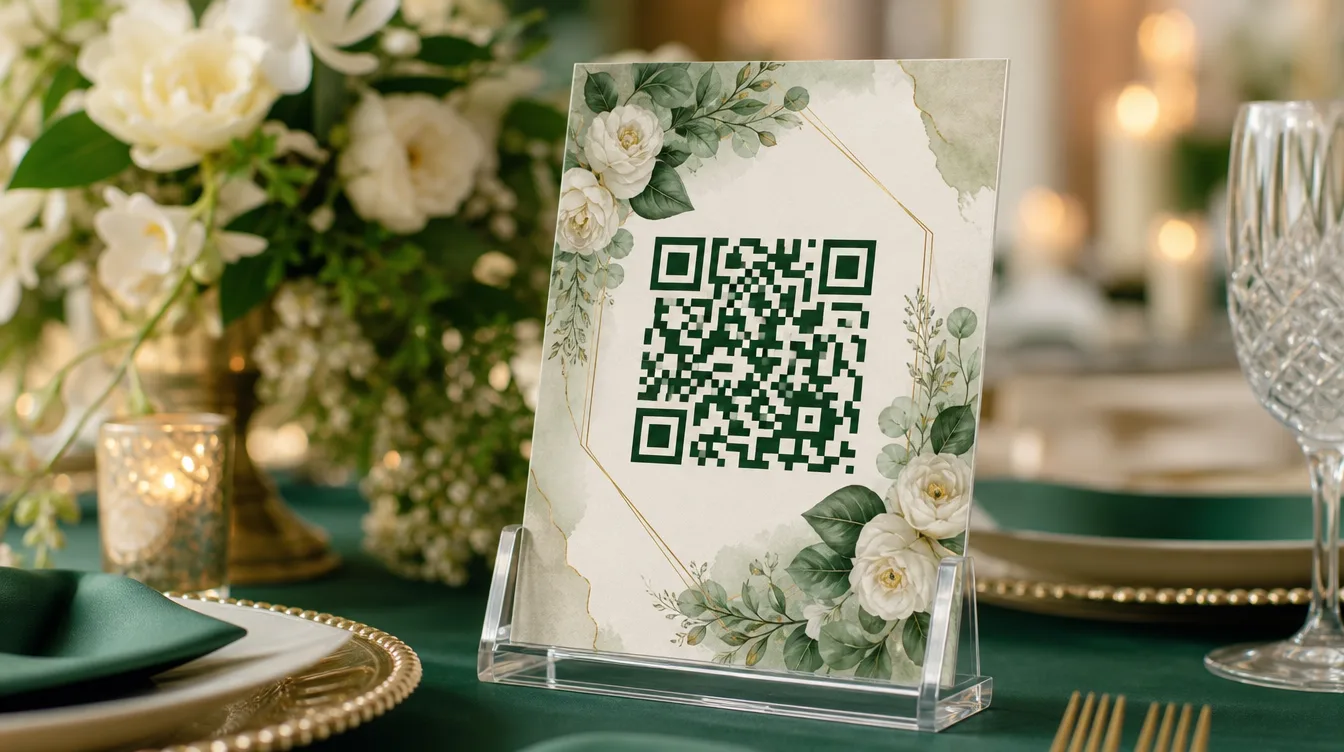
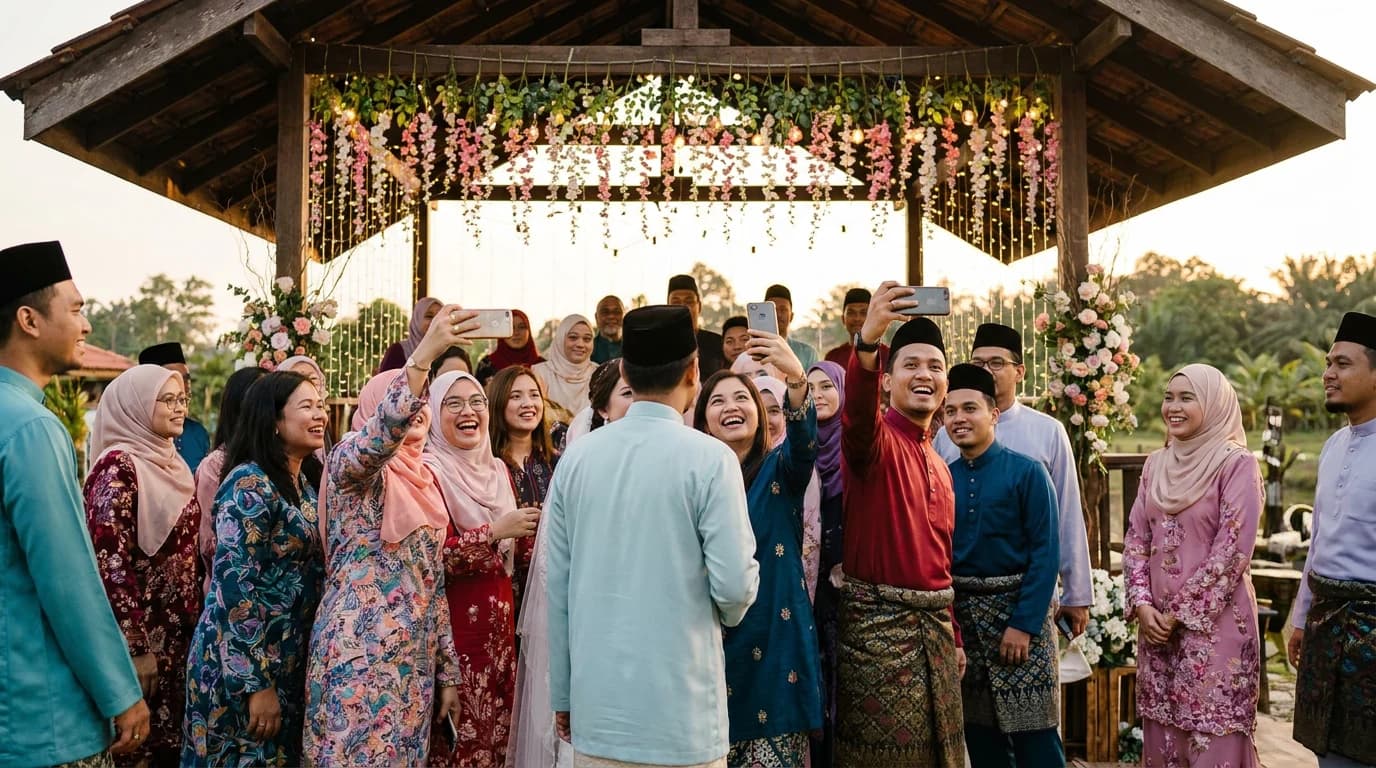
With Gathrly, you create one gallery for your event, then print a QR code to display at each table or on the event screen. Guests scan, enter their name, and upload instantly — no account registration needed.
- Create an event gallery in 2 minutes
- Print QR and place at every table
- Guests scan and upload directly from their phone
- All photos collected in one place
- Download everything as a ZIP anytime
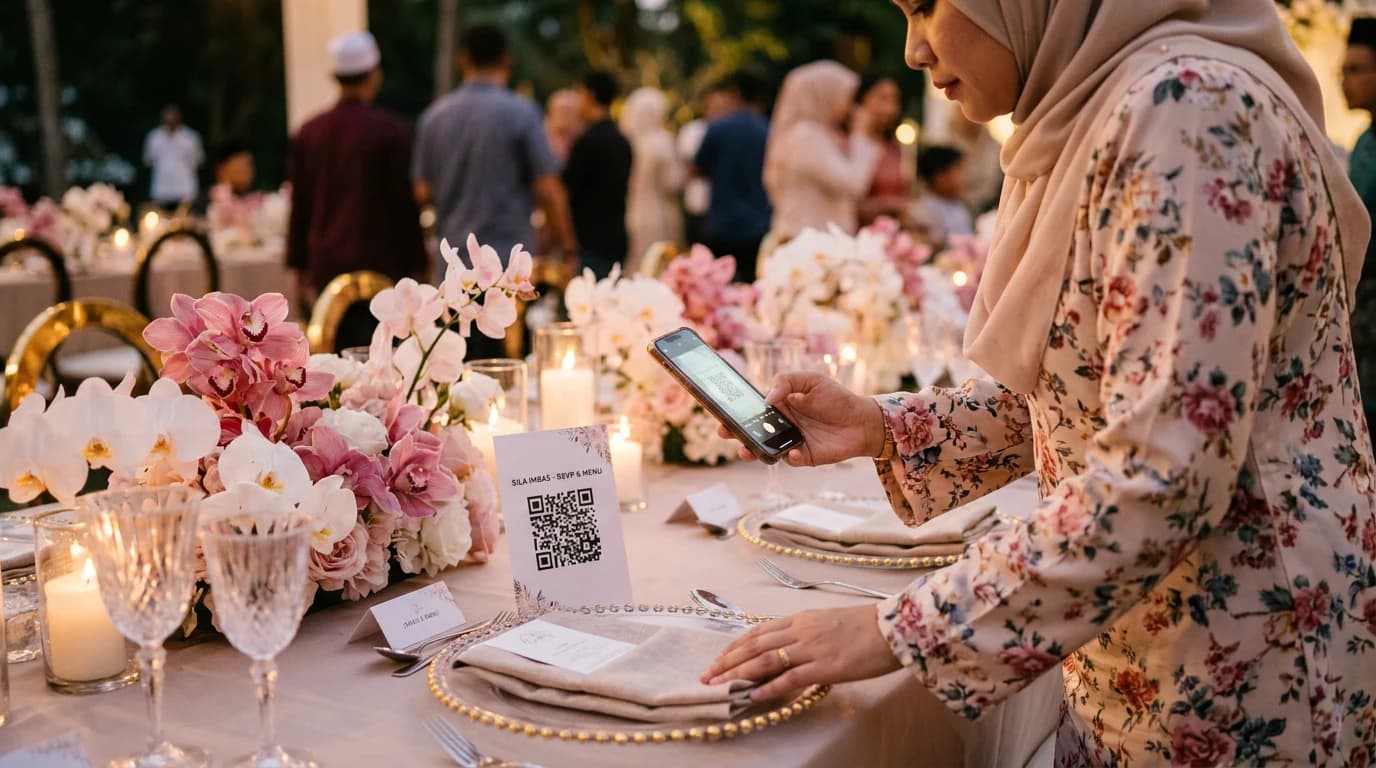
Tip: Print the QR at A5 size and place at every table. Many guests will upload spontaneously when they see it.
What Happens After the Event?
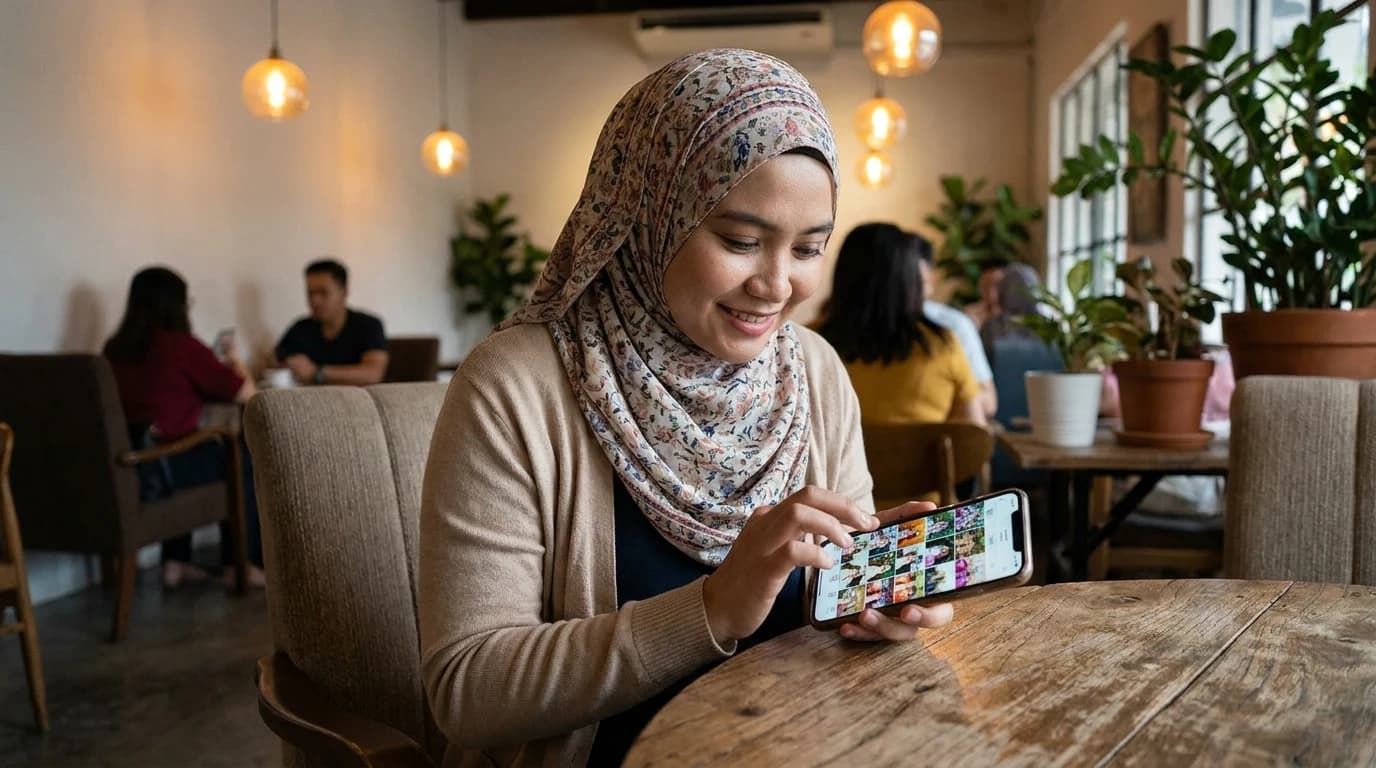
After the event, open your Gathrly gallery and find hundreds of photos already collected. Pick your favourites or download everything as a ZIP — all in one click. The gallery stays active for the duration of your plan.
Try Gathrly free for your next event — free for the first 100 photos, no credit card required.