Why Corporate Event Photo Collection Matters
Every corporate event—whether it's an annual dinner, a product launch, or a company family day—creates memories worth preserving. The photos taken by guests, employees, and vendors are invaluable assets for reports, marketing, and team morale. Yet without an organized system, those photos end up scattered across personal phones, lost in WhatsApp groups, or never shared at all.
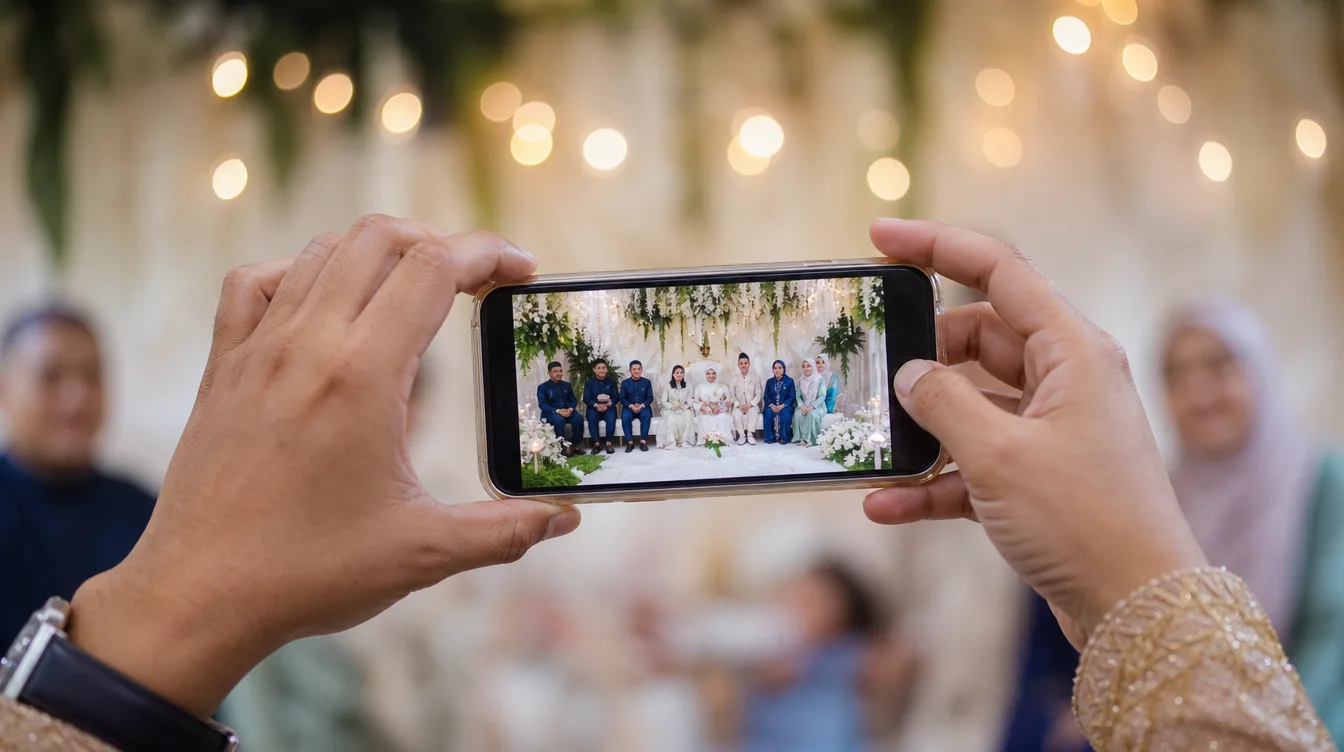
That's where a structured corporate event photo collection comes in. With Gathrly, you can create a single gallery for each event, and guests simply scan a QR code to upload photos instantly—no account creation required. All photos gather in one place, easy to access and download. This not only saves time but also ensures no important moment is missed.
Think about the aftermath of your annual dinner. You need to compile a report for the board, create a social media recap, and maybe send a thank-you note to attendees. Without a centralized collection, you'd have to chase down photos from dozens of people. With Gathrly, you have everything at your fingertips, ready to use.
Step-by-Step: Setting Up Your Corporate Gallery
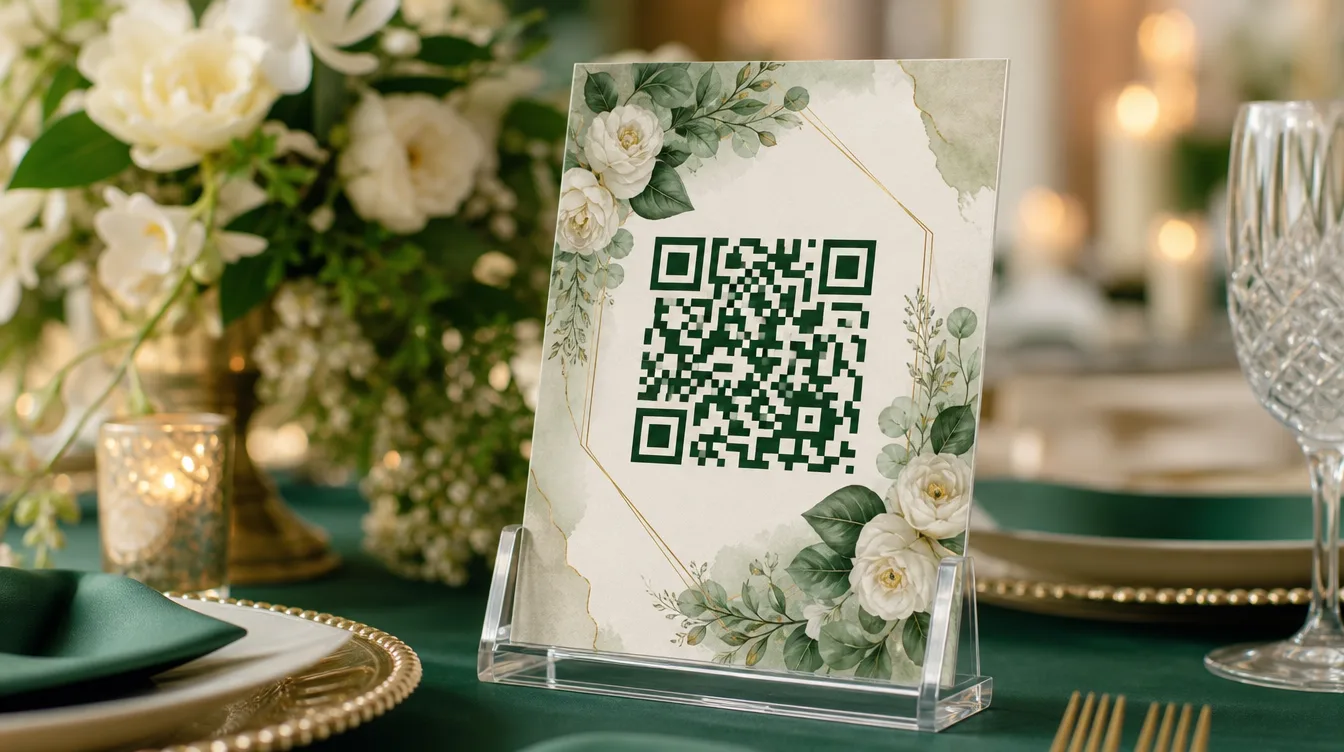
Setting up a corporate gallery with Gathrly is straightforward. First, download the Gathrly iOS app and register as a host. Then, create a new event—you can enter the event name, date, and location. Once the event is created, you'll receive a unique QR code that can be printed or displayed on screens.
Before the event, place the QR code in strategic spots like the registration desk, dining tables, or the stage. You can also email the QR code to invited guests. On the day, guests simply scan the QR code with their phone camera, and they're taken to a simple upload page. They pick photos from their phone gallery, add a caption if they like, and hit upload. It's that easy.
For larger events, consider printing QR codes on name badges, tickets, or placing them on the stage backdrop. Ensure the code is large enough and visible. You can also have staff assist attendees who may not be tech-savvy. A little preparation goes a long way in ensuring a smooth upload experience.
Tip: Place multiple QR codes around the venue—for example, at the entrance, the gift table, and the photo booth area. This makes it convenient for guests to scan without queuing.
Strategies to Encourage Guests to Share Photos
A common challenge in corporate event photo collection is getting guests to actually upload photos. Many are busy chatting or feel shy about sharing. To encourage participation, you can run a photo contest with attractive prizes, or display the gallery live on a big screen—this inspires guests to see photos already uploaded and want to contribute.
You can also ask your team or a few 'key' guests to upload photos early as examples. When other guests see the gallery filling up, they're more likely to join in. Remember, the more photos collected, the more complete your event documentation. Announce the contest during opening remarks or through the emcee, and offer prizes like shopping vouchers or hampers.
- Use eye-catching signage with clear instructions on how to scan the QR code.
- Announce a photo contest during opening remarks or through the emcee.
- Set up a dedicated photo area with props to encourage guests to take and upload pictures.
After the Event: Downloading and Using the Photos
Once the event is over, all collected photos are available in your Gathrly gallery. You can download the entire gallery as a ZIP file with one click. This is incredibly useful for marketing teams who want to use photos for reports, social media, or promotional materials. You can also sort photos by time or pick the best ones for your company newsletter.
With Gathrly, you don't have to chase guests for photos one by one. All images are stored neatly and easily accessible. This saves time and ensures you don't miss any key moments. For more details on downloading galleries, check out our guide on downloading all event photos as a ZIP.
Additionally, you can use these photos to build a digital archive for your company. Store the ZIP file on your server or cloud storage for future reference. This helps in documenting the company's history and can be used for anniversaries or milestone celebrations.
Privacy and Security: What You Need to Know
When collecting photos from guests, it's important to consider privacy. Make sure to inform guests that photos will be used for internal documentation or marketing. You can also set privacy settings in Gathrly to control who can view the gallery. For more information, read our guide on photo privacy and consent at events.
With Gathrly, you can ensure that photos are only accessible to those with the link or QR code. This gives peace of mind to guests and complies with privacy guidelines. You can also delete inappropriate photos before downloading.
Moreover, ensure compliance with the Personal Data Protection Act (PDPA) in Malaysia. Obtain consent from guests before using photos for commercial purposes. You can include a notice at the upload area or ask for explicit agreement.
Make Every Corporate Event More Meaningful
Corporate event photo collection doesn't have to be a hassle. With Gathrly, you can create a clean, shareable, professional gallery. Your guests will appreciate the convenience, and you'll have a comprehensive photo collection to cherish and use. Don't wait—try Gathrly for your next corporate event.
Download the Gathrly iOS app today to start hosting your event. Your guests just scan the QR code—no account needed. There's a free way to begin, so what are you waiting for?